You’ve heard about smart plugs but the concept sounds almost too simple to be useful. It’s a plug that goes in a socket, and then your other plug goes in it, and now you can turn it on and off with your phone? That’s it? Actually, yes — and that simplicity is exactly why smart plugs are the best starting point for anyone curious about smart home technology. For about £12, you can automate things you didn’t know you wanted to automate until you’ve done it and can’t go back.
In This Article
- What a Smart Plug Actually Does
- How Smart Plugs Connect
- The Best Uses for Smart Plugs
- Uses That Sound Good but Aren’t
- Energy Monitoring: The Hidden Killer Feature
- Choosing the Right Smart Plug
- Setting Up Schedules and Automations
- Safety Considerations
- Frequently Asked Questions
What a Smart Plug Actually Does
A smart plug sits between your wall socket and whatever device you’re plugging in. It does one thing: controls whether electricity flows to that device. On or off. That’s the fundamental capability.
But “on or off” becomes surprisingly powerful when you can control it from:
- Your phone — from anywhere with internet access
- Your voice — through Alexa, Google Assistant, or Siri
- A schedule — at specific times, days, or conditions
- Automations — triggered by other smart devices, sunrise/sunset, or your location
The device plugged in doesn’t need to be “smart” at all. A £5 desk lamp, a 20-year-old fan, a basic kettle — anything that turns on when power flows and off when it doesn’t works with a smart plug. You’re adding intelligence to dumb devices without replacing them.
How Smart Plugs Connect
Wi-Fi Plugs
The most common type. They connect directly to your home Wi-Fi router — no hub needed. Set up involves downloading the manufacturer’s app, connecting the plug to your network, and you’re done. The TP-Link Tapo and Meross ranges are popular UK choices starting from about £8-12 per plug.
The downside: each Wi-Fi plug is another device on your router. Five or six is fine. Twenty starts to strain cheaper routers. If you’re planning a large smart home, consider Zigbee.
Zigbee and Z-Wave Plugs
These use low-power mesh networking protocols that need a hub (like the Amazon Echo with built-in Zigbee, Samsung SmartThings, or Philips Hue Bridge). Each plug extends the mesh network’s range, so more plugs means better coverage — the opposite of Wi-Fi’s limitations.
Zigbee plugs cost about the same as Wi-Fi ones but require the hub investment upfront. If you already have an Echo or SmartThings hub, Zigbee plugs are the better long-term choice. Our guide to smart home ecosystems covers which hub works best for different setups.
Matter-Compatible Plugs
Matter is the new universal smart home standard backed by Apple, Google, Amazon, and Samsung. Matter-compatible plugs work across all platforms — you can set them up with the Apple Home app, control them with Alexa, and manage them through Google Home, all without caring which manufacturer made them. In 2026, Matter plugs are becoming the default recommendation for new purchases.
The Best Uses for Smart Plugs
Lamps and Lighting
The most popular use, and for good reason. Put a smart plug on a bedside lamp and you can:
- Turn it on at sunset and off at bedtime automatically
- Dim it using the app (if the plug supports dimming — most don’t, so use a dimmable bulb and keep the plug for on/off)
- Voice-control it from bed: “Alexa, turn off the bedroom lamp”
- Create a “coming home” scene where the living room lamp turns on when you’re 5 minutes away
For bedroom lighting specifically, our guide to smart lighting scenes and schedules covers how to build a full evening wind-down routine.
Christmas and Decorative Lights
This alone justifies buying a smart plug. Set your Christmas tree lights to turn on at 4pm and off at 11pm every day from late November to January. No more crawling behind the tree to find the socket. No more leaving them on overnight. The same applies to garden fairy lights, window displays, and any seasonal decoration.
Space Heaters (with Caution)
Scheduling a fan heater to warm the bathroom 15 minutes before your alarm goes off is brilliant. But this comes with serious safety caveats — see the safety section below. Only use smart plugs with heaters that have their own thermostat and overheat protection, and never leave a heater running unattended in an enclosed space.
Fans
A desk fan or standing fan on a smart plug can be scheduled to run during sleeping hours and turn off in the early morning when the temperature drops. Voice control is particularly useful: “turn on the bedroom fan” without getting out of bed.
Coffee Machines and Kettles
Some coffee machines (filter drip machines, bean-to-cup with water reservoirs) can be prepped the night before and turned on via smart plug in the morning, so your coffee is brewing as your alarm goes off. Standard kettles with a physical switch that stays in the “on” position when pressed also work — the plug supplies power, the switch is already engaged. Check yours before relying on this.
Slow Cookers
Load the slow cooker the night before, store it in the fridge, and use a smart plug to start it at a specific time so dinner’s ready when you walk in the door. This works because slow cookers have simple mechanical switches that stay on when pressed.
Phone and Laptop Chargers
Schedule chargers to cut power after your device is typically full (say, 11pm to 5am on, then off). This doesn’t improve battery health on modern devices (they manage charging internally), but it eliminates the small standby power draw of chargers sitting idle.
Deterrent Lighting While on Holiday
Schedule lamps in different rooms to turn on and off at staggered, randomised times while you’re away. Most smart plug apps have a “vacation mode” or random schedule option. It’s not a replacement for proper home security — see our guide to smart alarm systems — but it’s a cheap deterrent.
Uses That Sound Good but Aren’t
TVs and Computers
Modern TVs and computers don’t appreciate being hard-powered-off by cutting the mains. They need proper shutdown procedures. Cutting power mid-operation risks corrupting data (computers) or damaging firmware (smart TVs). Use a smart plug for standby elimination only — power off when the device is already in standby, not while it’s active.
Washing Machines and Dishwashers
These need to complete their cycle (drain, unlock door) properly. Cutting power mid-cycle can leave the door locked, water trapped inside, and the programme confused. Smart plugs can monitor when they’re done (energy monitoring drops to near-zero), but shouldn’t interrupt them.
Devices with Clocks or Memory
Microwaves, ovens, alarm clocks, and anything with a clock that resets when power is cut. You’ll spend more time resetting clocks than you save in standby power.
Energy Monitoring: The Hidden Killer Feature
Some smart plugs include built-in energy monitoring — they measure how much electricity the connected device actually uses. This is where smart plugs go from “convenient” to “genuinely useful for saving money.”
What Energy Monitoring Shows You
- Real-time power draw — see exactly how many watts your device is using right now
- Historical usage — daily, weekly, and monthly consumption graphs
- Standby vampires — discover which devices draw significant power even when “off.” A games console in standby can draw 10-15W continuously. A set-top box, 15-25W. Over a year, that’s £20-40 in electricity per device
Practical Examples
I plugged an energy monitoring smart plug (TP-Link Tapo P110, about £15) into my TV and entertainment setup. The result was eye-opening: the TV, soundbar, and streaming box together were drawing 35W in standby — 24 hours a day, 365 days a year. That’s about £40 a year in electricity for devices that were supposedly “off.” The plug now cuts power at midnight and restores it at 5pm.
According to the Energy Saving Trust, the average UK household wastes £65 a year on standby power. Two or three energy-monitoring smart plugs (£30-45 total) can identify and eliminate most of that waste — they pay for themselves within six months.
What to Monitor First
- Entertainment centre (TV, soundbar, games console, streaming device) — typically the biggest standby drain
- Home office (monitor, printer, speakers, chargers) — printers are notorious standby vampires
- Kitchen appliances (coffee machine, microwave, toaster) — some draw surprisingly little in standby, others don’t
Choosing the Right Smart Plug
What to Check Before Buying
- UK plug format — some Amazon listings ship EU plugs. Check for the BS 1363 standard (three rectangular pins)
- Maximum load — most smart plugs handle 13A (3,120W), which covers any domestic appliance. If using with a heater, verify the specific wattage doesn’t exceed the plug’s rating
- Energy monitoring — not all plugs include this. If energy tracking matters, confirm the listing specifically mentions energy monitoring, not just scheduling
- Voice assistant compatibility — check it works with your preferred assistant (Alexa, Google, Siri/HomeKit). Most plugs support Alexa and Google; HomeKit/Siri support is less common and typically costs more
- App quality — read recent app reviews. A smart plug is only as good as its app. The Tapo and Meross apps are generally well-regarded; some cheaper brands have terrible apps that barely function
Our Recommendations
For specific product recommendations with pricing and detailed testing, see our best smart plugs guide. For a quick summary:
- Best value: TP-Link Tapo P100 (about £8-10, no energy monitoring)
- Best with energy monitoring: TP-Link Tapo P110 (about £13-15)
- Best for Apple HomeKit: Meross MSS210HK (about £15-18)
- Best multi-pack: Tapo P100 4-pack (about £25-30)
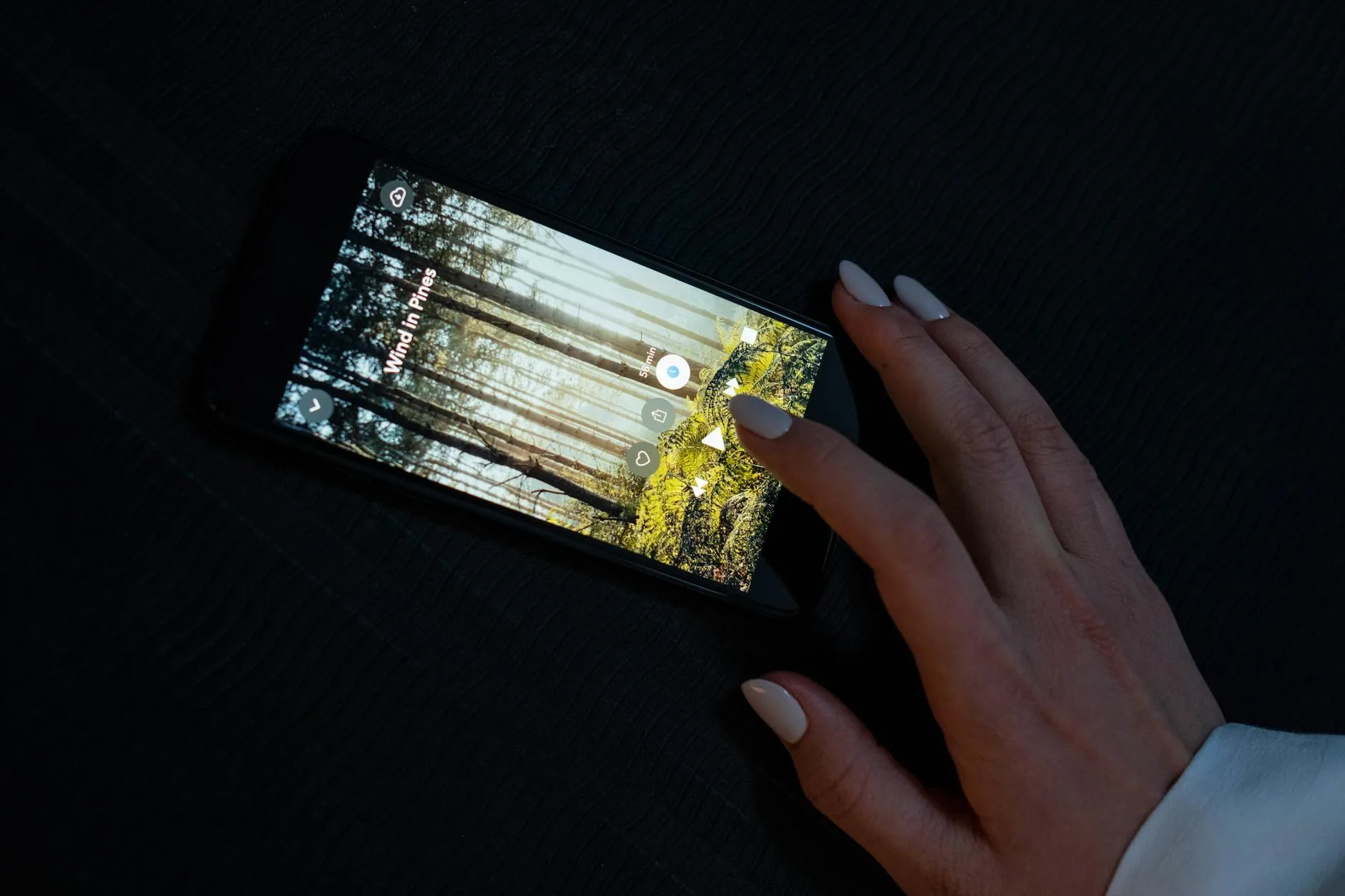
Setting Up Schedules and Automations
Basic Schedules
Every smart plug app lets you set daily or weekly schedules:
- Time-based: “Turn on at 6:30am, turn off at 8:00am” — perfect for a coffee machine
- Sunrise/sunset: “Turn on at sunset, turn off at 11pm” — ideal for lamps, adjusts automatically as days lengthen and shorten
- Countdown timer: “Turn off in 2 hours” — useful for fans, heaters, or anything you want to run temporarily
Voice Routines
If you have a smart speaker, you can group smart plug actions into routines:
- “Good morning” — turns on the kitchen lamp, starts the coffee machine, turns on the radio
- “Goodnight” — turns off all downstairs lights, turns off the TV, arms the alarm
- “I’m leaving” — turns off everything, activates vacation mode lighting
Our guide to voice assistant routines covers setting these up on Alexa, Google, and Siri.
Location-Based Automations
Some apps support geofencing — triggering actions based on your phone’s GPS:
- Arriving home: turn on the hallway lamp when you’re 200m away
- Leaving home: turn off all connected devices 5 minutes after you leave
- Getting close to work: turn off the smart plug powering the heating

Safety Considerations
Smart plugs are simple devices, but they control mains electricity. A few things to get right:
Wattage Limits
Never exceed the plug’s maximum load. Most UK smart plugs are rated for 13A (3,120W at 240V). A typical fan heater is 2,000-3,000W — within limits but close. An oil-filled radiator at 2,500W is fine. A 3kW convection heater is right at the boundary. Check the wattage of any high-power device before connecting.
Heater Safety
Only use smart plugs with heaters that have:
- Built-in thermostat — the heater regulates its own temperature independently of the plug
- Tip-over protection — cuts power if the heater falls
- Overheat protection — cuts power if the heater exceeds safe temperature
Never use a smart plug to turn on a heater remotely if you can’t verify the area is clear of flammable materials. Electrical Safety First, the UK’s electrical safety charity, recommends against unattended heater use.
Daisy-Chaining
Never plug a smart plug into an extension lead that’s also connected to another extension lead. One smart plug per wall socket is the safe limit. Using a smart plug with a standard multi-socket extension lead is fine — as long as the total load across all devices doesn’t exceed 13A.
Water
Don’t use indoor smart plugs outdoors or in bathrooms. If you need smart control in wet areas, buy IP-rated outdoor smart plugs (about £15-20) designed for the purpose.
Frequently Asked Questions
Do smart plugs use a lot of electricity themselves? No. A typical smart plug draws 0.5-1.5W in standby — roughly £1-2 per year. If the plug helps you eliminate 10-30W of standby drain from connected devices, it saves far more than it costs to run.
Can I use a smart plug with a dimmer lamp? A smart plug only provides on/off control — it doesn’t dim. If your lamp has a built-in dimmer (a rotary knob or touch sensor), the smart plug can turn the lamp on and off, but dimming still happens at the lamp. For smart dimming, you need a smart bulb or a smart dimmer switch instead.
Do smart plugs work when the internet goes down? Schedules stored on the plug itself typically continue working without internet. Remote control from outside your home and voice control through cloud-based assistants stop working until your internet reconnects. Some plugs with local control (Zigbee, Thread) continue working through their hub even without internet.
Are smart plugs safe to leave plugged in permanently? Yes. They’re designed for continuous use and carry all the required UK electrical safety certifications (BS 1363, CE/UKCA marking). Treat them like any other electrical device — inspect occasionally for heat or damage, replace if anything looks wrong.
How many smart plugs do I need? Start with two or three and expand from there. Most people find three plugs cover their most useful automations: a bedside lamp, an entertainment centre, and one seasonal or kitchen use. You’ll quickly identify where you want more.