You’re standing outside your own front door, patting every pocket, rifling through your bag, and slowly accepting that your keys are sitting on your desk at work. Again. A smart lock wouldn’t just solve this problem — it would make you wonder why you ever trusted a lump of metal that can be lost, copied, or forgotten. For related guidance, see our Best Smart Home Devices for Beginners: Where to Start in 2026 guide. For related guidance, see our Philips Hue vs LIFX vs Nanoleaf: Smart Lighting Brands Compared guide. For related guidance, see our Smart Alarm Sensors Explained: PIR, Door, Window & More guide.
In This Article
- What Makes a Smart Lock Smart
- The Best Smart Locks You Can Buy in the UK
- Keypad vs Fingerprint vs App: Which Access Method Suits You
- Smart Lock Compatibility With UK Doors
- Smart Home Integration and Voice Control
- Security Concerns: Can Smart Locks Be Hacked
- Battery Life and Power Backup
- Installation: DIY or Locksmith
- Insurance Implications in the UK
- What to Look for When Buying
- Frequently Asked Questions
What Makes a Smart Lock Smart
A smart lock replaces or supplements your traditional deadbolt or multipoint lock with electronic access control. Instead of a physical key (or alongside one), you unlock your door using a PIN code, your fingerprint, a smartphone app, or even your voice through a smart speaker.
Beyond Keyless Entry
The real value isn’t just convenience — it’s control. A traditional lock gives you one way in: the right key. A smart lock gives you multiple ways in, and more importantly, it gives you a log of exactly who entered and when. You can create temporary codes for the cleaner, a time-limited code for an Airbnb guest, or a permanent fingerprint for family members. When the cleaner finishes, you revoke the code from your phone without needing to change the locks.
How They Connect
Most smart locks connect via one or more wireless protocols:
- Bluetooth — short range (within ~10 metres), works directly with your phone. Low power consumption. No remote access unless paired with a hub.
- Wi-Fi — connects directly to your home network. Allows remote locking/unlocking from anywhere. Uses more battery.
- Z-Wave or Zigbee — requires a compatible hub (SmartThings, Hubitat, etc.) but uses less power than Wi-Fi and integrates into broader smart home systems.
- Matter/Thread — the newer standard supported by Apple, Google, and Amazon. Still emerging but growing fast in 2026.
The Best Smart Locks You Can Buy in the UK
Yale Linus Smart Lock — Best Overall
About £200. The Linus is the most popular smart lock in the UK for good reason. It’s made by Yale, a brand British homeowners already trust, and it retrofits onto your existing euro-profile cylinder without replacing the entire lock mechanism. That’s a massive advantage — you keep your existing keys as backup and add smart functionality on top.
The Linus connects via Bluetooth and requires the Yale Connect Wi-Fi Bridge (about £50 extra) for remote access. It works with Alexa, Google Assistant, Apple HomeKit, and supports Matter. Auto-lock and auto-unlock (based on your phone’s GPS) work reliably once you’ve calibrated the geofencing. Battery life runs about 4-6 months on standard Energizer CR123A batteries.
The downside: no built-in keypad or fingerprint reader. You need the optional Yale Smart Keypad (about £40) if you want PIN access. That’s three purchases to get the full experience — lock, bridge, keypad — which pushes the total cost to around £290.
Nuki Smart Lock 4.0 — Best for Renters
About £190. Nuki is an Austrian brand that’s built a strong following in the UK. Like the Yale Linus, it clamps over your existing euro-profile cylinder and doesn’t require permanent modifications — you can remove it when you move out, which makes it ideal for renters.
The 4.0 model includes Matter and Thread support out of the box, meaning it works with Apple Home, Google Home, and Amazon Alexa without needing a separate bridge. That’s a genuine advantage over the Yale, which still requires the Connect Bridge for remote access. Nuki also has a built-in door sensor that detects whether the door is actually closed, which prevents you from locking a door that’s ajar.
Battery life is roughly 4 months. The Nuki Keypad 2.0 (about £80) adds fingerprint and PIN access. The Nuki app is clean and responsive, though it lacks some of the automation depth you get with Yale’s integration into the broader smart home ecosystems.
Yale Conexis L2 — Best Built-In Keyless
About £200-250. If you want everything in one unit — keyless handle, keypad, and phone control — the Conexis L2 is Yale’s answer. Unlike the Linus, this replaces your entire lock mechanism. It’s a multipoint-compatible handle set with a built-in keypad module, Bluetooth, and optional Wi-Fi via the Yale Connect Bridge.
The Conexis L2 supports key cards (included), key tags, phone unlock, and PIN codes. It’s designed specifically for UK multipoint door locks, which makes it the best option if you have a composite front door with a three-point locking system. Installation is more involved than the Linus but still manageable as a DIY job if you’re handy with a screwdriver.
Battery life is excellent — about 12 months on 4x AA batteries. The trade-off is that it doesn’t support Apple HomeKit natively (Alexa and Google only), and the bridge is still sold separately.
Tedee GO — Budget Smart Option
About £130. The Tedee GO is the most affordable retrofit smart lock worth considering. It’s a compact cylindrical unit that fits over your existing euro-profile lock. Bluetooth only — no built-in Wi-Fi, though you can add the Tedee Bridge (about £70) for remote access.
It works with Google Home, Alexa, and Apple HomeKit (via the bridge). The app is polished and the auto-unlock feature is reliable. Battery life is about 5 months. The main limitation is size — the Tedee GO is slightly bulkier than the Yale Linus and can look a bit awkward on thinner doors.
Samsung SHP-DP609 — Best Fingerprint Lock
About £350. If you want a fingerprint reader built into the lock itself — no separate keypad, no phone required — the Samsung is the one. It’s a full replacement lock with a built-in fingerprint scanner, touchscreen keypad, key tag reader, and Bluetooth. You press your thumb to the sensor, the door unlocks in under a second.
The fingerprint reader stores up to 100 prints and works reliably in cold weather (a common concern — some cheaper fingerprint locks struggle below 5°C). It also includes an emergency key override, which you’ll want to keep somewhere safe.
The drawback: it’s designed for standard rim locks and nightlatches rather than UK multipoint systems. You may need an adaptor plate or a locksmith to fit it on a British composite door. Smart home integration is limited — Samsung’s SmartThings only, no Alexa or Google Assistant support without workarounds.
Keypad vs Fingerprint vs App: Which Access Method Suits You
Keypad (PIN Code)
Best for households where multiple people need access. You create a 4-8 digit code for each person. Codes can be time-limited (great for Airbnb hosts or cleaners) or permanent. No phone needed, no biometrics — just remember your number. The main risk is someone watching you type your code, though backlit keypads and scrambling digits mitigate this.
Fingerprint
The fastest unlock method — touch and done. Brilliant for families with kids too young for phones or PIN codes. The reliability varies between brands: premium sensors (like Samsung’s) work in rain and cold, while budget sensors can be frustratingly inconsistent. If you live somewhere cold and often wear gloves, fingerprint isn’t ideal as your primary method.
Smartphone App
Offers the most control — remote locking, activity logs, user management, geofencing. The downside is dependency on your phone’s battery and Bluetooth connection. If your phone dies, you need a backup method (key, PIN, or fingerprint). App unlock is also the slowest of the three — you need to open the app, wait for Bluetooth connection, then tap unlock. Most locks take 3-5 seconds from phone out of pocket to door open.
The Right Combination
Most people end up wanting two methods. The smartest combination for a family home is fingerprint (daily use) plus keypad (backup and guest access). For a rental property or Airbnb, keypad plus app (remote code management) is the practical choice. Solo users who always have their phone can get by with app plus physical key backup.
Smart Lock Compatibility With UK Doors
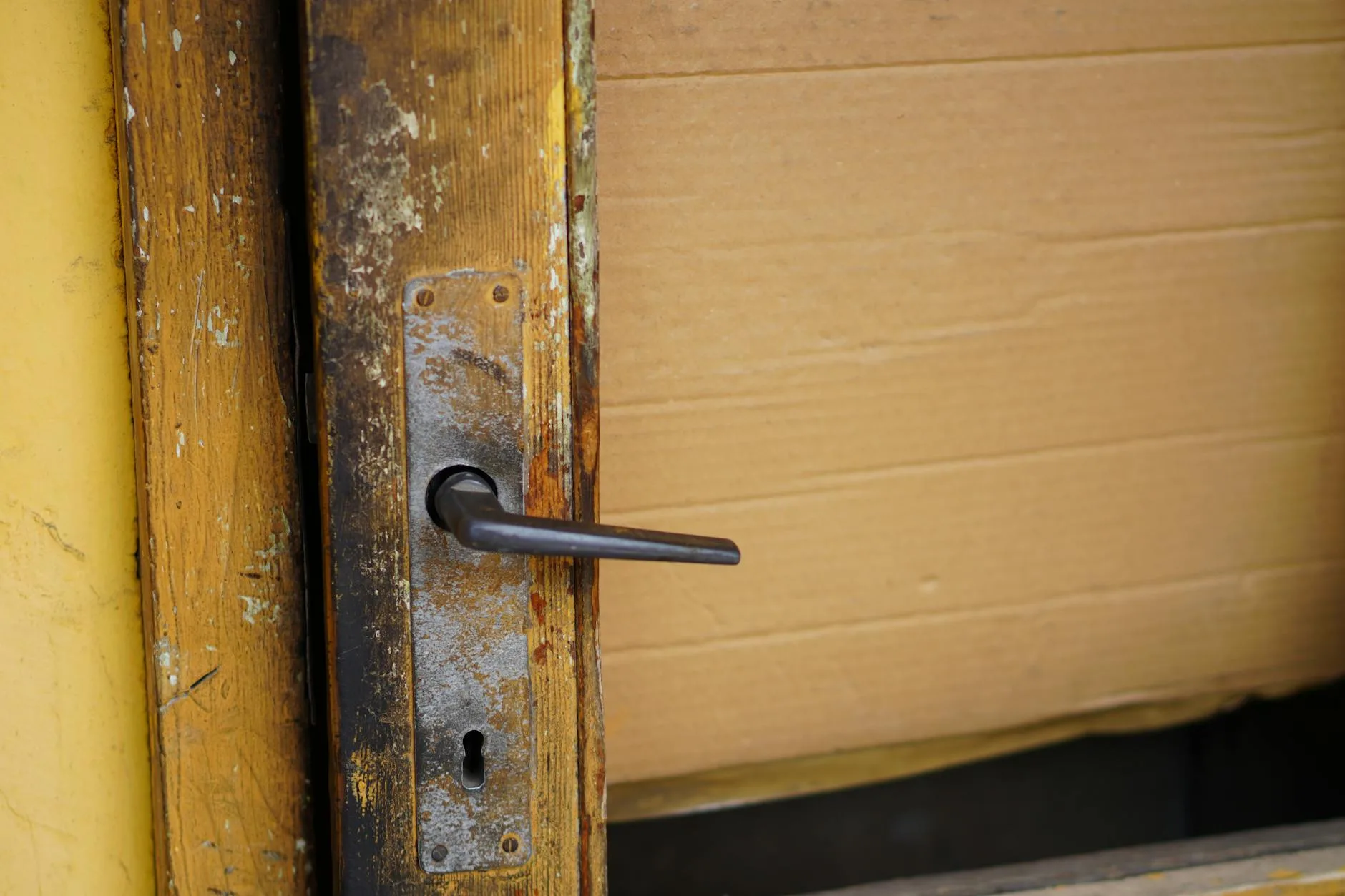
This is where international smart lock reviews become useless. The UK uses different door hardware from the US and most of Europe, and many locks sold online simply won’t fit a British front door.
Euro-Profile Cylinder Doors
Most UK homes built or renovated in the last 20 years have a euro-profile cylinder. This is the small, narrow keyhole typically found on uPVC and composite doors. Retrofit locks like the Yale Linus, Nuki 4.0, and Tedee GO are designed for this type — they clamp over the existing cylinder’s thumb-turn on the inside.
Multipoint Locking Systems
If your door has a handle that you lift to engage the lock (common on composite and uPVC doors), you have a multipoint system. This is trickier because the lock needs to accommodate the handle mechanism. The Yale Conexis L2 is specifically designed for UK multipoint doors. Most other smart locks only control the central deadbolt, meaning you still need to lift the handle manually before the smart lock engages.
Nightlatches and Rim Locks
Older properties with a Yale-style nightlatch (the kind with a knob on the inside and a small key on the outside) have fewer options. The Samsung SHP-DP609 and some Nuki models can work here, but measure your door thickness carefully — these locks need at least 38mm of door depth.
Measuring Before You Buy
Before ordering anything, measure three things:
- Your cylinder backset (distance from the edge of the door to the centre of the keyhole) — standard UK is 35mm or 45mm
- Your door thickness — typically 44mm for composite, 28-35mm for uPVC, 44mm+ for timber
- The space between the inside of the door and the frame when closed — retrofit locks need clearance to spin
Smart Home Integration and Voice Control
A smart lock that doesn’t talk to anything else is just an expensive deadbolt. The real value comes from integration.
Amazon Alexa
“Alexa, lock the front door” works with Yale, Nuki, and Tedee (via their respective bridges). Alexa won’t unlock your door by voice command alone — for security, you need to set up a voice PIN. This is a sensible precaution. The smart alarm integration with Ring Alarm means you can set your alarm and lock your door in one routine.
Google Home
Google Assistant supports Yale, Nuki, and Tedee. Like Alexa, unlocking requires a voice PIN. Google Home routines let you build “Goodnight” scenes that lock the door, turn off lights, set the alarm, and lower the thermostat in one command.
Apple HomeKit
HomeKit support is increasingly important for iPhone households. Yale Linus, Nuki 4.0, and Tedee all support HomeKit (the Yale via its bridge). HomeKit’s advantage is that it can auto-unlock your door based on your Apple Watch or iPhone proximity without opening an app — the most seamless experience of the three ecosystems.
Matter and Thread
The new standard worth caring about. Nuki 4.0 supports Matter/Thread natively, meaning it works across all three ecosystems without needing brand-specific bridges. Yale is adding Matter support through firmware updates. If you’re buying a smart lock today and want future-proofing, Matter compatibility should be on your checklist.
Security Concerns: Can Smart Locks Be Hacked
This is the question everyone asks and most review sites dodge.
The Honest Answer
Yes, in theory. Any networked device can be compromised. But in practice, hacking a smart lock is harder than picking a traditional lock, and both are harder than kicking a door in. Most burglaries in the UK involve forced entry (breaking glass, shouldering doors) rather than lock manipulation of any kind, according to the Office for National Statistics crime data.
Encryption Standards
Reputable brands (Yale, Nuki, Samsung, Tedee) use AES-128 or AES-256 encryption for Bluetooth and Wi-Fi communication. This is the same encryption standard used by banks. Breaking it would require computational resources that no burglar possesses.
Real Risks
The actual security risks are more mundane:
- Weak PINs — using 1234 or your birthday. Use a random 6+ digit code.
- Shared access not revoked — former tenants or ex-partners still having active codes. Review your access list regularly.
- Physical vulnerability — a smart lock on a weak door is still a weak door. The lock is only as secure as the door and frame it’s mounted on.
- Battery death — if your lock dies and you have no backup key, you’re locked out. Keep a physical key somewhere safe (not under the mat).
Anti-Tamper Features
Look for locks with these security features:
- Wrong-try lockout — blocks the keypad after 5 consecutive wrong PINs
- Auto-lock — automatically locks after a set time (30 seconds to 5 minutes)
- Activity log — records every lock/unlock event with timestamp
- Tamper alerts — sends a phone notification if someone tries to force the lock
Battery Life and Power Backup
Smart locks run on batteries, and a dead battery means a locked (or unlocked) door.
Typical Battery Life
- Yale Linus — 4-6 months (2x CR123A lithium batteries)
- Nuki 4.0 — 4 months (4x AA batteries)
- Yale Conexis L2 — 12 months (4x AA batteries)
- Tedee GO — 5 months (built-in rechargeable, USB-C charging)
- Samsung SHP-DP609 — 10-12 months (8x AA batteries)
All of these locks send low-battery warnings to your phone well before they die — usually at 20% remaining. The Tedee’s rechargeable battery is convenient (no buying batteries) but means you need to remove the lock to charge it, which is mildly annoying.
What Happens When Batteries Die
Most smart locks fail in a locked position — meaning you can’t get in, but the door stays secure. Every lock on this list includes a physical key override or emergency power option. The Samsung accepts a 9V battery held against external contacts for emergency power. The Yale and Nuki both have physical key backups through the original cylinder.
Extending Battery Life
- Turn off Wi-Fi when not needed (Bluetooth uses far less power)
- Reduce auto-unlock sensitivity (constant GPS polling drains power)
- Use lithium batteries rather than alkaline in cold weather — they perform better below 5°C
Installation: DIY or Locksmith
Retrofit Locks (Yale Linus, Nuki, Tedee)
These are genuine 15-minute DIY jobs. You remove your existing thumb-turn, attach a mounting plate with the included adhesive or screws, and clip the smart lock onto the plate. No drilling, no wiring, no modification to the door. If you can use a screwdriver, you can install these.
Replacement Locks (Yale Conexis L2, Samsung)
These require removing your existing lock mechanism and fitting a new one. The Conexis L2 is designed for UK doors and comes with clear instructions, but it involves removing the old handle, fitting the new backplate, threading cables, and aligning the multipoint mechanism. Allow 45-60 minutes and watch Yale’s installation video first.
The Samsung is trickier because it’s not designed for UK door standards. You may need an adaptor plate, and the wiring is less intuitive. A locksmith will charge £60-100 to fit it properly — money well spent if you’re not confident.
Locksmith Tips
If you go the professional route, confirm your locksmith has experience with electronic locks specifically. A traditional locksmith who’s never seen a smart lock may charge you for time spent reading the manual. Ask for a fixed quote rather than an hourly rate.
Insurance Implications in the UK
This catches people out. Your home insurance policy likely specifies the type of lock required on external doors.
British Standard BS 3621
Most UK insurers require external door locks to meet BS 3621 — a standard for thief-resistant locks. Traditional Yale nightlatches and most euro-profile deadbolts meet this standard. Smart locks are newer than the standard, and many don’t carry BS 3621 certification.
The Yale Conexis L2 does meet BS 3621. The Yale Linus, Nuki, and Tedee do not — they’re retrofit devices that sit on top of your existing lock, so the underlying cylinder’s certification still applies. If your existing euro-cylinder is BS 3621 rated and the smart lock doesn’t remove it, you’re typically fine.
Check With Your Insurer
Before fitting any smart lock, call your insurance provider and tell them exactly what you’re installing. Some insurers treat smart locks as an upgrade (potentially reducing premiums). Others may flag them as non-compliant if they replace a BS 3621 lock with a non-certified alternative. Getting written confirmation takes five minutes and could save you a rejected claim.
The Association of British Insurers recommends reviewing your policy whenever you make changes to home security — locks, alarms, or cameras.
What to Look for When Buying
The Non-Negotiables
- UK door compatibility — confirm it fits your lock type before ordering
- Physical key backup — never buy a smart lock with no manual override
- Encryption — AES-128 minimum, AES-256 preferred
- Battery warning notifications — you need advance notice before the power dies
- Auto-lock — the door should lock itself if you forget
Nice to Have
- Activity log — see who locked/unlocked and when
- Temporary codes — essential for short-term access (cleaners, guests)
- Geofencing auto-unlock — unlocks as you approach. Convenient but uses more battery
- Matter/Thread support — future-proofs your investment across ecosystems
- Weather resistance — IP54 or higher for locks with external components
What to Avoid
- Locks with no physical backup — if the electronics fail, you need a way in
- Unknown brands — security is not the place to experiment with budget alternatives from marketplace sellers
- Locks requiring permanent door modification if you’re renting
- Wi-Fi-only locks without a Bluetooth fallback — if your Wi-Fi goes down, you lose access
Frequently Asked Questions
Are smart locks safe for a front door in the UK? Yes, from reputable brands. The encryption on modern smart locks (AES-128 or AES-256) makes them harder to breach electronically than a traditional lock is to pick physically. The bigger risk is always the door itself — a strong lock on a weak door doesn’t help much.
Do smart locks void my home insurance? Not automatically, but they can affect your cover. If your policy requires a BS 3621 lock and you replace it with a non-certified smart lock, you could have a claim rejected. Retrofit locks (Yale Linus, Nuki) sit on top of your existing certified lock, so the certification is usually unaffected. Always check with your insurer first.
What happens if the battery dies on a smart lock? Most smart locks fail in a locked position and include a physical key override or emergency power option. All the locks reviewed here send low-battery warnings to your phone weeks before they die. Keep a physical key somewhere safe as backup — just not under the doormat.
Can I fit a smart lock myself? Retrofit locks like the Yale Linus, Nuki 4.0, and Tedee GO are genuine DIY jobs — 15 minutes with a screwdriver. Full replacement locks like the Yale Conexis L2 take 45-60 minutes and require more confidence with tools. If in doubt, a locksmith typically charges £60-100 for installation.
Which smart lock works with Apple HomeKit? The Yale Linus (via Yale Connect Bridge), Nuki 4.0 (natively with Matter/Thread), and Tedee GO (via Tedee Bridge) all support Apple HomeKit. The Yale Conexis L2 and Samsung SHP-DP609 do not support HomeKit natively.