You’ve bought a security camera, pointed it at your driveway, and now your neighbour is asking whether you’re allowed to film their garden. The honest answer is complicated — UK law doesn’t outright ban residential security cameras, but it does place real obligations on what you can record, where you can point the lens, and what you do with the footage. Get it wrong and you could face complaints to the Information Commissioner’s Office, civil claims, or even a charge of harassment.
This guide explains the actual legal position for homeowners and renters using security cameras in the UK. Not legal advice — always consult a solicitor for your specific situation — but a clear summary of the rules as they stand in 2026. For related guidance, see our Best Wireless Security Camera Systems 2026 UK: Multi-Camera Kits guide. For related guidance, see our Security Camera Resolution Explained: 1080p vs 2K vs 4K guide. For related guidance, see our Smart Speaker Privacy: What They Record and How to Control It guide.
In This Article
- Do You Need Permission to Install a Security Camera?
- The Domestic Purposes Exemption
- When Data Protection Law Applies to Your Camera
- What Counts as Recording Beyond Your Boundary
- Your Obligations Under UK GDPR
- Audio Recording: The Overlooked Problem
- Ring Doorbells and Video Doorbells: Specific Rules
- Neighbour Disputes Over Security Cameras
- What Happens If Someone Complains About Your Camera
- Renters and Tenants: Extra Considerations
- Practical Steps to Stay on the Right Side of the Law
- Frequently Asked Questions
Do You Need Permission to Install a Security Camera?
The short answer: no, you don’t need a permit or planning permission to install a security camera on your own property in most cases. Security cameras fall under permitted development rights for residential properties, so you won’t need to apply to your local council.
Exceptions
- Listed buildings — if your property is listed, you may need listed building consent before attaching cameras to the exterior. The camera mounting, drilling, and cabling could count as alterations
- Conservation areas — some conservation area restrictions apply to external fixtures, though small cameras are rarely an issue in practice
- Leasehold properties — your lease may restrict what you can attach to the exterior of the building. Check with your freeholder or management company
- Rented properties — you’ll need your landlord’s permission before drilling holes or attaching hardware to the walls
Even where installation is permitted, where the camera points and what it records creates a separate set of legal obligations entirely.
The Domestic Purposes Exemption
The UK’s data protection laws — principally the UK GDPR and the Data Protection Act 2018 — include what’s known as the domestic purposes exemption. If you’re processing personal data purely for personal, family, or household activities, the full weight of data protection law doesn’t apply to you.
When It Protects You
The domestic exemption covers a camera that records only your own property — your garden, your driveway, the inside of your home. If the footage never captures anyone beyond your household members and invited guests, you’re operating within the exemption and don’t need to comply with formal data protection requirements.
When It Doesn’t Apply
The moment your camera captures footage beyond your property boundary — your neighbour’s garden, the public pavement, a shared driveway, or the street — the domestic exemption falls away. You become a data controller under UK GDPR, with all the obligations that entails.
This is where most homeowners get caught out. A camera mounted on your front wall to watch your driveway almost certainly captures part of the pavement. A rear-facing camera aimed at your garden might catch your neighbour’s fence line or a portion of their property. Even a doorbell camera captures anyone who approaches your front door — delivery drivers, postal workers, and passers-by.
The Information Commissioner's Office has published specific guidance on domestic CCTV that’s worth reading if you’re unsure whether your setup captures beyond your boundary.
When Data Protection Law Applies to Your Camera
If your camera captures images or footage of identifiable individuals beyond your property boundary, you’re processing personal data. Video footage of a recognisable person is personal data under UK GDPR, full stop.
What This Means Practically
You don’t need to register with the ICO or appoint a data protection officer — those requirements apply to organisations, not individuals. But you do need to:
- Have a lawful basis for processing — for most domestic cameras, this is “legitimate interests” (your interest in protecting your property)
- Be transparent about the recording — people should be aware they’re being filmed
- Minimise what you capture — point the camera only where necessary, avoid capturing more of the public space or neighbouring property than needed
- Keep footage securely and delete it when no longer needed
- Respond to subject access requests — if someone asks for copies of footage featuring them, you must provide it within one month
The Proportionality Test
Your legitimate interest in security must be proportionate to the impact on other people’s privacy. A camera covering your front door and driveway is generally proportionate. A camera that continuously records your neighbour’s garden is almost certainly not, regardless of your security concerns. The ICO will weigh your security needs against the privacy intrusion on others.
What Counts as Recording Beyond Your Boundary
This is less obvious than it sounds. Modern security cameras — especially those with wide-angle lenses — capture more than you might think.
Common Scenarios
- Front door cameras — typically capture part of the pavement, the street, and potentially neighbours’ driveways or front gardens across the road
- Driveway cameras — often capture the public highway and pedestrians walking past
- Rear garden cameras — may capture neighbouring gardens, especially from elevated positions
- Doorbell cameras — capture everyone who approaches, plus motion-triggered recording often extends to the street
The Angle Matters
Adjusting the camera angle to minimise capture of areas beyond your boundary is one of the most important things you can do. Most cameras let you adjust the field of view or set privacy masking zones that black out parts of the image you don’t need to see. Our guide to setting up security camera zones covers the technical side of configuring these.
Use privacy masking wherever possible. If your camera captures your neighbour’s kitchen window, mask that area. It costs you nothing and removes a major source of complaint.
Your Obligations Under UK GDPR
If your camera captures beyond your boundary, these obligations apply to you as a domestic camera operator.
Signage
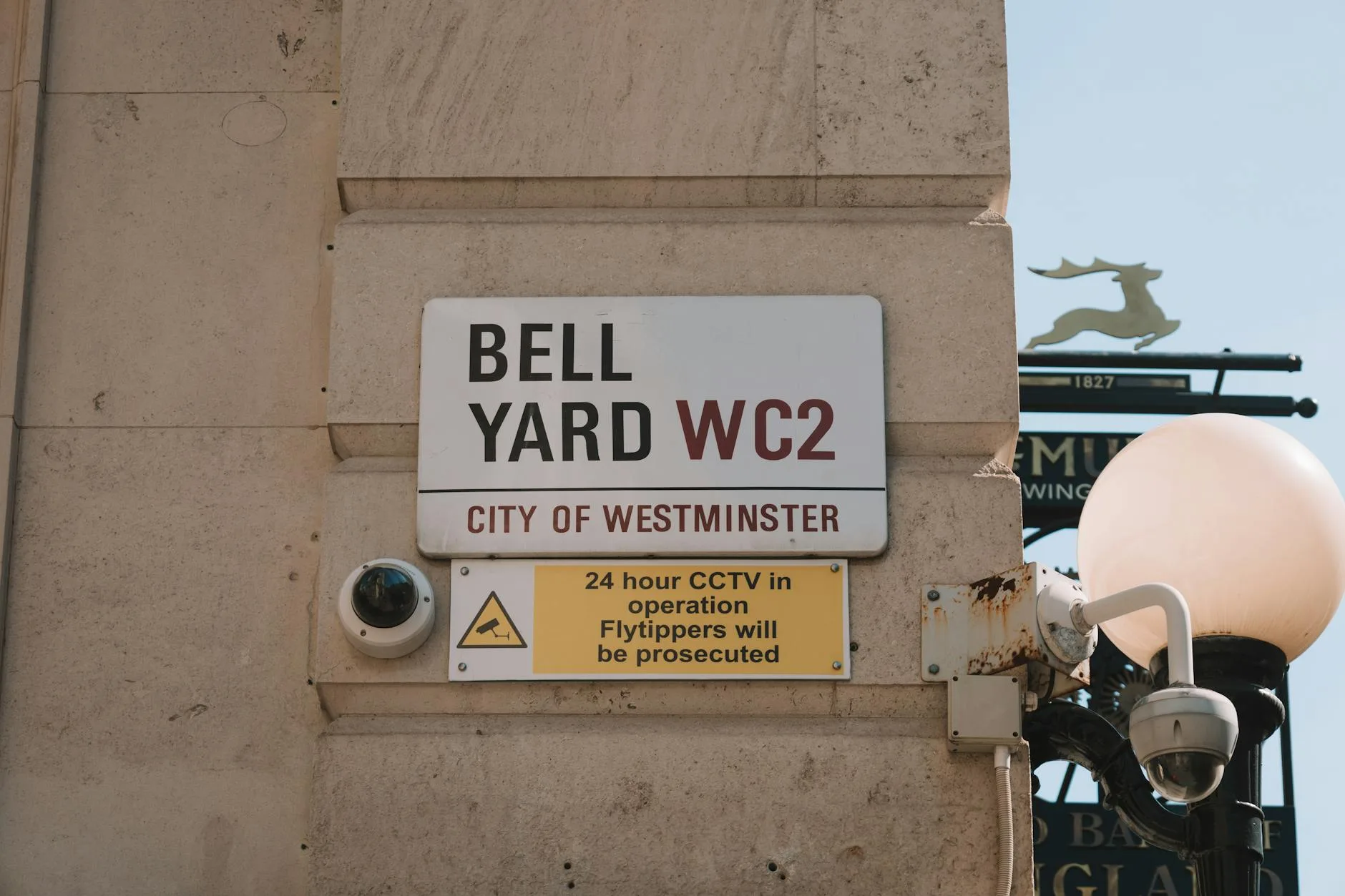
You should display a sign informing people that CCTV is in operation. This doesn’t need to be a full commercial CCTV sign — a simple notice stating that recording is taking place, with your name and contact details, is sufficient. Place it where people will see it before entering the recorded area.
Storage and Retention
Don’t keep footage indefinitely. Set your camera to overwrite after a reasonable period — typically 30 days is considered proportionate for domestic security. Keeping six months of footage of your quiet cul-de-sac “just in case” is harder to justify.
Most cloud-based cameras (Ring, Nest, Arlo) have automatic retention settings. Our guide to choosing the right security cameras covers which systems offer the best privacy controls.
Subject Access Requests
If someone requests footage featuring themselves — say, a delivery driver or a neighbour — you must provide the relevant clips within one month. You can redact other identifiable people in the footage (and should, where practical) but you cannot refuse a valid request simply because it’s inconvenient.
Data Breaches
If your camera footage is accessed by someone unauthorised — for example, if your cloud account is hacked — this constitutes a personal data breach. You should report it to the ICO if it poses a risk to individuals’ rights and freedoms. Securing your camera system with strong passwords and two-factor authentication isn’t just good practice — it’s part of your obligation to keep personal data secure.
Audio Recording: The Overlooked Problem
Many modern security cameras record audio by default. This creates an additional privacy concern that catches homeowners off guard.
Why Audio Is Different
Recording a conversation between two people on the pavement outside your house raises issues beyond video surveillance. Under the Regulation of Investigatory Powers Act 2000 (RIPA), intercepting private communications without consent is a criminal offence. While casual street conversation probably doesn’t qualify as “private communications” in the legal sense, recording your neighbour’s conversation in their own garden almost certainly does.
The Practical Solution
Disable audio recording unless you have a specific need for it. Most security cameras allow you to turn off the microphone in settings. If you keep audio enabled for your doorbell camera (where two-way communication is the point), make sure your signage mentions that audio is also recorded.
Ring Doorbells and Video Doorbells: Specific Rules
Video doorbells are the most common type of residential camera in the UK, and they’ve generated the most complaints and legal cases.
The Fairhurst Case
In 2021, a UK court ruled against a Ring doorbell owner in the case of Fairhurst v Woodard. The judge found that the doorbell’s audio recording and wide-angle capture constituted harassment and breached data protection law. The defendant was ordered to pay damages and remove the camera. This case established that doorbell cameras are subject to the same data protection rules as any other CCTV system.
What This Means for You
If you have a video doorbell:
- The camera captures beyond your boundary — all video doorbells do this by design, so the domestic exemption doesn’t apply
- Audio recording is on by default on most models — consider disabling it or at minimum putting up signage
- Motion-triggered recording means the camera activates whenever someone walks past, not just when they ring the bell — this expands the scope of footage you’re collecting
- Cloud storage means footage leaves your property and is held by a third party — Ring, Google, or whoever makes your doorbell — which adds data processing considerations
Reducing Your Risk
Set the narrowest motion detection zone possible. Reduce sensitivity so the camera doesn’t trigger from pavement pedestrians. Disable audio recording if you don’t need it. Display a sign. These simple steps address the majority of legal concerns.
Neighbour Disputes Over Security Cameras
Camera-related neighbour disputes are one of the fastest-growing sources of complaints to the ICO. Most disputes follow a predictable pattern and can be resolved without legal action.
Common Complaints
- “Your camera points at my garden” — the most frequent complaint. Often resolved by adjusting the camera angle or applying privacy masking
- “Your camera records my children playing” — particularly sensitive because it involves minors. The ICO takes complaints involving children’s images seriously
- “Your floodlight activates every time I walk past” — cameras with integrated floodlights can cause nuisance, which is a separate legal issue under the Environmental Protection Act
- “I feel watched” — even if the camera doesn’t technically record the neighbour’s property, the perception of being surveilled can form part of a harassment claim if combined with other behaviours
The Best Approach
Talk to your neighbour before they complain. If you’re installing a camera that captures any part of their property, explain what it covers and offer to show them the footage area. Offer to apply privacy masking. A five-minute conversation prevents months of tension.
If a neighbour raises a concern, take it seriously. Adjust the angle, apply masking, or reposition the camera. The cost of a new mounting bracket is far less than the cost of an ICO investigation or a civil claim.
What Happens If Someone Complains About Your Camera
Complaint to the ICO
Anyone can complain to the ICO about a domestic security camera. The ICO will typically write to you asking for your response, including details of what your camera captures, your justification, and what steps you’ve taken to minimise intrusion.
The ICO can issue an enforcement notice requiring you to adjust, reposition, or remove the camera. They can also issue fines for serious breaches of data protection law, though fines against domestic camera operators are rare. The ICO’s preference is resolution rather than punishment.
Civil Claims
A neighbour can bring a civil claim against you for harassment, nuisance, or breach of data protection. The Fairhurst case showed that courts are willing to award damages and order camera removal. Legal costs in civil claims can be substantial — even if you win, you may not recover your costs in a small claims track case.
Harassment
If a camera is positioned in a way that targets a specific individual — for instance, a camera aimed directly at a neighbour’s bedroom window with no other security justification — this could form part of a harassment claim under the Protection from Harassment Act 1997. Harassment requires a course of conduct, so a single camera alone rarely meets the threshold, but combined with other behaviours (confrontations, other surveillance), it can contribute.
Renters and Tenants: Extra Considerations
Permission to Install
If you rent, you need your landlord’s written permission before installing any camera that requires drilling, screwing, or permanent fixation to the property. Adhesive-mounted cameras and magnetic mounts may not require permission, but check your tenancy agreement — some prohibit any external fixtures.
Shared Areas
In flats and HMOs, cameras in shared hallways, stairwells, or communal entrances raise additional concerns because you’re recording other tenants in their home environment. Installing a camera in a shared space without the agreement of all residents is likely to generate complaints. Speak to your landlord or management company first.
When You Move Out
Remove your cameras and repair any damage (fill holes, repaint if necessary). If your camera system uses cloud storage, delete any footage from the property. Leaving a camera system in place that you continue to access remotely after moving out would be a clear data protection breach.
Practical Steps to Stay on the Right Side of the Law
Before Installation
- Check your boundaries — know exactly where your property ends and what your camera will capture beyond it
- Choose the narrowest field of view that covers what you need. Don’t use a 180° wide-angle camera if a 90° lens covers your front door
- Position cameras to minimise capture of public and neighbouring areas — angle downward, use higher mounting points to reduce pavement coverage
During Setup
- Enable privacy masking for any areas beyond your boundary that appear in the camera’s field of view
- Set the narrowest motion detection zone that serves your security needs
- Disable audio recording unless you specifically need it
- Set reasonable retention periods — 30 days maximum for most domestic situations
- Enable two-factor authentication and use strong, unique passwords for your camera system
Ongoing
- Display signage — a simple notice that CCTV is in operation, with your contact details
- Respond to requests — if someone asks to see footage featuring them, comply within one month
- Review regularly — check that your camera hasn’t shifted position, that privacy masks are still accurate, and that your retention settings are appropriate
- Talk to neighbours — proactive communication prevents reactive complaints
Frequently Asked Questions
Is it legal to have a security camera pointing at the street in the UK? Yes, but with obligations. If your camera captures the public street or pavement, the domestic purposes exemption under UK GDPR doesn’t apply. You should display signage, minimise what you capture through camera positioning and privacy masking, set reasonable footage retention periods, and respond to any subject access requests within one month.
Can my neighbour complain about my security camera? Yes. They can complain to the Information Commissioner’s Office if they believe your camera captures their property or infringes their privacy. They can also bring a civil claim for harassment or nuisance. The best prevention is adjusting your camera to minimise capture of their property and having a conversation about it before complaints arise.
Do I need to put up a CCTV sign at home? If your camera only records your own property and household members, signage isn’t legally required. If it captures beyond your boundary — the pavement, street, or neighbouring property — you should display a sign stating that CCTV recording is in operation, along with your contact details. It doesn’t need to be a commercial-grade sign, just a visible notice.
Can I record audio with my security camera? Technically yes, but audio recording adds legal risk. Recording conversations on neighbouring property could breach the Regulation of Investigatory Powers Act 2000. Most privacy experts recommend disabling audio recording on external cameras unless you have a specific need for it, such as two-way communication on a video doorbell.
How long can I keep security camera footage? There’s no fixed legal maximum, but the ICO expects retention to be proportionate to your purpose. For domestic security, 30 days is generally considered reasonable. Keeping footage for months without a specific reason is harder to justify and could be challenged if someone complains.