You’ve just got home after a long day, hands full of shopping. As you nudge the door open, the hallway lights flick on automatically. The kettle begins to boil, and your favourite playlist starts in the kitchen—all without you touching a single switch or shouting at a smart speaker. And you’ve done it all with home automation without a hub, skipping the expense and complexity of an extra box plugged into your router. But how does this work, and is it right for your home? Let’s break down what’s possible, what you’ll need, and where the limits are for a hub-free smart home setup.
In This Article
- What Hub-Free Automation Means
- Choose One Main Ecosystem
- Start With Wi-Fi Smart Plugs and Bulbs
- Build Simple Routines
- Security and Reliability
- When a Hub Still Makes Sense
- Frequently Asked Questions
What Hub-Free Automation Means
In traditional smart homes, a central hub—like a Philips Hue Bridge, Samsung SmartThings, or Zigbee gateway—acts as the brain, connecting all your devices and managing routines. But home automation without hub means you skip this extra hardware. Instead, your smart devices connect directly to your Wi-Fi or sometimes Bluetooth, and you control everything through apps or cloud services.
How Hub-Free Automation Works
- Devices connect directly to your router or phone via Wi-Fi or Bluetooth.
- No need for a central box or hub plugged in.
- Automation and control are managed through manufacturer apps or cloud platforms.
- You can often use voice assistants (Alexa, Google Assistant, or Siri) for control.
This approach is especially appealing if you’re starting small, want to avoid extra costs, or dislike having more boxes and cables cluttering your home. For a deeper dive into the basics, see Smart Home Ecosystems Explained.
UK-Specific Considerations
In the UK, most homes have reliable broadband and Wi-Fi coverage, making hub-free setups practical. However, older properties with thick walls or outbuildings may require Wi-Fi extenders or mesh systems to ensure coverage for all devices. Also, UK plug types and voltage are compatible with most major smart plug brands, but always check for CE or UKCA markings to ensure compliance with local safety standards.
Choose One Main Ecosystem
Before you buy anything, pick your main smart home ecosystem. This is the platform that ties your devices together and lets you control them from one place. In the UK, the main options are:
- Amazon Alexa
- Google Home
- Apple HomeKit
Each ecosystem has its own strengths, app, and compatible devices. While it’s possible to mix and match, sticking to one makes automation much easier.
What to Consider When Choosing
- What voice assistant do you already use? If you have an Echo Dot, Alexa is the obvious choice.
- What phone do you have? iPhone users may prefer HomeKit for privacy and integration.
- Which devices are you planning to buy? Not all smart plugs and bulbs work with every ecosystem.
For example, TP-Link Kasa plugs work well with Alexa and Google, but not HomeKit. Meross and Tapo are popular UK choices with broad compatibility. Check the packaging or product listing for “Works with…” logos.
Ecosystem Feature Comparison
- Alexa: Excellent device compatibility, strong UK support, wide range of affordable Echo speakers and displays. Routines are easy to set up and can include music, announcements, and device actions.
- Google Home: Integrates well with Android phones, Google Nest speakers, and Chromecast. Voice recognition is strong, and routines can include location triggers.
- Apple HomeKit: Focuses on privacy and security, with all automation processed locally where possible. Device selection is more limited and often pricier, but integration with iOS devices is seamless.
For more on ecosystem differences and compatibility, see Smart Home Ecosystems Explained.
UK Market Examples
- Amazon Alexa: Echo Dot, Echo Show, Fire TV Stick, Ring doorbells.
- Google Home: Nest Mini, Nest Hub, Chromecast, Nest Cam.
- Apple HomeKit: HomePod Mini, Apple TV (as a Home Hub), Eve and Nanoleaf devices.
Start With Wi-Fi Smart Plugs and Bulbs
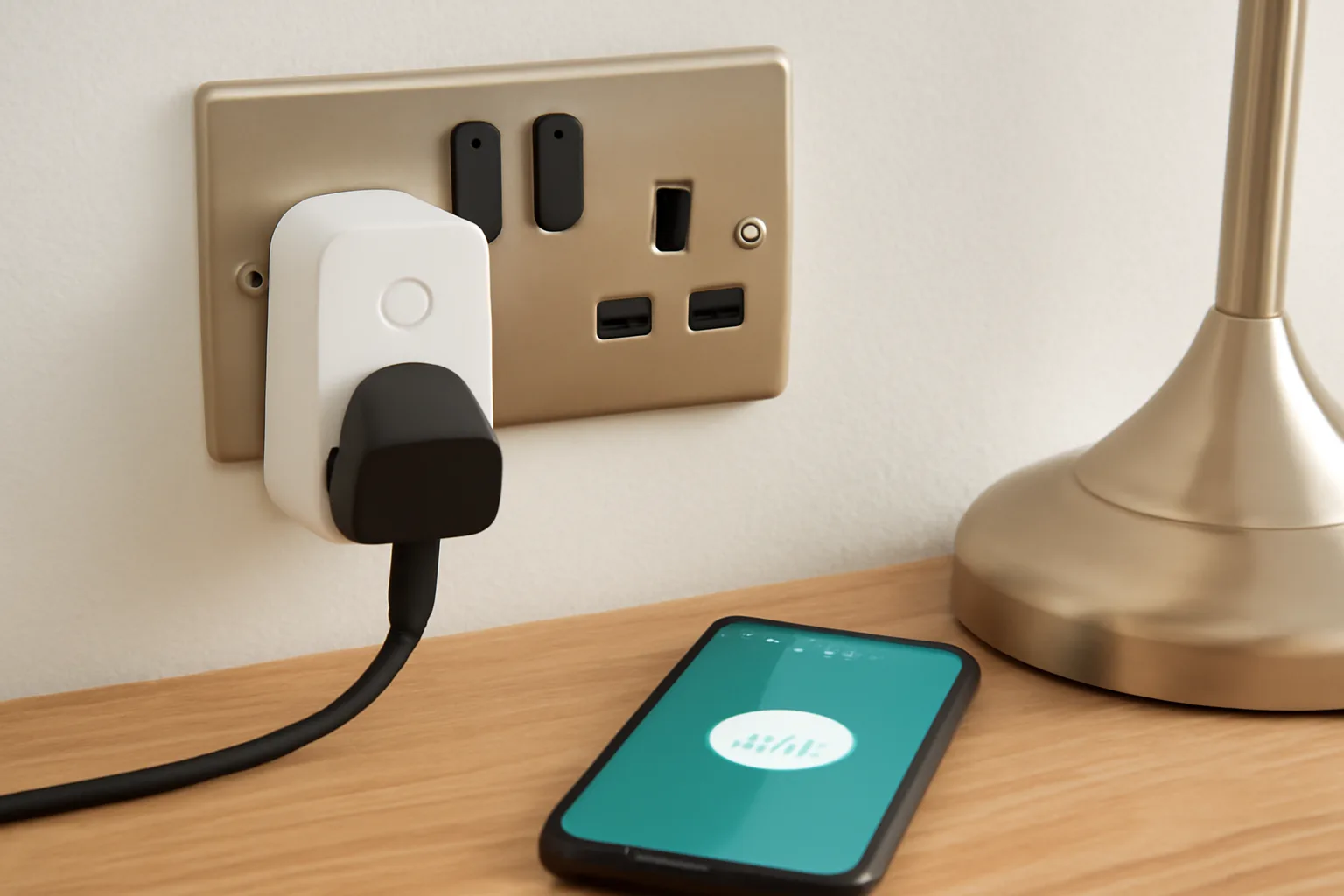
The easiest way to start home automation without hub is with Wi-Fi smart plugs and bulbs. These devices connect straight to your router, so you don’t need a bridge or gateway.
Wi-Fi Smart Plugs
Smart plugs let you control anything you can plug into a socket—lamps, fans, kettles, or even Christmas lights. Prices start from around £10 for a basic single plug (like the TP-Link Tapo P100), with multipacks offering better value.
Practical UK Uses
- Kettle: Set your kettle to boil before you get out of bed. In the UK, this is a popular use, especially with “always-on” kettles that are safe to switch remotely.
- Heated blankets: Schedule them to warm up before bedtime.
- Lamps: Automate hallway or bedside lamps for security and convenience.
- Fans or dehumidifiers: Control air quality in damp UK homes.
Setup Steps
- Plug the smart plug into a wall socket.
- Download the manufacturer’s app (e.g., Tapo, Kasa, Meross).
- Connect the plug to your home Wi-Fi using the app.
- Link the plug to your chosen ecosystem (Alexa, Google, or HomeKit).
Safety Caveats
- Only use smart plugs with appliances that are designed to be switched on and off at the socket. Avoid using with high-powered devices like electric heaters unless the plug is rated for the load (check for at least 13A/2990W rating for UK sockets).
- Always follow manufacturer guidelines and ensure the plug has UKCA or CE certification.
For more detail on smart plug features and creative uses, check Smart Plugs: What They Do and Best Uses.
Wi-Fi Smart Bulbs
Smart bulbs screw or bayonet into your existing light fittings. No electrician needed—just swap out your old bulb. Wi-Fi bulbs like the Philips Wiz, TP-Link Tapo, or Lifx cost from £8 to £20 each.
UK-Specific Bulb Types
- Bayonet (B22): Common in UK ceiling fittings and lamps.
- Edison Screw (E27): Increasingly popular, especially in newer homes and imported fittings.
- GU10: Used in spotlights and kitchens.
Always check the fitting type before buying. Most smart bulb brands offer UK-specific models.
Setup Steps
- Replace your old bulb with the smart bulb.
- Use the manufacturer’s app to connect it to Wi-Fi.
- Add the bulb to your smart home ecosystem for voice or app control.
Energy Efficiency
Most smart bulbs are LED-based, using 80% less energy than traditional incandescent bulbs. They’re also long-lasting (typically 15,000+ hours), making them cost-effective for UK households.
For a step-by-step walkthrough, see How to Set Up Smart Lights in Your Home.
Why Wi-Fi and Not Zigbee or Z-Wave?
Zigbee and Z-Wave are popular wireless standards for smart homes, but they require a hub or bridge. Wi-Fi devices skip this extra hardware, making setup simpler and cheaper. The trade-off is that Wi-Fi devices can crowd your router if you add dozens, and may lack some advanced features.
UK Router Device Limits
Most modern UK routers (BT Smart Hub, Virgin Super Hub, Sky Q Hub) can handle 30–60 devices, but performance may degrade if you approach the upper limit. For larger homes, a mesh Wi-Fi system (e.g., TP-Link Deco, Google Nest Wi-Fi) can help distribute the load.
Tip: For most UK homes, you won’t hit Wi-Fi device limits unless you’re going all-in with 30+ devices.
Build Simple Routines
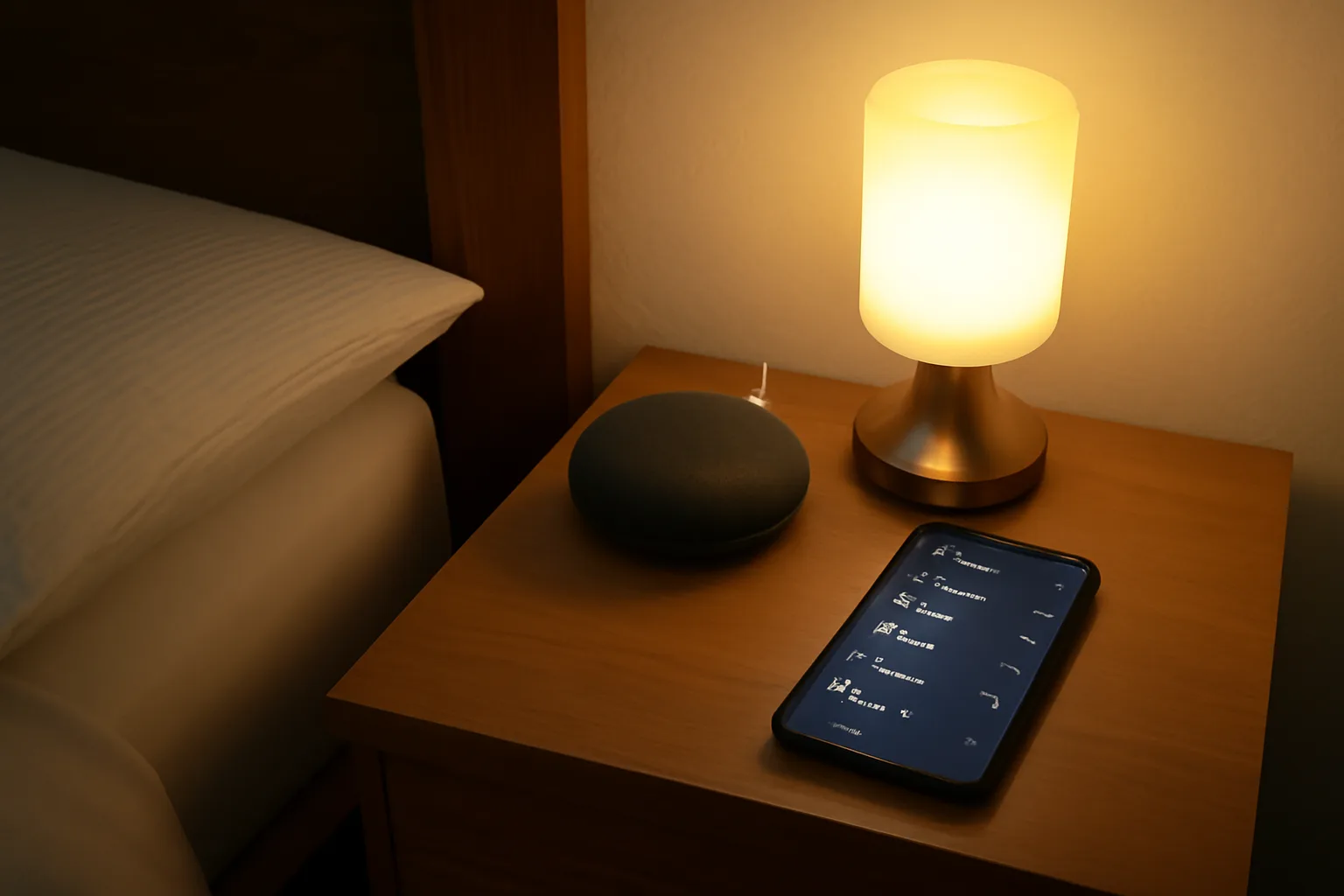
Once your devices are connected, you can build routines—automated actions based on schedules, triggers, or voice commands. The good news is, you don’t need a hub for most basic routines.
Types of Routines You Can Set Up
- Scheduled routines: Turn lights on at sunset, or plugs off at bedtime.
- Device triggers: If the hallway light turns on, start the kettle.
- Voice routines: “Alexa, good morning” turns on the bedroom lamp and starts the radio.
- Location-based routines: Lights turn off when you leave home (requires app location access).
Each ecosystem offers its own routine builder in the app. For example, Alexa Routines or Google Home Automations. For a practical guide, see Voice Assistant Routines.
Using IFTTT for More Flexibility
If you want more advanced automation, IFTTT (If This Then That) is a free service that links different apps and devices. For example, you can set your smart lights to flash when your favourite football team scores, or have your plugs switch off when you leave work.
Practical UK IFTTT Examples
- Weather triggers: Turn on dehumidifiers when humidity rises (useful in damp UK climates).
- Security: Flash lights if your Ring doorbell detects motion.
- Energy saving: Turn off all plugs when you leave for work.
- Transport: Receive a smart speaker announcement when your train is delayed (using National Rail or TfL integrations).
For more on connecting devices with IFTTT, see How to Use IFTTT for Smart Home Automation.
Example: Setting Up a Bedtime Routine
- Open your Alexa or Google Home app.
- Create a new routine called “Bedtime.”
- Add actions: turn off all smart plugs, dim bedroom lights to 20%, play relaxing music.
- Set the trigger: voice command “Good night” or a scheduled time.
Pro tip: Start simple. Add more actions as you get comfortable with automation.
Routine Safety and Privacy
- Avoid automating devices that could be dangerous if left unattended (e.g., irons, heaters).
- For routines involving door locks or security cameras, always use strong account security and enable two-factor authentication if available.
Security and Reliability
Home automation without hub is convenient, but there are some important security and reliability issues to consider.
Security Best Practices
- Buy from reputable brands (TP-Link, Philips, Lifx, Meross, Tapo).
- Keep device firmware updated via the app.
- Use strong, unique passwords for device accounts.
- Set up a guest Wi-Fi network for your smart devices if your router supports it.
- Be cautious with cloud services—your routines may rely on manufacturer servers.
For official UK guidance, check the NCSC smart device security advice.
Additional UK Security Tips
- GDPR compliance: Choose brands that comply with UK data protection laws.
- Physical security: Don’t rely solely on smart locks or cameras for home security—use them as part of a layered approach.
Reliability Trade-Offs
Pros: no single hub means one less point of failure, and the setup is quick to expand.
Cons: Wi-Fi devices depend on your router and internet connection, some automations rely on cloud services, and a very large setup can congest the network.
Improving Reliability in the UK
- Mesh Wi-Fi: For larger or older UK homes with thick walls, mesh Wi-Fi systems (e.g., BT Whole Home, Google Nest Wi-Fi) help maintain strong connections throughout the house.
- Powerline adapters: In homes where Wi-Fi struggles, powerline adapters can help extend connectivity to outbuildings, garages, or lofts.
- Battery backup: For critical devices (like security cameras), consider models with battery backup to maintain operation during power cuts.
Tip: If you’re planning a large setup, consider a mesh Wi-Fi system for better coverage.
When a Hub Still Makes Sense
Hub-free automation is perfect for most small to medium UK homes, but there are situations where a hub is still the better choice.
When You Might Want a Hub
- Lots of devices: Wi-Fi routers can struggle with 30+ devices. Zigbee or Z-Wave hubs handle hundreds.
- Advanced automation: Hubs like Home Assistant or SmartThings allow for more complex routines and local control.
- Device compatibility: Some sensors (motion, door/window, temperature) only work with Zigbee/Z-Wave and need a hub.
- Local control: Hubs can run routines even if your internet is down.
- Future-proofing: The new Matter smart home standard aims to unify devices, but many still require a hub or bridge for full functionality.
UK Example Scenarios
- Large detached houses: With many rooms and outbuildings, a hub-based Zigbee mesh can provide more reliable coverage than Wi-Fi alone.
- Home security: Zigbee sensors for doors, windows, and motion are more reliable and battery-efficient, but require a hub.
- Heating control: Smart radiator valves (e.g., Tado, Drayton Wiser) often use proprietary hubs for reliable, local control—important for UK winters.
- Local routines: If you want automations to work during broadband outages (common in rural UK areas), a hub is essential.
Example: If you want to automate heating, blinds, security sensors, and have everything work even during broadband outages, a hub-based setup is more robust.
If you’re just after smart lighting and plug control, hub-free is usually enough.
Transitioning to a Hub Later
It’s possible to start with hub-free devices and add a hub later if your needs grow. Many brands offer both Wi-Fi and Zigbee models, and some hubs (like SmartThings or Home Assistant) can integrate Wi-Fi devices as well as Zigbee/Z-Wave.
Buying and Installation Guidance
Where to Buy in the UK
- Amazon UK: Wide selection, fast delivery, and good returns policy.
- Argos: Stock popular brands like Philips Hue, Tapo, and Hive.
- Currys: Offers bundles and in-store advice.
- Screwfix/B&Q: Increasingly stock smart bulbs and plugs, especially for DIYers.
- John Lewis: Sells premium brands with extended warranties.
What to Look For
- UKCA or CE marking: Ensures compliance with UK safety standards.
- Compatibility: Check for “Works with Alexa/Google/HomeKit” logos.
- Warranty: Choose products with at least a 1-year UK warranty.
- App support: Read reviews of the manufacturer’s app for reliability and ease of use.
Tools and Installation
- Smart plugs: No tools required—just plug in.
- Smart bulbs: May need a step stool or ladder for ceiling fittings.
- Wi-Fi setup: Smartphone with the latest iOS or Android version, and your Wi-Fi password.
- Mesh Wi-Fi: For larger homes, consider investing in a mesh system for seamless coverage.
Safety Reminders
- Don’t overload sockets—stick to the maximum load specified.
- Avoid using smart plugs with appliances that require manual reset after a power cut.
- For outdoor use, only use plugs and bulbs rated for exterior conditions (IP44 or higher).
Frequently Asked Questions
Can I mix Wi-Fi smart devices from different brands? Yes, but for smoother automation, try to stick to one main ecosystem (Alexa, Google, or HomeKit) and check device compatibility.
Will my smart devices still work if my internet goes down? Some basic functions may work locally via Bluetooth or your home Wi-Fi, but most routines and remote control need an internet connection.
Are hub-free smart devices secure? They can be, if you follow best practices: buy reputable brands, keep firmware updated, and use strong passwords. See the NCSC advice for more tips.
Can I control hub-free devices from outside my home? Yes, most manufacturer apps and ecosystems allow remote control via the cloud, as long as your home internet is online.
Is it easy to add more devices later? Yes, Wi-Fi smart plugs and bulbs are designed to be plug-and-play. Just be aware of your router’s device limits if you plan to scale up.