Creating seamless music across your entire home is easier than you might think. This multi room audio setup guide walks you through every choice, from picking the right speakers to grouping rooms and integrating your TV or turntable. Whether you’re starting from scratch or upgrading an old hi-fi, this practical UK guide gives you the detail you need for smooth, reliable whole-home sound.
In This Article.
- Decide What Whole-Home Sound Means for You
- Multi Room Audio Setup Guide: The Main Choices
- Wi-Fi, Bluetooth and Wired Speakers
- Choosing Alexa, Google, Apple or Sonos
- Room Grouping and Speaker Placement
- Avoiding Dropouts and Sync Problems
- TV, Turntable and Existing Hi-Fi Integration
- What I Would Buy for Different Budgets
- Frequently Asked Questions
Decide What Whole-Home Sound Means for You
Multi-room audio can mean different things for different households. Some want background music in every room, others crave party-level sound, and many want to integrate their TV or vinyl setup. Before buying anything, consider these steps:
- List the rooms you want audio in (kitchen, lounge, bathroom, garden, etc)
- Decide if you want the same music everywhere or different tunes in each space
- Consider whether you want voice control in every room, or just some
- Think about any existing speakers or hi-fi systems you’d like to keep
Common Whole-Home Sound Scenarios
- Music Everywhere: The same playlist follows you from bedroom to kitchen to garden.
- Zoned Audio: Kids’ rooms, living room, and kitchen can all play something different.
- TV & Hi-Fi Integration: TV sound in the lounge, but music everywhere else.
Most UK homes have Wi-Fi, but thick walls and older buildings can cause signal issues. If you’re not sure your coverage is up to scratch, see Microsoft’s advice on improving a wireless network.
Planning Your System
Start by sketching a floor plan of your home and marking the rooms where you want audio. Consider the following:
- Do you want the ability to play different music in different rooms?
- Will you need waterproof or moisture-resistant speakers (for bathrooms or gardens)?
- Are there any rooms where you want higher sound quality (e.g., lounge or home cinema)?
By answering these questions, you’ll have a clear idea of your requirements and can avoid overspending on unnecessary features.
Multi Room Audio Setup Guide: The Main Choices
There’s more than one way to set up whole-home sound. Your main options are:
- Smart speakers (Amazon Echo, Google Nest, Apple HomePod, Sonos)
- Wireless speaker systems (Sonos, Audio Pro, Bluesound)
- Traditional hi-fi with streaming adapters (Chromecast Audio, Echo Link, Sonos Port)
- Wired ceiling or wall speakers (often with an amplifier and streaming source)
Smart Speakers vs Dedicated Multi-Room Systems
Smart speakers are the easiest option for most UK homes. Devices like Echo, Google Nest and HomePod can be set up in minutes and grouped via their apps. If you want deeper integration, better sound and more flexibility, Sonos and similar systems are worth a look. I usually recommend Sonos for those who want the best balance of sound and simplicity, but Alexa or Google speakers are ideal for smaller budgets or if you’re already using their voice assistants.
For help picking your first smart speaker, see How to Choose the Right Smart Speakers.
Wired vs Wireless
Wired systems are less common in UK homes, unless you’re renovating or want speakers hidden in ceilings. Wireless is far easier to retrofit, though older houses may need Wi-Fi boosters or mesh systems for stable performance.
Hybrid Systems
Some households opt for a mix of wired and wireless speakers. For example, you might have ceiling speakers in the kitchen and wireless speakers in bedrooms. Hybrid systems can be controlled from a single app if you choose compatible brands, such as Sonos or Audio Pro.
Wi-Fi, Bluetooth and Wired Speakers
The technology you choose affects sound quality, reliability and flexibility across your home.
Wi-Fi Speakers
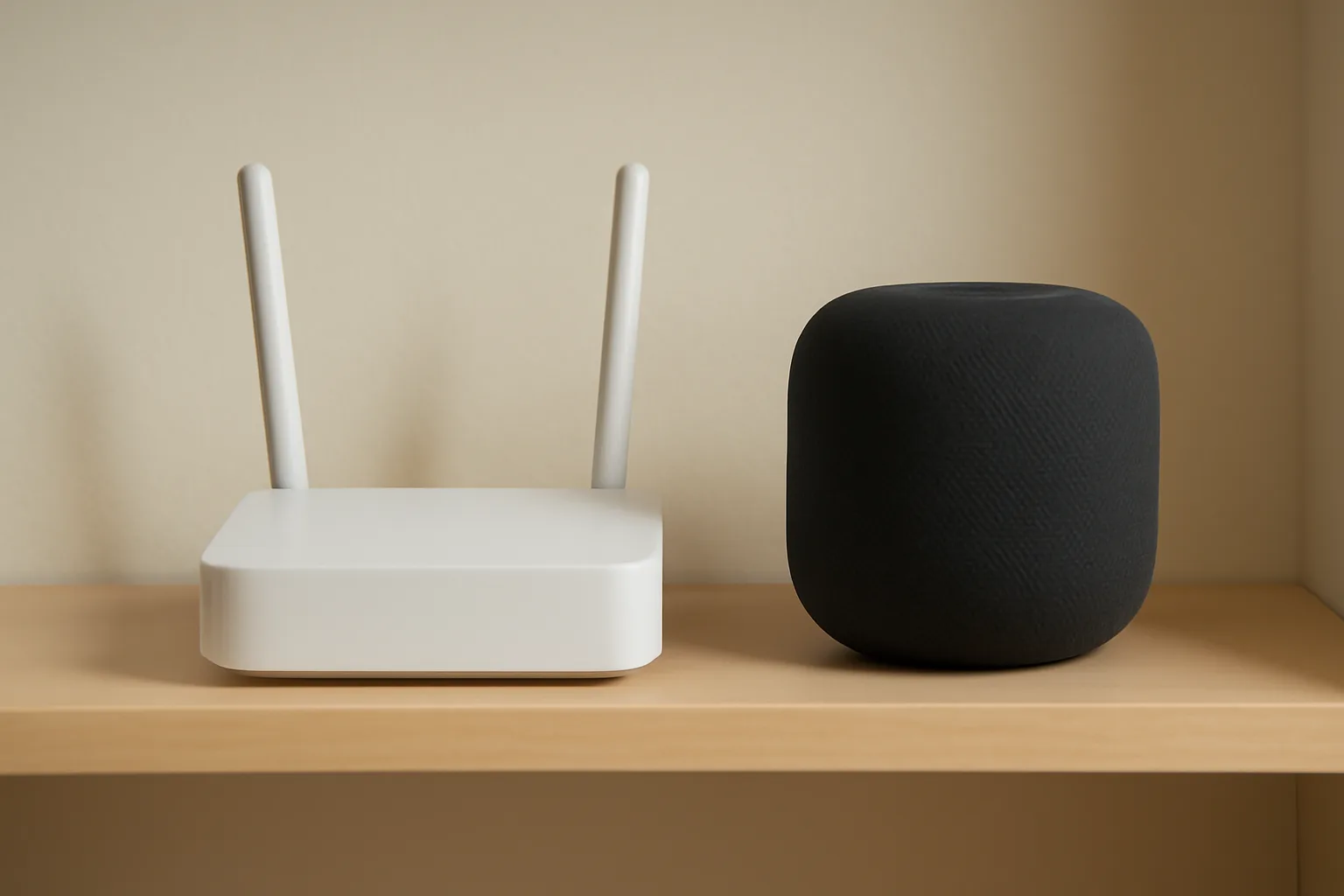
Wi-Fi is the backbone of most modern multi-room audio. It allows higher-quality streaming, better range, and more reliable syncing than Bluetooth. Most smart speakers and systems like Sonos use Wi-Fi as standard.
Pros:
- High-quality audio (supports lossless on some platforms)
- Can stream to multiple rooms at once
- Works even if your phone leaves the house
Cons:
- Needs a solid Wi-Fi network
- Slightly more complex setup
If you are weighing up wireless protocols and coverage trade-offs, read Zigbee vs Z-Wave vs Wi-Fi: Smart Lighting Protocols Explained.
Bluetooth Speakers
Bluetooth is easy to use, but it’s rarely ideal for whole-home sound. You can only stream to one speaker at a time (with rare exceptions), and range is limited.
Pros:
- Simple pairing
- Works without Wi-Fi
Cons:
- One speaker at a time
- Lower audio quality
- Dropouts through walls
Wired Speakers
If you’re planning a renovation, wired speakers can deliver superb sound and reliability. You’ll need to run speaker cables through walls or ceilings and connect them to an amplifier, which can then be paired with a streaming device (like a Sonos Amp or Chromecast Audio).
Pros:
- No wireless dropouts
- Consistent sound quality
- Can be hidden for a clean look
Cons:
- Installation is disruptive and costly
- Harder to upgrade or move
Streaming Adapters and Bridges
If you already have a hi-fi or powered speakers, you can add streaming with a device like Sonos Port, Echo Link, or a Chromecast Audio. This lets older systems join your multi-room setup without replacing them.
How to Add Streaming to Old Speakers
- Connect the streaming adapter to your amplifier or powered speakers.
- Set up the device in the relevant app (Sonos, Alexa, Google Home).
- Group the device with your other speakers for multi-room playback.
Choosing Alexa, Google, Apple or Sonos
Your choice here will shape your daily experience. Each platform has its strengths and quirks, and it’s best to stick to one ecosystem across your home for the smoothest multi-room audio.
Amazon Alexa (Echo)
Alexa is popular in the UK, thanks to affordable speakers and easy voice control. You can group Echos for multi-room music using the Alexa app. Integration with other smart home devices is strong—see our How to Set Up Home Automation Without a Hub guide for ideas.
Pros:
- Affordable hardware
- Good for voice control and smart home routines
- Expanding range of speakers (Echo, Echo Dot, Echo Studio)
Cons:
- Audio quality varies between models
- App can be fiddly
- Some features require Amazon Music
Google Home/Nest
Google’s system is similarly flexible, with a range of speakers and displays. Multi-room grouping is handled in the Google Home app. It’s great for those invested in Google services.
Pros:
- Good voice recognition
- Integrates with Google Assistant routines
- Supports Chromecast streaming
Cons:
- Limited third-party speaker options
- Some music services less well integrated
See our Best Smart Speakers 2026 UK: Alexa, Google & Apple Tested for more on the latest models.
Apple HomePod
Apple’s HomePods offer excellent sound and privacy, but only work seamlessly with Apple Music and AirPlay 2. If your home is full of iPhones and iPads, this can be a great choice.
Pros:
- Superb audio quality
- AirPlay 2 supports other brands
- Strong privacy features
Cons:
- Expensive
- Limited to Apple ecosystem
Sonos
Sonos is the gold standard for many UK homes. It supports multi-room audio, works with Alexa, Google Assistant, and Apple AirPlay 2, and can integrate with existing hi-fi gear. The app is reliable, and you can mix and match speakers across rooms. For stereo pairing and grouping, see Sonos multi-room audio support.
Pros:
- Excellent sound
- Flexible and scalable
- Works with many music services
Cons:
- Higher price
- Some advanced features need Sonos app
I would pick Sonos if you want the best sound and don’t mind paying a bit more, but Echo or Google speakers are perfectly good for most UK flats and houses.
Mixing Ecosystems
While it’s possible to mix brands (e.g., Sonos in the lounge, Echo in the kitchen), you’ll lose out on seamless grouping and synchronisation. AirPlay 2 is the best option for cross-brand setups, but only if you use Apple devices.
Room Grouping and Speaker Placement
How you group your rooms and place your speakers makes a real difference to your daily enjoyment.
Grouping Rooms
Most systems let you group rooms for music playback. For example, you might have:
- Kitchen and dining room as one group
- Lounge and hallway as another
- Bedrooms separate
You can change groups on the fly via the app or voice command. I usually find it helpful to set up default groups for typical routines—like “downstairs” for cleaning days, or “party mode” for entertaining.
Advanced Grouping Tips
- Create groups for different times of day (e.g., morning, evening)
- Use routines or automations to trigger groups (e.g., “Good morning” turns on kitchen and bathroom speakers)
- Some systems allow temporary groups for guests or parties
Speaker Placement Tips
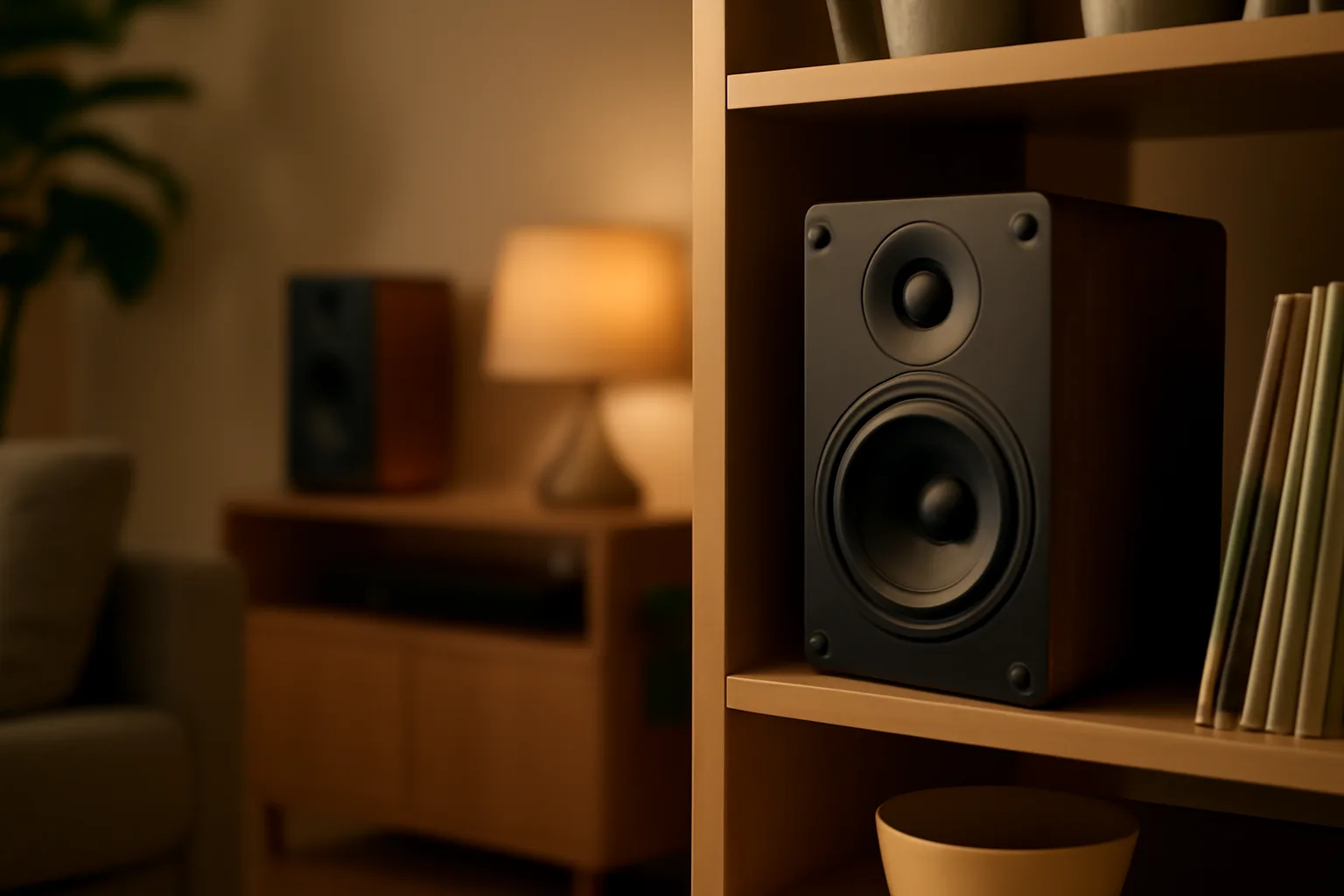
- Place speakers at ear level when seated for best sound
- Avoid tucking them behind furniture or in cupboards
- In kitchens, keep away from sinks and hobs
- Bathrooms need moisture-resistant models (like Sonos Roam, Echo Flex, or Google Nest Mini)
- For gardens, choose weatherproof outdoor speakers
Optimising Sound
- Use the app’s EQ or tuning feature (Sonos Trueplay, for example) to balance levels
- Match speaker size to room size for even sound
- Avoid placing speakers too close to corners, as this can cause boomy bass
Balancing Sound Across Rooms
The mistake I see most often is putting a big speaker in a small room and a tiny speaker in a large space. Match speaker size to room size for even sound. Use the app’s EQ or tuning feature (Sonos Trueplay, for example) to balance levels.
Avoiding Dropouts and Sync Problems
Dropouts and audio lag can ruin the multi-room experience. Here’s how to keep things running smoothly.
Wi-Fi Tips
- Use 5GHz Wi-Fi for less congestion, if your speakers support it
- Place your router centrally, away from thick walls
- Consider mesh Wi-Fi if you have signal black spots
- Avoid running microwaves or baby monitors near your router during parties
If you’re unsure about your broadband, Microsoft’s wireless network advice is a useful resource.
Syncing Audio
Most modern systems keep music in sync across rooms, but if you mix brands or use Bluetooth, you may get echo or lag. Stick to one ecosystem for best results. If you need to use different systems, AirPlay 2 is the most reliable for cross-brand sync, though it’s Apple-only.
Troubleshooting Dropouts
- Check for firmware updates on all speakers
- Minimise interference by keeping routers away from microwaves and cordless phones
- If using mesh Wi-Fi, ensure all nodes are on the latest firmware
- Use Ethernet connections for key speakers or hubs if possible
Wired Backhaul
If you’re running new cables during a renovation, consider Ethernet connections for key speakers or hubs. This can eliminate Wi-Fi dropouts entirely.
TV, Turntable and Existing Hi-Fi Integration
Many UK homes already have a TV soundbar, a beloved turntable, or a classic hi-fi. Integrating these into your multi-room audio setup is possible, but requires the right gear.
TV Integration
- Sonos Arc, Beam, or Ray can act as TV soundbars and multi-room speakers
- Amazon Echo Studio can pair with Fire TV for wireless surround
- Google Nest Audio or HomePod can be grouped for TV audio via Chromecast or Apple TV
Check the manufacturer’s documentation for grouping and sync options. For Sonos, see Sonos multi-room audio support.
Lip Sync and Delay
Be aware that sending TV audio to multiple rooms can introduce a delay. This is usually fine for casual listening but not for watching the same film in perfect sync in several rooms.
Turntables and Hi-Fi
To add a turntable or hi-fi to your setup:
- Connect your turntable to a preamp (if it doesn’t have one built in)
- Wire the preamp output to a streaming adapter (Sonos Port, Echo Link, or Chromecast Audio)
- Group this device with your other speakers in the app
This lets you play vinyl in one room and stream it across the house. Latency can be an issue—there’s often a slight delay between rooms, so it’s best for casual listening rather than DJing.
Keeping Old Speakers
Many people want to keep their old hi-fi speakers. Devices like Sonos Amp or Echo Link let you power passive speakers and add them to your multi-room system. It’s a good way to save money and keep your favourite kit.
Step-by-Step: Integrating Old Hi-Fi
- Connect the amplifier to a streaming bridge (Sonos Port, Echo Link, etc)
- Add the device to your app and group it with other speakers
- Enjoy your classic hi-fi as part of your modern multi-room system
What I Would Buy for Different Budgets
Here’s what I’d recommend for three common UK budgets. These aren’t the only options, but should give you a starting point.
Under £300: Entry-Level Multi-Room
- Two or three Amazon Echo Dots or Google Nest Minis for kitchen, lounge, and bedroom
- Use the app to group rooms
- Acceptable sound for background music, not parties
£300–£800: Mid-Range Flexibility
- One Sonos One or Era 100 for main room
- Two Echo or Nest speakers for other spaces
- Add a streaming adapter (Chromecast Audio or Echo Link) to existing hi-fi
- Good sound and flexibility, can expand later
£800+: Premium Whole-Home
- Two to four Sonos speakers (One, Five, or Roam for garden)
- Sonos Amp for existing hi-fi or ceiling speakers
- Sonos Beam or Arc for TV integration
- Seamless control and sound quality across rooms
If you’re planning to add smart lighting or other automation, see How to Set Up Smart Lights in Your Home for compatible options.
Upgrading Over Time
Remember, you don’t need to buy everything at once. Most systems are expandable, so you can start with a couple of speakers and add more as your needs or budget grow.
Frequently Asked Questions
Q1: Can I mix and match different brands of speakers in a multi-room setup?
You can, but it’s usually best to stick to one ecosystem (Sonos, Alexa, Google, or Apple) for reliable sync and grouping. AirPlay 2 allows some cross-brand grouping with Apple devices.
Q2: Will my multi-room audio work if my Wi-Fi goes down?
Most systems need Wi-Fi to stream music and control groups. Some Sonos speakers can play from a local source (like a NAS), but you’ll lose most functionality until your network is restored.
Q3: Do I need a subscription to use multi-room audio?
You don’t need a subscription for basic multi-room playback, but some features (like voice control with Alexa, or advanced grouping) may require services like Amazon Music, Apple Music, or Spotify Premium.
Q4: How do I avoid neighbours connecting to my speakers?
Secure your Wi-Fi with a strong password and disable open Bluetooth pairing. Most systems require you to be on the same network and logged into the app to control speakers.
Q5: Can I sync my TV audio with speakers in other rooms?
It’s possible with some setups (like Sonos), but there may be a delay. This is fine for music, but not ideal for watching TV in perfect sync in multiple rooms.
Q6: Is it worth buying used smart speakers to save money?
Used speakers can be a good deal, but check for app support and software updates. Some older models lose features over time, so research before buying.