You’ve just moved into a new place — or maybe you’ve finally decided to make your home a bit smarter — and now you’re staring at a wall of smart speakers online. Amazon Echo, Google Nest, Apple HomePod, Sonos… there are dozens of options and every single one claims to be the best. Half of them look identical, the prices range from £25 to £350, and you’re not sure if the one you pick will actually work with the smart bulbs you bought last month.
Choosing the right smart speakers in the UK doesn’t need to be this confusing. The key is understanding what you actually need — music quality, voice assistant control, smart home integration, or all three — and matching that to a speaker that fits your rooms, your budget, and the ecosystem you’re already invested in (or about to invest in).
I’ve set up smart speakers in kitchens, bedrooms, living rooms, and even bathrooms. Some were brilliant from day one, others went back in the box within a week. This guide covers everything you need to know before spending a penny.
Why a Smart Speaker and Not Just a Regular One?
A regular Bluetooth speaker plays music. A smart speaker does that too, but it also becomes the voice-controlled hub of your home. You can ask it to turn off the lights, set timers while your hands are covered in flour, check the weather before you leave for work, or play white noise for the kids at bedtime.
The practical difference is hands-free convenience. Once you’ve got one in the kitchen, you’ll wonder how you ever managed without it. Ask me how I know — I burned a pan of sauce the week I took mine out for a firmware reset.
Smart speakers also act as hubs for other devices. Many Amazon Echo and Google Nest speakers include Zigbee or Thread radios, meaning they can directly control smart lights, plugs, and sensors without needing a separate hub. That’s a genuine money-saver if you’re building a smart home security system on a budget.
The Three Ecosystems: Amazon Alexa, Google Assistant, and Apple Siri
Before you compare individual speakers, you need to pick an ecosystem. This is the single most important decision because it determines which devices play nicely together.
- Amazon Alexa — the widest compatibility in the UK. Works with virtually every smart home brand. The Echo range covers every budget from the £25 Echo Pop to the £350 Echo Studio. Alexa’s skills library is enormous, and the routines feature is powerful for automating your home.
- Google Assistant — slightly better at answering general knowledge questions and understanding natural speech. The Nest range is smaller but well-designed. Google’s smart home control has improved massively since 2024 and works with most major brands. Integrates seamlessly with YouTube Music and Chromecast.
- Apple Siri (HomePod) — the best audio quality per speaker, especially the full-size HomePod. But smart home compatibility is limited to HomeKit devices, which is a smaller pool. If your household is all-in on Apple (iPhones, iPads, Apple Music), it’s excellent. If not, the limitations will frustrate you.
The honest recommendation: if you’re starting from scratch and want maximum flexibility, go with Alexa or Google. If you’re an Apple household with HomeKit devices, HomePod makes sense. Don’t mix ecosystems across your home — that’s a recipe for frustration.
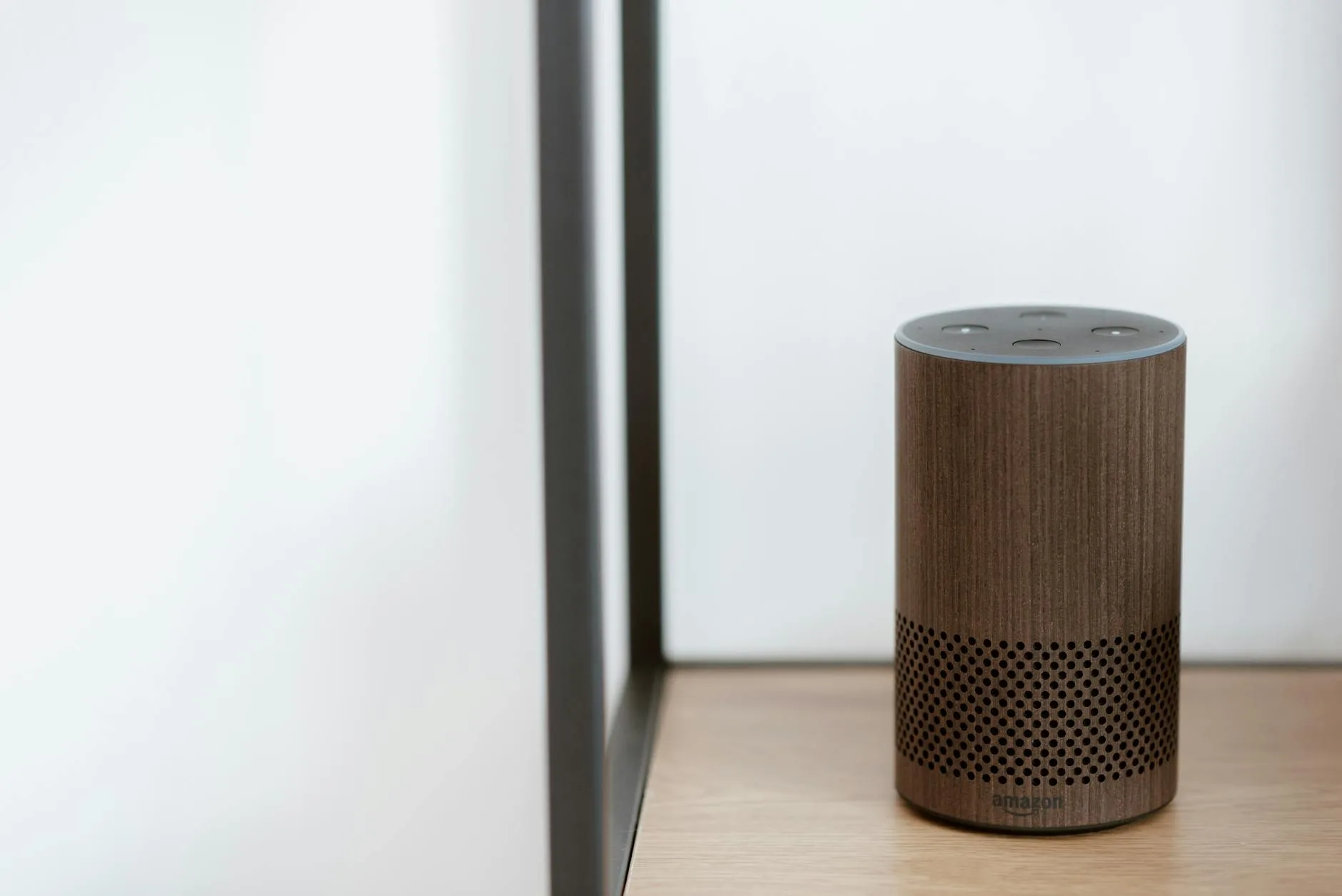
What to Look for in a Smart Speaker
Sound Quality
Sound quality varies wildly between smart speakers, even within the same brand. A £25 Echo Pop sounds thin and tinny compared to the £100 Echo (4th gen), which has surprisingly decent bass for its size. The Google Nest Audio (about £80) punches above its price for music. The Apple HomePod (about £280) sounds genuinely impressive — proper room-filling sound with spatial audio.
If music is a priority, budget at least £80-100 per speaker. Below that, you’re getting a voice assistant that happens to play music, not a speaker that happens to have a voice assistant.
- Budget (under £50): Amazon Echo Pop, Google Nest Mini — fine for voice commands, podcasts, and kitchen timers. Don’t expect to enjoy music on these.
- Mid-range (£50-150): Amazon Echo (4th/5th gen), Google Nest Audio, Sonos Era 100 — genuine music speakers with good smart features. The sweet spot for most rooms.
- Premium (£150+): Apple HomePod, Amazon Echo Studio, Sonos Era 300 — audiophile-adjacent quality with spatial audio support. Worth it for living rooms and dedicated listening.
Room Size Matters
A tiny smart speaker in a large open-plan kitchen-diner will sound lost. A premium speaker in a small bathroom is overkill.
- Small rooms (bathrooms, bedrooms): Compact speakers like the Echo Pop or Nest Mini work well. The echo and reverb in a bathroom actually make cheap speakers sound better than they are.
- Medium rooms (kitchens, home offices): The Echo (standard) or Google Nest Audio fill these spaces comfortably.
- Large rooms (living rooms, open-plan areas): Go for the Echo Studio, HomePod, or consider a stereo pair of mid-range speakers.
Smart Home Hub Features
Some smart speakers double as smart home hubs, which saves you buying a separate hub device.
- Amazon Echo (4th gen onwards) includes a built-in Zigbee hub and supports Thread/Matter. This means it can directly connect to and control Zigbee smart bulbs, plugs, and sensors.
- Google Nest speakers support Thread and Matter but don’t include Zigbee. You’ll need a separate hub for Zigbee devices.
- Apple HomePod and HomePod Mini act as HomeKit hubs and support Thread. Great for HomeKit devices, but the ecosystem is more limited.
If you’re planning to add smart lighting with Zigbee or Z-Wave protocols, an Echo with a built-in Zigbee hub is the most cost-effective option.
Screen or No Screen?
Smart displays (Echo Show, Google Nest Hub) add a touchscreen for video calls, recipe displays, photo frames, and visual smart home controls. They’re brilliant in kitchens — seeing a recipe step-by-step while you cook is really useful.
The trade-off: smart displays are larger, more expensive, and some people find the screen distracting in bedrooms. A standard smart speaker in the bedroom, a smart display in the kitchen — that’s a common and sensible split.
Smart Speakers with Screens Worth Considering
- Amazon Echo Show 8 (about £100) — the best all-rounder. Good screen size, decent speakers, works as a smart home dashboard.
- Google Nest Hub (about £80) — excellent for recipe walkthroughs and sleep tracking (uses radar, not a camera). No camera is actually a privacy feature for bedrooms.
- Amazon Echo Show 15 (about £230) — wall-mountable, works as a family notice board with widgets and calendars. Niche, but excellent if you want a central family hub.
- Echo Show 5 (about £60) — good bedside alarm clock replacement, but the small screen limits its usefulness.

Multi-Room Audio: Planning Ahead
One of the best features of smart speakers is multi-room audio — playing the same music synchronised across multiple rooms, or different music in different rooms. All three ecosystems support this, but implementation quality varies. For related guidance, see our Best Smart Speakers 2026 UK: Alexa, Google & Apple Tested guide.
- Sonos does multi-room best if audio quality is your priority, but it’s the most expensive option and the voice assistant integration (via Alexa or Google) is secondary.
- Amazon Echo multi-room is reliable and easy to set up through the Alexa app. Group speakers, set default music rooms, drop in on other rooms like an intercom.
- Google Nest multi-room works well with Chromecast integration. “Play jazz on all speakers” just works.
- Apple HomePod multi-room via AirPlay 2 sounds excellent but only works smoothly with Apple Music and Apple devices.
If you’re planning a whole-home setup, buy one speaker first, live with it for a month, then expand. Committing to six speakers on day one is how you end up with buyer’s remorse.
Privacy Considerations
Every smart speaker has a microphone that’s technically always listening for its wake word. That bothers some people, and it’s a reasonable concern.
All three platforms let you:
- Mute the microphone with a physical button (a hardware disconnect on most models, not just software)
- Review and delete voice recordings through the companion app
- Opt out of human review of your voice data
The Google Nest Hub (without a camera) is a solid choice for privacy-conscious buyers who still want a screen. The Apple HomePod processes more data locally on-device than Amazon or Google, which is a genuine privacy advantage.
For security camera setups, consider whether your smart speaker’s ecosystem matches your camera brand — Ring cameras with Alexa, Nest cameras with Google, and so on.
UK-Specific Buying Advice
Smart speaker prices in the UK fluctuate massively. Amazon runs sales on Echo devices almost monthly, and Prime Day (usually July) sees 40-50% discounts. Google does fewer sales but Black Friday is reliable.
Where to buy in the UK:
- Amazon UK — widest Echo range, frequent deals, next-day delivery with Prime
- John Lewis — price-matched, 2-year guarantee on electronics, good for returns
- Currys — often matches Amazon prices, handy if you want to hear speakers in-store
- Argos — same-day click and collect, useful when you want it now
- Apple Store — the only place to get HomePod unless you find it at John Lewis or Amazon
UK power and connectivity notes:
- All smart speakers need a mains power connection (no battery models from Amazon, Google, or Apple — though Sonos and some third-party speakers offer portable options)
- They need Wi-Fi. If your home has thick stone walls or poor Wi-Fi coverage in certain rooms, fix that first with a mesh system. A smart speaker with patchy Wi-Fi is just an expensive paperweight.
How Many Smart Speakers Do You Actually Need?
Fewer than you think. Start with one in the room you spend the most time in — usually the kitchen. Live with it for a few weeks. Then add a second in the bedroom or living room. For wider safety context, NCSC connected device security guidance is a useful reference.
A sensible whole-home setup for a typical UK three-bedroom house:
- Kitchen: Smart display (Echo Show 8 or Nest Hub) — for recipes, timers, morning briefings
- Living room: Premium speaker (Echo Studio, HomePod, or Sonos) — for music and TV integration
- Master bedroom: Small speaker (Echo Pop or Nest Mini) — for alarms, white noise, lights control
- Kids’ rooms: Optional small speaker — mainly for bedtime routines and music
That’s 3-4 speakers, about £200-400 total depending on which ecosystem and models you choose. You don’t need one in every room. The hallway doesn’t need a smart speaker.
My Recommendation
For most UK households starting out, the Amazon Echo (5th gen) at around £90-100 is the best all-round smart speaker. The sound quality is good enough for casual music, it includes a Zigbee hub for future smart home expansion, Alexa’s smart home compatibility is the widest, and the price drops regularly.
If audio quality matters more than smart home features, the Sonos Era 100 (about £200) sounds noticeably better and supports both Alexa and Google Assistant.
If you’re an Apple household, the HomePod Mini (about £90) is the sensible starting point — save the full-size HomePod (£280) for the living room once you’re committed.
And if you want a screen, the Amazon Echo Show 8 (about £100-120) is the best value smart display in the UK.
Setting Up Your Smart Speaker
Setting up is simple across all brands — plug in, download the app (Alexa, Google Home, or Apple Home), and follow the on-screen instructions. A few tips from experience:
- Place it centrally in the room — not in a corner or behind books. The microphones need to hear you, and the speaker needs space to project sound.
- Connect it to 5GHz Wi-Fi if your router supports it. More bandwidth, less congestion from other devices.
- Set up voice profiles for different family members. Alexa and Google both support this — it means personalised responses, separate music queues, and age-appropriate content for kids.
- Enable Do Not Disturb schedules for bedrooms. No one wants an Echo announcing a delivery at 11pm.
If you’re also setting up smart lighting scenes and schedules, your smart speaker becomes the voice control layer — “Alexa, movie time” dims the lights and turns on the TV.
Common Mistakes to Avoid
- Buying the cheapest model and expecting great sound. The Echo Dot and Nest Mini are voice assistants first, speakers second. If music matters, spend more.
- Mixing ecosystems. Having Alexa in the kitchen and Google in the living room creates confusion. Pick one and stick with it.
- Forgetting about Wi-Fi. Smart speakers need stable internet. If your Wi-Fi drops in the spare room, the speaker there will be unreliable.
- Over-buying on day one. Start with one or two speakers. You can always add more. You can’t always return six opened speakers.
- Ignoring the microphone mute button. If you’re having a private conversation, press it. It’s there for a reason.
Frequently Asked Questions
Which smart speaker has the best sound quality? The Apple HomePod (full-size) has the best sound quality of any mainstream smart speaker. For the price, the Sonos Era 100 and Amazon Echo Studio are also excellent. Budget options like the Echo Pop sound acceptable for voice and podcasts but lack bass and clarity for music.
Can I use smart speakers from different brands together? Not really. While some speakers support multiple assistants, mixing Amazon Echo and Google Nest in the same home creates complications with routines, multi-room audio, and smart home control. Pick one ecosystem and build around it.
Do smart speakers work without the internet? No. Smart speakers require a Wi-Fi connection to process voice commands, stream music, and control smart home devices. Without internet, they’re essentially useless.
Are smart speakers always listening to me? Smart speakers listen for their wake word (Alexa, Hey Google, Hey Siri) but don’t record or transmit audio until they hear it. You can mute the microphone with a physical button, review recordings in the app, and delete your voice history at any time.
How much do smart speakers cost to run on electricity? Very little. A typical smart speaker uses about 2-6 watts in standby and up to 15-30 watts when playing music at volume. That’s roughly £5-15 per year in electricity, depending on usage — less than a single LED bulb left on permanently.