You’ve just bought a pack of smart bulbs from Amazon, screwed them in, downloaded the app — and now your Wi-Fi is crawling. The kids can’t stream anything, your partner is giving you that look, and you’re starting to wonder if there was a better way to do this. Spoiler: there probably was.
The protocol your smart bulbs use — Zigbee, Z-Wave, or Wi-Fi — affects everything from how responsive they are to whether they’ll crash your home network. Most people don’t think about it until something goes wrong. I’ve spent the last couple of years testing smart lighting across all three protocols in my own home, and the differences are far bigger than the packaging suggests.
This guide breaks down what each protocol actually does, where it shines, and where it falls flat — so you can pick the right one before you’ve committed to an ecosystem you’ll regret.
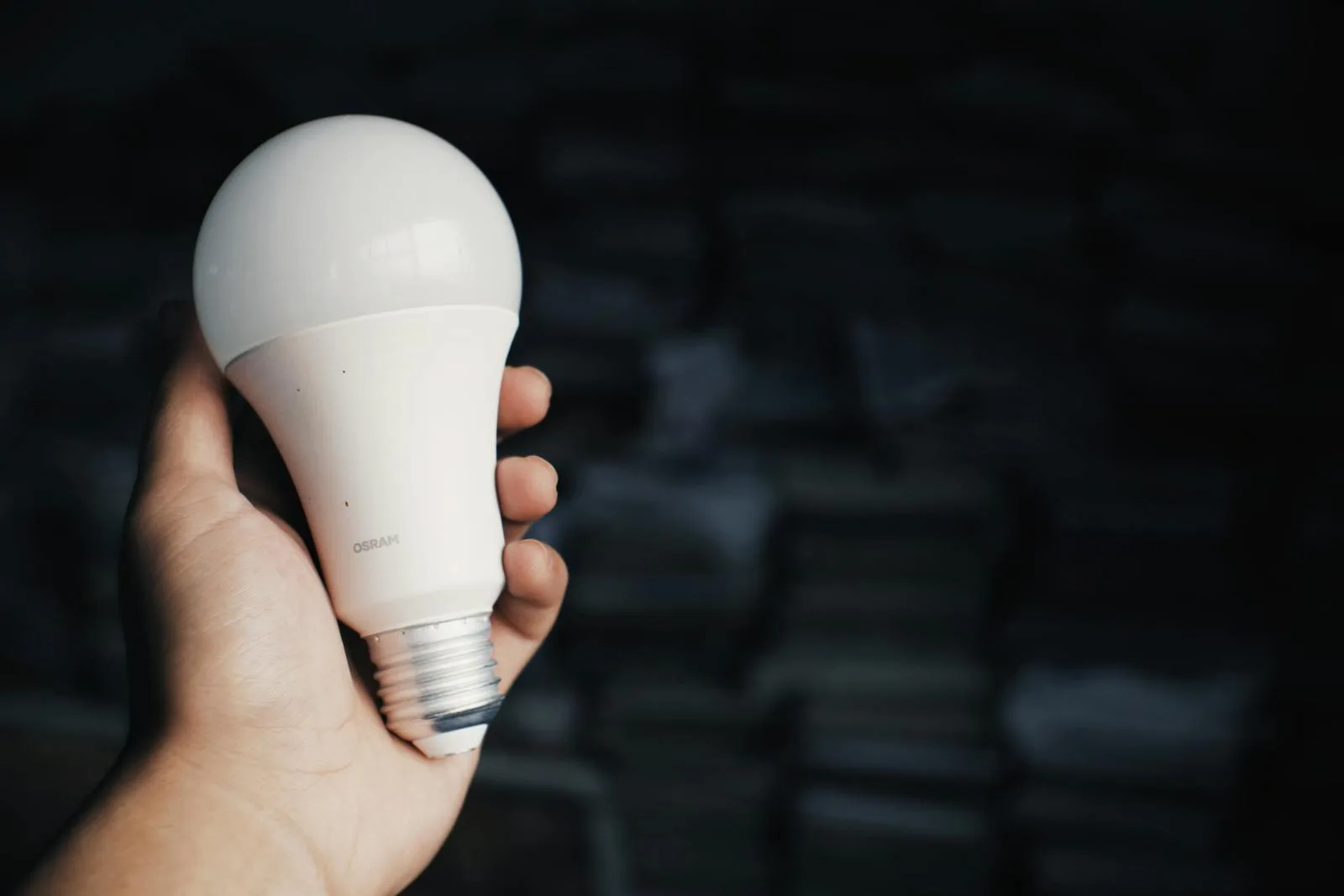
What Are Smart Lighting Protocols and Why Do They Matter?
A protocol is just the wireless language your smart bulbs use to talk to your phone, a hub, or each other. Think of it like choosing between English, French, and Mandarin — all perfectly functional, but you need everyone in the conversation speaking the same one.
The three main protocols for smart lighting in UK homes are:
- Zigbee — a low-power mesh network that needs a hub (like the Philips Hue Bridge or Amazon Echo with Zigbee built in)
- Z-Wave — another low-power mesh network with its own hub requirements, popular in broader home automation
- Wi-Fi — connects directly to your existing router, no hub needed
Each handles things differently: range, power consumption, how many devices they can support, and how they behave when your broadband goes down. Getting this choice wrong doesn’t just mean a dodgy light — it can mean rebuilding your entire setup from scratch when you want to expand.
If you’re just starting out with smart home tech, our guide to the best smart home devices for beginners covers the broader picture of choosing your first kit.
Zigbee: The Protocol Most Smart Lighting Fans Swear By
Zigbee operates on the 2.4 GHz frequency band and uses a mesh network, which means each bulb acts as a signal repeater. Add more bulbs, and the network actually gets stronger and more reliable. That’s the opposite of Wi-Fi, where more devices means more congestion.
The big name here is Philips Hue, which runs entirely on Zigbee. The Hue Bridge (about £50 from Argos or John Lewis) supports up to 50 bulbs and accessories, and in practice, the responsiveness is excellent. Tap the app, and the lights react almost instantly — there’s none of that one-second delay you sometimes get with Wi-Fi bulbs.
IKEA’s TRÅDFRI range is another solid Zigbee option, and it’s considerably cheaper. A TRÅDFRI white-spectrum bulb costs around £8-10, compared to £40+ for a Hue colour bulb. The IKEA hub (the DIRIGERA, about £50) works well enough, though the app is a bit clunky compared to the Hue ecosystem.
Where Zigbee excels:
- Mesh networking — devices relay signals to each other, extending range throughout the house without repeaters
- Low power draw — Zigbee radios sip electricity, which means battery-powered sensors and switches last months or years
- Doesn’t touch your Wi-Fi — runs on its own network, so your broadband stays clear for streaming, gaming, and video calls
- Massive device support — a single Zigbee network can theoretically handle over 65,000 devices (you won’t need that many, but headroom is nice)
Where it falls short:
- Needs a hub — you can’t just screw in a Zigbee bulb and connect it to your phone. You need a bridge or a compatible hub like the Amazon Echo (4th gen or newer)
- Potential interference — because it shares the 2.4 GHz band with Wi-Fi and Bluetooth, interference can occasionally be an issue in dense housing
- Ecosystem lock-in risk — Hue bulbs work best with the Hue app; mixing Zigbee brands can be fiddly without a universal controller like Home Assistant
I’ve run about 30 Hue bulbs and sensors across three floors, and the mesh has been rock solid. The only time I had issues was when I removed a bulb in the hallway that was acting as a relay for the upstairs landing — took me an embarrassingly long time to work out why those lights kept dropping off.
Z-Wave: The Quiet Achiever for Whole-Home Automation
Z-Wave takes a different approach. It operates on the 868 MHz frequency in the UK (and Europe), which is a much less crowded band than the 2.4 GHz that Zigbee and Wi-Fi fight over. Less interference, better wall penetration, and more reliable connections in older UK houses with thick walls.
Like Zigbee, Z-Wave uses mesh networking. But there’s a key difference: Z-Wave caps each network at 232 devices. For most homes that’s plenty, but if you’re planning a heavily automated setup with dozens of lights, switches, sensors, and locks, you’ll hit that ceiling sooner than you’d think.
Z-Wave isn’t as dominant in smart lighting specifically — it’s more popular for switches, dimmers, and whole-home automation hubs like the Samsung SmartThings Station (around £100-130 from Currys) or the Hubitat Elevation (about £130 from specialist retailers). For bulbs, the Aeotec and Fibaro ranges offer Z-Wave options, though you’ll pay a premium — expect £30-50 per bulb compared to £10-15 for basic Wi-Fi alternatives.
What Z-Wave does well:
- Less interference — the 868 MHz band is far quieter than 2.4 GHz, making connections more stable
- Better range through walls — lower frequency signals penetrate brick and plaster more effectively, which matters in Victorian terraces and solid-wall semis
- Backward compatibility — Z-Wave Plus devices are backward-compatible with older Z-Wave equipment, protecting your investment
- Strong security — Z-Wave mandates NCSC connected-device security guidance since 2017 (S2 security framework)
Where it struggles:
- Higher cost per device — Z-Wave products tend to be pricier than Zigbee or Wi-Fi equivalents
- Smaller lighting ecosystem — fewer dedicated smart bulb options compared to Zigbee
- Hub always required — there’s no getting around this, and Z-Wave hubs aren’t cheap
- Slower data rates — 100 kbps vs Zigbee’s 250 kbps. Fine for lighting commands, but you’ll notice it if you’re polling lots of sensors
For whole-home automation where lighting is just one piece of the puzzle — alongside door locks, blinds, alarm sensors, and heating — Z-Wave is hard to beat. It’s the protocol that serious home automation enthusiasts tend to gravitate towards, even if the upfront cost is higher.
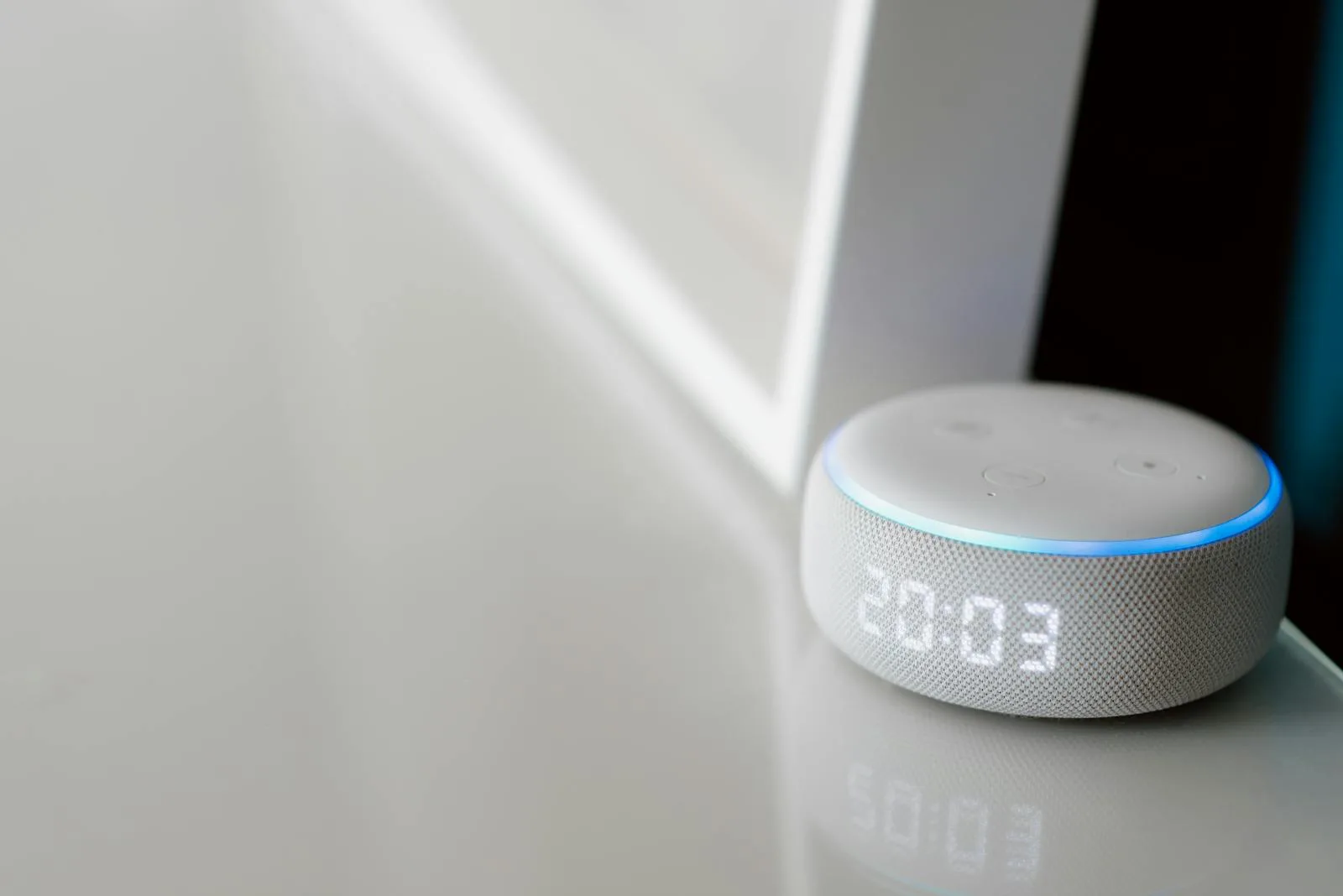
Wi-Fi Smart Lighting: Easy to Start, Tricky to Scale
Wi-Fi smart bulbs are what most people buy first, and for good reason. No hub. No bridge. Just screw in the bulb, download the app, connect to your home Wi-Fi, and you’re done. The TP-Link Tapo L530E (about £10-12 from Amazon UK) is a brilliant entry point — colour-changing, works with Alexa and Google, and costs less than a takeaway.
The WiZ range from Signify (the same company behind Philips Hue, funnily enough) is another strong Wi-Fi option. Their bulbs start at about £12-15 and offer solid colour range and app control without needing any additional hardware.
The appeal is obvious:
- Zero additional hardware — connects directly to your existing router
- Dirt cheap entry point — decent Wi-Fi bulbs start under £10
- Simple setup — download app, scan QR code, done
- Wide compatibility — almost everything works with Alexa, Google Home, and Apple HomeKit (via updates)
But here’s the catch — and it’s a big one:
Every Wi-Fi smart bulb sits on your home network as its own device. Your typical home router handles maybe 30-50 connected devices before it starts struggling. You’ve already got phones, tablets, laptops, a smart TV, maybe a games console, a doorbell camera, and a printer. Add 15 smart bulbs and you’re pushing into territory where things start buffering, dropping connections, or just behaving erratically.
I learned this the hard way. After fitting Wi-Fi bulbs in every room, my router started randomly dropping devices. Replaced it with a mesh system (TP-Link Deco, about £150 for a three-pack from Currys) and the problem went away — but that’s £150 I wouldn’t have spent if I’d gone Zigbee from the start. For related guidance, see our Philips Hue vs LIFX vs Nanoleaf: Smart Lighting Brands Compared guide.
Other Wi-Fi drawbacks:
- Higher power consumption — Wi-Fi radios draw more power than Zigbee or Z-Wave, which matters less for mains-powered bulbs but rules out battery devices
- No mesh networking — if a bulb is at the edge of your Wi-Fi range, it just drops off. No relay from nearby bulbs
- Cloud dependency — many Wi-Fi bulbs require the manufacturer’s cloud servers to function. If Tuya goes down (and it has), your lights stop responding to the app
- Security concerns — cheap Wi-Fi bulbs from unknown brands can be poorly secured, adding potential entry points to your home network
For a couple of lamps in the living room, Wi-Fi is fine. For a whole house, you’ll likely end up spending more on network infrastructure upgrades than you would have on a Zigbee hub.
Head-to-Head: Which Protocol Should You Choose?
Rather than a one-size-fits-all answer, the best protocol depends on what you’re actually trying to do.
Choose Zigbee if:
- You want to control 10+ lights reliably across multiple rooms
- You’re building a Philips Hue or IKEA smart lighting setup
- You want your smart lighting on a separate network from your Wi-Fi
- You already have (or plan to get) a compatible hub like the Amazon Echo 4th gen
Choose Z-Wave if:
- You’re building whole-home automation beyond just lighting — locks, blinds, heating, sensors
- You live in a house with thick walls where 2.4 GHz signals struggle
- Reliability and security are your top priorities
- You’re comfortable with a higher upfront investment for long-term stability
Choose Wi-Fi if:
- You only want 2-5 smart bulbs and don’t plan to expand much
- You want the simplest possible setup with zero extra hardware
- Budget is the main concern and you’re starting small
- Your router comfortably handles your current device count with headroom
A practical example: A typical three-bedroom semi in the UK might have 12-15 light fittings. Zigbee handles that without breaking a sweat — a Hue Bridge and 15 white ambiance bulbs would cost around £350-400 total from John Lewis. The same setup on Wi-Fi would be cheaper on paper (maybe £180 for 15 Tapo bulbs) but you’d very likely need a router upgrade to handle the extra load.
Matter: The Protocol That Promises to Unite Them All
You might have seen “Matter” on newer smart home packaging. Launched in late 2022, Matter is an interoperability standard backed by Apple, Google, Amazon, and Samsung — designed so that devices from different manufacturers all work together seamlessly.
Here’s the thing most people miss: Matter isn’t a replacement for Zigbee, Z-Wave, or Wi-Fi. It runs on top of them, as the Connectivity Standards Alliance explains in their technical overview. Matter can use Wi-Fi, Ethernet, or Thread (which is closely related to Zigbee) as its transport layer. So a Matter-certified Nanoleaf bulb might use Thread/Zigbee underneath, while a Matter-certified TP-Link bulb uses Wi-Fi.
What Matter actually solves is the app problem. Right now, Hue bulbs need the Hue app, IKEA bulbs need the IKEA app, and Tapo bulbs need the Tapo app. With Matter, you can control all of them from a single app — Apple Home, Google Home, or Amazon Alexa — regardless of the manufacturer.
It’s still early days, though. Matter device availability in the UK is growing but not universal. If you’re buying now, don’t hold off for Matter — buy what works today and upgrade when Matter versions become widely available at competitive prices. Most current Zigbee and Wi-Fi devices from major brands will get Matter firmware updates over time.
Setting Up Your First Smart Lighting System
If you’ve decided on a protocol, here’s a practical starting point for each.
Zigbee starter kit — Philips Hue:
- Hue Bridge (about £50 from Argos)
- Hue White Ambiance Starter Kit: 3 bulbs + bridge for about £90-100
- Add individual bulbs from £15 (white) to £45 (colour) each
- Total for a living room + bedroom setup: roughly £130-180
Zigbee budget option — IKEA TRÅDFRI:
- DIRIGERA hub (about £50 from IKEA)
- TRÅDFRI white spectrum bulbs from £8 each
- Total for a similar setup: roughly £90-120
Z-Wave starter kit:
- SmartThings Station or Hubitat hub (£100-130)
- Aeotec LED Bulb 6 Multi-Colour (about £35-40 each)
- Total for a living room + bedroom: roughly £250-300
Wi-Fi starter kit:
- No hub needed
- TP-Link Tapo L530E bulbs (about £10-12 each from Amazon UK)
- Total for a living room + bedroom: roughly £50-70
The gap between Wi-Fi and Zigbee narrows quickly once you factor in the hub cost. By the time you’re at 10+ bulbs, Zigbee is only marginally more expensive — and far more reliable. For related guidance, see our How to Set Up Smart Lighting Scenes and Schedules guide.
If you’re also thinking about security cameras for your smart home, most run on Wi-Fi regardless of your lighting protocol, so you’ll want to account for that network load too.
Common Mistakes to Avoid
After helping friends and family set up their smart lighting (and making plenty of my own errors), these are the pitfalls I see most often:
- Buying bulbs without checking the fitting — UK homes use a mix of B22 bayonet and E27 screw fittings, plus E14 and GU10 for smaller lamps and spotlights. Check every single fitting before you order
- Ignoring the hub question — “no hub required” sounds appealing until you realise you’ve got 20 Wi-Fi devices choking your network. A £50 Zigbee hub is cheaper than a £150 mesh router upgrade
- Mixing protocols without a plan — having some Zigbee bulbs, some Wi-Fi bulbs, and a Z-Wave switch sounds flexible. In reality, you end up with three apps, three control systems, and nothing that works together cleanly unless you run Home Assistant
- Forgetting about switches — smart bulbs stop working when someone flips the physical wall switch off. You’ll want either smart switches, switch covers (Philips Hue makes a good one for about £30), or a gentle conversation with your household about not touching the switches
- Skipping dimmer compatibility — if you’re replacing bulbs in a circuit with an existing dimmer switch, check compatibility. Many smart bulbs don’t play well with old-style leading-edge dimmers. You might need to swap the dimmer for a smart one or remove it entirely
The Bottom Line
For most UK households getting into smart lighting, Zigbee via Philips Hue or IKEA TRÅDFRI is the sweet spot. You get reliable mesh networking, no strain on your Wi-Fi, excellent app support, and a massive range of compatible bulbs and accessories. The hub adds £50 to the setup cost, but it pays for itself in reliability and scalability.
Wi-Fi is fine for dipping your toes in — grab a couple of Tapo bulbs and see if smart lighting suits your lifestyle. Just don’t build your whole house around it.
Z-Wave is the right choice if you’re going deep on home automation — not just lighting but locks, blinds, sensors, the lot. It costs more, but the reliability and security are a step above.
And whichever protocol you choose, start small. Buy 3-4 bulbs for one room, live with them for a month, and then decide whether to expand. It’s a lot easier to switch protocols when you’ve got 4 bulbs than when you’ve got 40.
Frequently Asked Questions
Do smart lights need a hub? Wi-Fi bulbs usually do not need a hub, while Zigbee and Z-Wave devices normally do. Hubs are better for larger homes because they reduce Wi-Fi congestion.
Are smart light switches better than bulbs? Switches are better for rooms with several bulbs or household members who use wall switches. Bulbs are easier for lamps, rented homes and colour effects.
Can smart lights work without the internet? Many hub-based systems keep basic local control working. Cloud-only Wi-Fi bulbs may lose app and automation features when the internet drops.
What should I check first with Zigbee vs Z-Wave vs Wi-Fi: Smart Lighting Protocols Explained? Start with the real use case, then check size, compatibility, running costs and maintenance. A product that looks good on paper can still be the wrong fit if it does not suit the room, routine or budget.
How do I avoid wasting money on Zigbee vs Z-Wave vs Wi-Fi: Smart Lighting Protocols Explained? Avoid buying on one headline feature alone. Compare the practical details, read the warranty or returns terms, and choose the option that solves your main problem rather than the one with the longest specification list.