Security camera storage SD card vs cloud vs NVR is really a decision about how much footage you want, how much you trust subscriptions, and what happens when something goes wrong. For one indoor camera, a microSD card or basic cloud plan is usually enough. For four outdoor cameras around a UK semi, an NVR is the cleaner long-term answer.
In This Article
- Security Camera Storage SD Card vs Cloud vs NVR: Quick Answer
- What Each Storage Option Actually Does
- SD Card Storage: Cheap, Local and Easy to Outgrow
- Cloud Storage: Convenient, but You Keep Paying
- NVR Storage: Best for Multi-Camera Homes
- Privacy, Security and Footage Retention
- How to Choose the Right Storage Setup
- Frequently Asked Questions
Security Camera Storage SD Card vs Cloud vs NVR: Quick Answer
Choose SD card storage if you have one or two cameras, want the lowest ongoing cost, and can live with shorter retention. Choose cloud storage if you want easy remote playback, phone alerts with saved clips, and no recorder box in the house. Choose an NVR if you have several cameras, want 24/7 recording, and dislike paying £5-£15 per month forever.
My default recommendation for most UK homes is this: start with a camera that supports both local SD recording and optional cloud. That gives you a cheap safety net first, then lets you add cloud only if you find yourself checking footage away from home. For a proper driveway, side gate and garden setup, I would skip the piecemeal route and buy a Reolink, Annke, Hikvision or Swann-style NVR kit instead.
The biggest mistake is buying cameras before deciding where the footage will live. It is easy to spend £80 on a neat Wi-Fi camera, then discover that useful event history needs a subscription, or that the camera only takes a 128GB card when you wanted two weeks of 24/7 footage.
The Short Version
- Lowest cost: SD card, usually £8-£25 for a high-endurance 128GB-256GB microSD card.
- Easiest remote use: cloud storage, usually £3-£10 per camera per month depending on brand and clip history.
- Best for several cameras: NVR, usually £250-£700 for a four-camera PoE kit with recorder and hard drive.
- Best no-subscription setup: NVR or cameras with proper local recording.
- Best rented-home setup: SD card or cloud cameras, because you avoid drilling cable runs.
If you already have smart cameras, check the companion app before buying more storage. Some brands sell cloud plans by camera, others by household, and some limit features such as person detection or longer event history unless you pay.
What Each Storage Option Actually Does
All three options store camera footage, but they fail in different ways. That matters more than the marketing headline.
SD Card Recording
The camera records video to a microSD card inside the camera body. You view clips through the app, and when the card fills up, the oldest footage is overwritten. It is simple, cheap and tidy. It is also sitting inside the camera, so if the camera is stolen, the card goes with it.
Good indoor cameras often support 128GB-256GB cards. Some outdoor models support 512GB. At 1080p motion-event recording, 128GB can last weeks. At 2K or 4K continuous recording, it can disappear faster than you expect. I would not buy a standard cheap card for a camera; use a high-endurance card from Samsung, SanDisk, Kingston or Integral. They cost more, but they are designed for repeated writing.
Cloud Recording
The camera sends clips to the brand’s cloud servers. You can watch them from your phone even if the camera is damaged or taken, assuming it uploaded before the event ended. Cloud is brilliant for convenience. It is also where costs creep in.
Ring Protect Basic is around £4.99/month per device in the UK, or around £49.99/year. Google Nest Aware starts at about £6/month for event video history across a home. Arlo Secure usually sits around £4.49-£12.99/month depending on camera count and features. Prices change, but the pattern is stable: one camera feels cheap; four cameras starts to look like another household bill.
NVR Recording
An NVR, or network video recorder, is a small box with a hard drive. Cameras send footage to it over Ethernet or Wi-Fi, though the best home setups use PoE Ethernet because one cable carries both power and data. The recorder sits indoors, usually near the router, and stores footage for days or weeks.
This is the closest you get to a serious home CCTV setup without going fully commercial. It is less slick than cloud cameras, but it gives you proper continuous recording, more storage, and no per-camera cloud fee.
If you are still deciding on camera types, pair this article with our guide to choosing the right security cameras and our indoor and outdoor security camera picks.
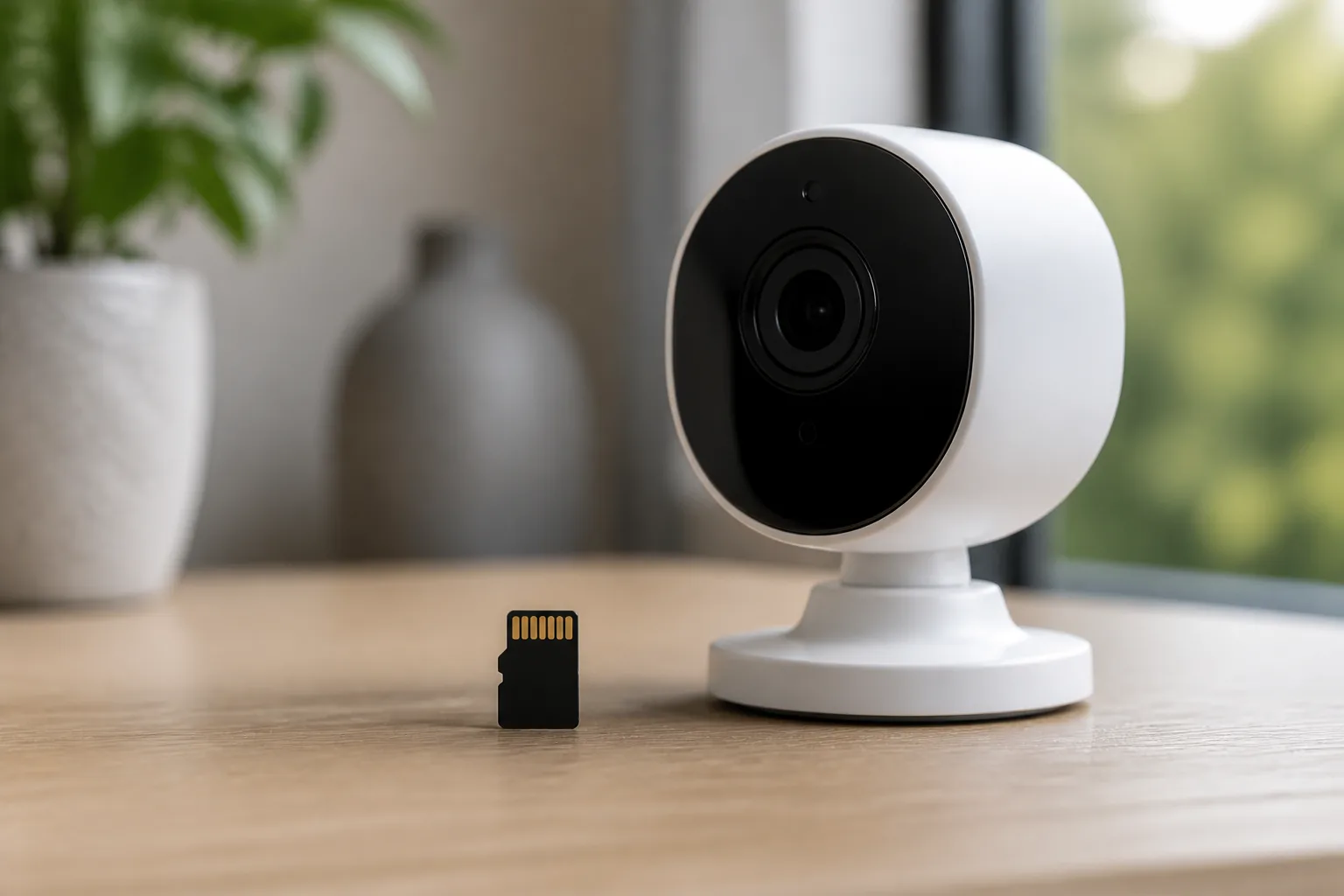
SD Card Storage: Cheap, Local and Easy to Outgrow
SD card storage suits small setups: a nursery camera, a hallway camera, a back-door camera in a rental, or a single outdoor Wi-Fi camera watching a shed. You pay once for the card, fit it, format it in the app, and let the camera overwrite old footage.
What It Costs in the UK
A decent microSD card is not expensive, but do not buy the cheapest no-name card from a marketplace listing.
- 128GB high-endurance microSD: about £10-£16 from Amazon UK, Currys or Argos.
- 256GB high-endurance microSD: about £18-£28.
- 512GB high-endurance microSD: about £40-£70, if your camera supports it.
- Replacement cycle: I would budget to replace camera cards every 2-3 years, sooner if the app reports card errors.
The card is only part of the cost. SD-card-friendly cameras such as TP-Link Tapo, Eufy SoloCam, Reolink Argus and some Ezviz models commonly cost £35-£160 depending on indoor/outdoor build, battery, solar panel and resolution.
Where SD Cards Work Well
SD cards are ideal for event recording. The camera records only when it detects motion or a person, so a modest card lasts longer. That is usually enough for checking who came to the door, what set off the side-gate alert, or whether the neighbour’s cat is the true owner of your garden.
They also keep footage local. If your broadband drops, the camera may still record to the card. If you are wary of sending every clip to a cloud account, local storage feels cleaner.
Where SD Cards Fall Down
The obvious weakness is theft. If the camera is reachable and someone takes it, the footage on the card may go too. Some cameras upload a thumbnail or event notification before that happens, but you cannot rely on it as evidence.
There are quieter weaknesses too. Cards wear out. Outdoor cameras can be awkward to reach when you need to remove the card. Some apps make exporting footage fiddly. And if the camera is battery-powered, continuous recording often is not an option because it would drain the battery.
We found this most annoying on side-passage cameras: event recording catches the start of motion, but if the motion detection is tuned too low to avoid false alerts, you can miss the few seconds you care about. That is not an SD-card problem alone, but local event storage makes it more obvious.
For motion-tuning help, read our guide to setting up security camera zones and motion alerts.
Cloud Storage: Convenient, but You Keep Paying
Cloud storage is the easiest option to live with day to day. You tap the alert, watch the clip, share it if needed, and do not think about hard drives, cards or recorder boxes. For many households, that convenience is worth paying for.
What You Are Really Buying
A cloud plan usually gives you some mix of:
- Saved event clips: motion, person, vehicle, animal or package clips kept for a set number of days.
- Remote playback: access from your phone when away from home.
- Richer alerts: person detection, familiar faces, package alerts or better filtering.
- Theft resilience: clips may survive even if the camera is damaged or stolen.
- Household sharing: extra users can view clips without sharing your main account password.
Google explains its Nest camera event and video history options in its own Nest Aware support guidance, which is worth reading before you assume a camera stores everything forever.
What It Costs
Cloud pricing is where the neat app experience becomes less neat. A single-camera plan can feel harmless; a whole-home setup can become expensive.
Typical UK costs in 2026:
- Ring Protect Basic: about £4.99/month or £49.99/year per device.
- Google Nest Aware: about £6/month or £60/year for event video history across a home.
- Arlo Secure: commonly around £4.49/month for a single camera, with multi-camera plans costing more.
- Eufy cloud storage: optional plans vary, but many buyers choose Eufy specifically because local storage is available.
Over five years, £6/month is £360. A £10/month multi-camera plan is £600. That does not mean cloud is bad, but it should be a conscious choice, not a surprise after you have already fitted the cameras.
The Best Reason to Use Cloud
The best reason is not storage capacity. It is off-camera backup. If the camera is knocked down, stolen or loses power after capturing the first few seconds, a cloud clip may still be there. That matters for front doors, driveways and outbuildings.
Cloud also suits less technical households. If you want a partner, parent, house-sitter or keyholder to open an app and find the clip without asking which HDMI input the recorder uses, cloud wins.
The Reasons to Be Cautious
Cloud recording depends on broadband, account security and the provider’s ongoing support. If your upload speed is poor, clips can lag or fail. If you reuse weak passwords, camera accounts become a privacy risk. If the provider changes pricing, you either pay more or lose features.
The NCSC smart device guidance is blunt on the basics: keep devices updated, use strong unique passwords and check how long products will receive support. That applies more to cloud cameras than any other option, because the account is part of the storage system.
For privacy-minded homes, I would avoid obscure bargain cloud camera brands. Saving £20 on hardware is not worth trusting unknown servers with indoor footage.
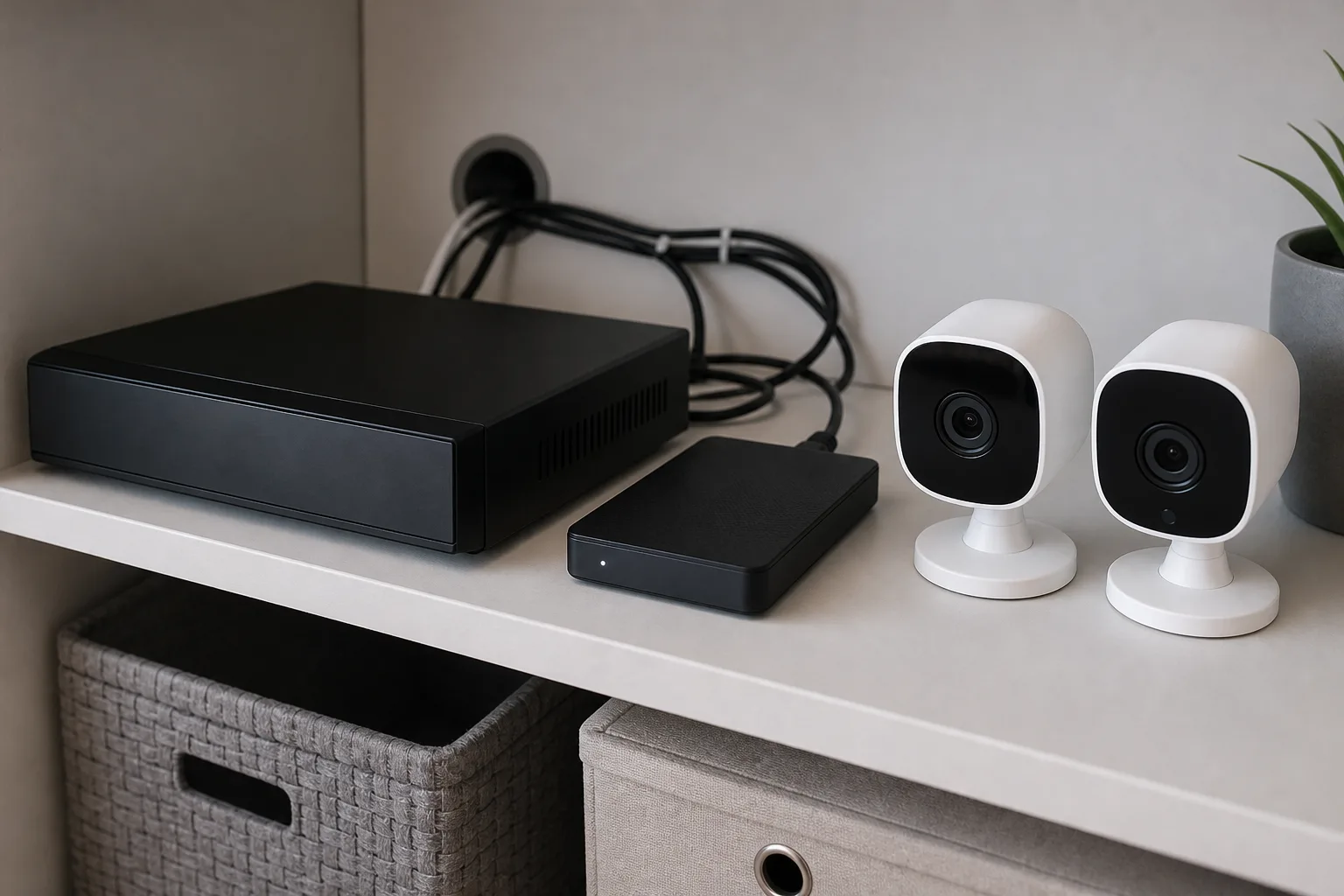
NVR Storage: Best for Multi-Camera Homes
NVR storage is the option I would choose for a four-camera house where security matters more than app gloss. You mount the cameras, run cables back to the recorder, and keep footage on a hard drive in the house. It is less trendy than cloud cameras. It is also far better for proper coverage.
What It Costs in the UK
Prices vary by camera resolution, night vision, hard-drive size and whether you install it yourself.
- Entry four-camera NVR kit: about £250-£400 from Amazon UK, Costco, Maplin-style security retailers or direct from brands such as Reolink, Annke and Swann.
- Better 4K PoE kit: about £450-£800 with a 2TB-4TB drive.
- Standalone NVR recorder: about £120-£300 before cameras and hard drive.
- Surveillance hard drive: about £55-£90 for 2TB, £80-£130 for 4TB, using WD Purple or Seagate SkyHawk-style drives.
- Professional installation: often £400-£1,200 depending on cable runs, camera height and property layout.
If you can run Ethernet neatly, PoE is worth it. Wi-Fi cameras are easier to fit, but outdoor Wi-Fi plus brick walls plus UK weather can be irritating. A wired PoE camera either has a connection or it does not; there is less mystery.
Why NVR Beats Cloud for Several Cameras
Continuous recording is the main advantage. Instead of saving a short clip after the camera thinks something happened, the NVR can record everything. That gives you the lead-up to an event, the moment itself, and the aftermath.
That matters for driveways. A cloud camera might capture the person walking across the frame. An NVR can show the car arriving, the person trying the handle, and which direction they left. Boring footage becomes useful only after something happens.
An NVR also scales better. Four cloud cameras at £5/month each can cost £240/year. Over three years, that is £720 before hardware. A £500 NVR kit with a hard drive starts to look sensible.
The Downsides
The downsides are installation and usability. Running cables through a loft, around soffits or down external walls is not everyone’s idea of a relaxing Saturday. The apps can feel clunkier than Ring or Nest. Remote access needs setup, and you must keep the recorder firmware updated.
There is also a single-location risk. If the recorder is left in plain sight next to the router, it can be taken. Put it somewhere boring: a locked cupboard, loft-adjacent cabinet or utility shelf. It needs ventilation, but it does not need to be on display.
For outdoor camera choice, our best outdoor security cameras guide covers weatherproofing, power and night vision in more detail.
Privacy, Security and Footage Retention
Storage is not only about how many days of clips you keep. It also affects privacy, account risk and what you should delete.
UK Privacy Basics
If your cameras only capture your own property, life is simpler. If they capture a neighbour’s garden, a shared path, the pavement or the road, you need to be more careful. The ICO’s home CCTV systems guidance explains the domestic CCTV responsibilities, including being able to explain why you are recording beyond your boundary and handling requests from people you record.
That does not mean you cannot use a front-drive camera. It means you should angle it sensibly, use privacy zones where the app supports them, and avoid recording more than you need. A camera watching your car is easier to justify than one pointed into next door’s kitchen window. Obviously.
Retention: How Long Should You Keep Footage?
For normal home use, 7-30 days is plenty. Most events are noticed quickly: a delivery issue, a damaged fence panel, a car scrape, someone trying a door handle. Keeping months of domestic footage rarely adds value and creates more privacy risk.
My rough retention guide:
- Indoor camera: 1-7 days, or event clips only.
- Doorbell/front door: 7-30 days.
- Driveway/outbuilding: 14-30 days.
- Holiday home or empty property: 30 days can make sense if visits are infrequent.
NVR systems make long retention tempting because the hard drive is sitting there anyway. Resist the urge to keep everything forever. More footage is not automatically better footage.
Account and Device Security
Whichever storage option you choose, do the dull security jobs:
- Use a unique password for the camera account.
- Turn on two-factor authentication where the brand offers it.
- Update firmware for cameras and recorders.
- Remove old shared users after house-sitters, trades or family members no longer need access.
- Check support life before buying heavily discounted old stock.
SD card storage reduces cloud exposure, but it does not make a camera magically secure. NVRs still need firmware updates. Cloud cameras still need sensible passwords. The storage choice changes the risk; it does not remove it.
How to Choose the Right Storage Setup
The right answer depends on camera count, property type and your tolerance for monthly fees. Here is how I would choose.
One Indoor Camera
Use SD card storage unless you specifically need cloud sharing. A TP-Link Tapo C220-style camera plus a 128GB high-endurance card can come in around £45-£65 all-in. That is hard to beat for a pet camera, hallway camera or elderly-relative check-in camera.
Cloud is worth adding only if missed clips would annoy you or if several people need remote access. For indoor cameras, be stricter about privacy. I would rather have local event recording in a hallway than permanent cloud clips of family life.
One Doorbell or Front Camera
Cloud starts to make more sense here. Doorbells are exposed, easy to damage, and often used for deliveries or attempted break-ins. If the device is stolen, local-only storage may disappear with it.
A Ring, Nest, Eufy or Reolink doorbell can all work, but check the storage model before buying. Eufy leans local. Ring leans subscription. Nest leans household cloud plan. The best choice is not just the camera; it is the camera plus the storage model you can live with.
For doorbell-specific setup, read our guide to choosing a video doorbell.
Three or More Outdoor Cameras
Buy an NVR kit unless you have a strong reason not to. The upfront cost hurts more, but the system is more coherent. You get continuous recording, a central archive and usually better wired reliability.
I would price a four-camera setup like this:
- Budget Wi-Fi cloud route: four £70 cameras plus £10-£15/month storage, roughly £280 upfront and £120-£180/year.
- Local SD route: four £70 cameras plus four £18 cards, roughly £350 upfront and no cloud fee, but weaker theft resilience.
- PoE NVR route: £450-£700 for cameras, recorder and hard drive, with no required cloud fee.
If you own the house and care about security, the NVR route is the one I would pick. If you rent, the SD/cloud route is easier to remove without arguments about cable holes.
The Setup I Would Avoid
I would avoid mixing several brands unless you enjoy app juggling. One Ring doorbell, two Tapo cameras, one random Amazon camera and an old NVR is not a system. It is four chores in a coat.
Stay within one ecosystem where possible, or at least separate roles clearly: one cloud doorbell at the front, one local indoor camera, and a proper NVR for outdoor coverage. That is manageable.
Final Recommendation
For most UK homes, the best security camera storage setup is:
- One or two cameras: buy cameras with SD card support and optional cloud.
- Doorbell/front door: consider cloud because device theft is more likely.
- Three or more outdoor cameras: use a PoE NVR kit with a 2TB-4TB surveillance drive.
- Privacy-sensitive indoor use: prefer local storage and short retention.
If I were fitting a normal family house from scratch, I would use a cloud or local-storage doorbell for the front door, then a wired NVR kit for driveway, side gate and garden coverage. It costs more on day one, but it avoids the slow drip of subscriptions and gives better footage when you actually need it.
Frequently Asked Questions
Is SD card storage enough for a security camera? Yes, for one or two cameras recording motion events. Use a high-endurance 128GB-256GB card, expect to pay about £10-£28, and remember that footage can be lost if the camera is stolen.
Is cloud storage safer than local storage? It is safer against camera theft because clips can be saved off-site, but it depends on broadband, account security and the provider. Use two-factor authentication and a unique password.
How much does an NVR camera system cost in the UK? A basic four-camera NVR kit is usually about £250-£400, while a better 4K PoE kit with a larger drive is often £450-£800 before any professional installation.
Do security cameras record all the time? Some do, but many battery and cloud cameras record only motion events. NVR systems are the most common home option for proper 24/7 recording.
How long should I keep home CCTV footage? For normal domestic use, 7-30 days is usually enough. Use shorter retention indoors and longer retention for driveways, outbuildings or properties you do not check daily.