The Philips Hue Essential four-bulb E27 kit is the best smart-lighting starter kit for most UK homes with screw-fit lamps. It costs more than hub-free bulbs, but four colour bulbs and a Bridge give you a proper base for switches, sensors and additional rooms. Choose Tapo for B22 bayonet lamps, WiZ for hub-free E27 lighting, Hue GU10 for spotlights, or Nanoleaf when the job is accent lighting rather than a main bulb.
Start with the fitting, not the app logo. B22, E27 and GU10 products are not interchangeable, and a lightstrip solves a different problem again.
Quick Picks
- Best overall: Philips Hue Essential E27 Starter Kit
- Best for B22 fittings: Tapo L530B Two-Pack
- Best hub-free E27 kit: WiZ Colour E27 Two-Pack
- Best for spotlights: Philips Hue GU10 Starter Kit
- Best for accent lighting: Nanoleaf Essentials Matter 5m Lightstrip
Contents
- Comparison table
- Starter kits reviewed
- How to choose
- Bridge vs hub-free Wi-Fi
- Setting up your first kit
- Final verdict
- Frequently asked questions
Smart Lighting Starter Kit Comparison
| Product | Fitting / type | What you get | Connection | Best for |
|---|---|---|---|---|
| Hue Essential E27 | E27 bulbs | 4 bulbs + Bridge | Hue Bridge | Expandable system |
| Tapo L530B | B22 bulbs | 2 bulbs | Wi-Fi | UK bayonet lamps |
| WiZ Colour | E27 bulbs | 2 bulbs | Wi-Fi / Bluetooth | Hub-free E27 |
| Hue GU10 | GU10 spotlights | 3 bulbs + Bridge + button | Hue Bridge | Spotlight zone |
| Nanoleaf Essentials | 5m lightstrip | Strip + controller + power | Matter over Wi-Fi / Bluetooth | Accent lighting |
The 5 Best Smart Lighting Starter Kits Reviewed
1. Philips Hue Essential E27 Starter Kit — Best Overall

Four dimmable colour E27 bulbs and a Hue Bridge make this the most complete route into an expandable lighting system. The Bridge keeps lighting traffic on a dedicated network and opens Hue accessories, schedules and out-of-home control.
Buy it if: You have E27 lamps and expect to add switches, sensors or more rooms later.
Skip it if: You only need one or two inexpensive bulbs and do not want another box beside the router.
Main compromise: The higher entry price buys a mature ecosystem, but the included Essential bulbs are aimed at ordinary ambient lighting rather than maximum output.
2. Tapo L530B Two-Pack — Best for B22 Fittings

This two-pack solves the most common UK-specific compatibility problem: B22 bayonet lamps. Each colour bulb connects to 2.4GHz Wi-Fi without a hub and supports schedules, dimming, colour scenes and Alexa or Google Assistant voice control.
Buy it if: Your lamps use B22 fittings and you want a low-cost two-bulb start without a bridge.
Skip it if: You plan a large whole-home lighting system or need a physical remote in the box.
Main compromise: Every bulb joins Wi-Fi directly, and cutting power at the wall switch removes app and voice control.
3. WiZ Colour E27 Two-Pack — Best Hub-Free E27 Kit

WiZ is the tidy choice for two E27 lamps when you want colour scenes without a separate bridge. The two bulbs connect to Wi-Fi, support warm-to-cool white and colour modes, and can use WiZ SpaceSense motion detection when both are positioned appropriately in one room.
Buy it if: You want two screw-fit colour bulbs, schedules and scenes with minimal extra hardware.
Skip it if: You want Hue’s broader accessory range or a dedicated lighting network for many rooms.
Main compromise: SpaceSense depends on the room layout and multiple compatible WiZ lights; it is not the same as a dedicated motion sensor in every situation.
4. Philips Hue GU10 Starter Kit — Best for Spotlights

This kit combines three colour GU10 spotlights, a Hue Bridge and a Smart Button. The button is the practical advantage: family and visitors can control the lights without an app, while the Bridge provides the same expansion route as the E27 Hue kit.
Buy it if: You are starting with a three-spot GU10 zone and want app, voice and physical control from day one.
Skip it if: You need to replace six or eight spotlights immediately and the full-room cost is too high.
Main compromise: Each bulb is rated at 350 lumens, and the kit had only three units left at the time of review.
5. Nanoleaf Essentials Matter 5m Lightstrip — Best for Accent Lighting

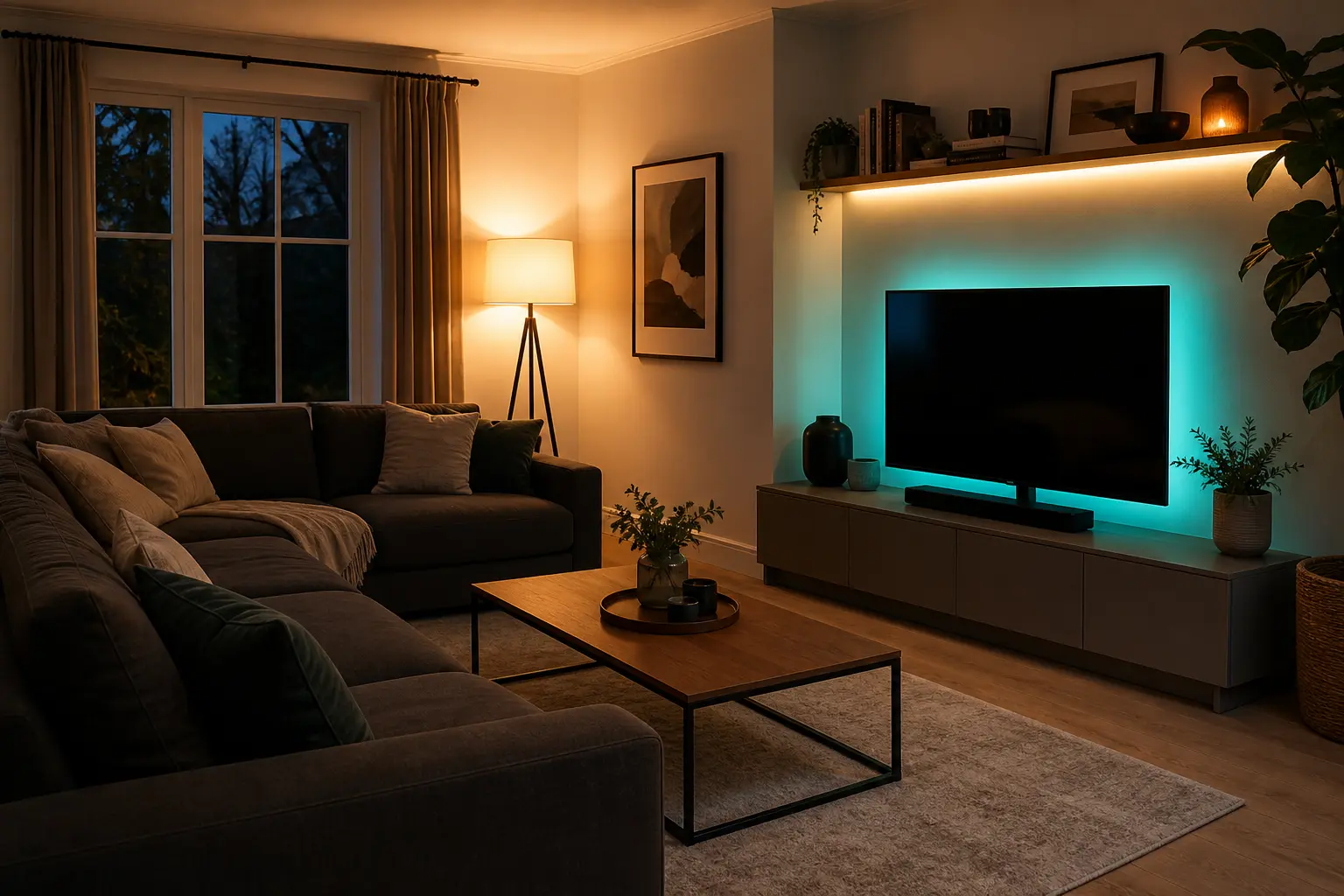
Nanoleaf’s five-metre strip is for shelves, media units and indirect accent light rather than replacing a main bulb. It uses 300 addressable LEDs across 60 colour zones, supports animated gradients and includes the strip, controller and power supply.
Buy it if: You want hidden, multi-zone colour behind furniture or along shelving and already understand where the cable will run.
Skip it if: You need a main room light or expect every Nanoleaf effect to appear identically in every Matter platform.
Main compromise: Schedules through another ecosystem require a compatible Matter hub, and visible LED dots look much less polished than reflected light.
How to Choose the Right Starter Kit
Check the fitting first
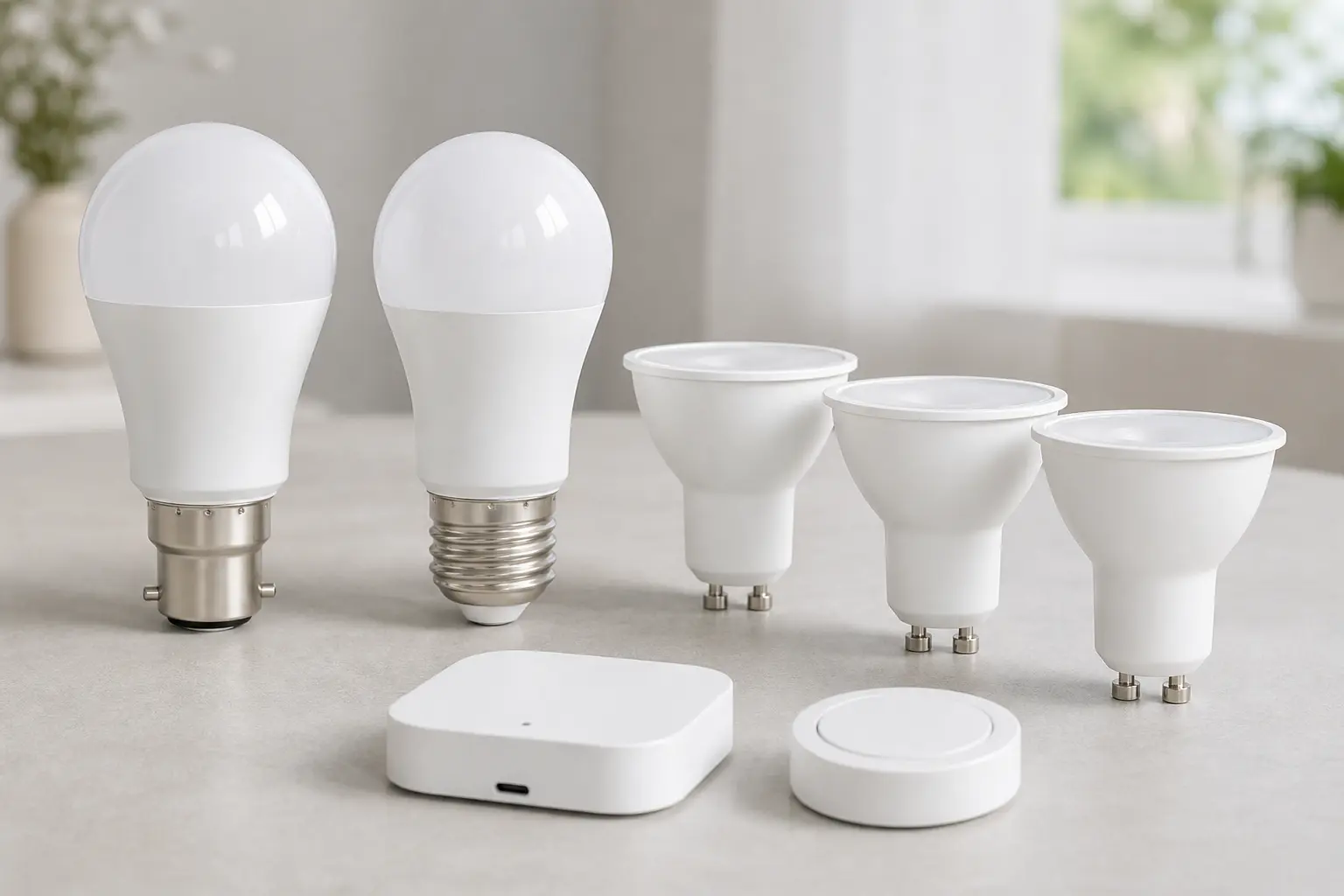
With the power off and the existing bulb cool, inspect its base. B22 has two side pins and twists into a bayonet holder. E27 uses a 27mm screw. GU10 has two short locking pins for spotlight fittings. Our guide to smart-bulb fittings, lumens and colour temperature covers the details.
Plan physical control
A smart light still needs to work when your phone is charging or a guest enters the room. The Hue GU10 kit includes a button; the others may need a separate accessory. If the original wall switch is turned off, the bulb has no power and disappears from app and voice control.
Buy colour where it earns its keep
Colour works well in living rooms, children’s rooms and accent zones, but daily use is usually warm-to-cool white. A hallway or utility room may be better served by a cheaper tunable-white bulb. Our scenes and schedules guide shows what useful automation looks like after installation.
Keep Matter expectations realistic
Matter improves cross-platform device setup, but it does not guarantee that every brand-specific animation, scene or control appears in Apple Home, Alexa, Google Home or SmartThings. The product maker still determines device features and required controller hardware.
Bridge vs Hub-Free Wi-Fi
A bridge adds a powered box and an Ethernet cable, but it separates lighting traffic from ordinary Wi-Fi and supports a mature accessory range. Philips confirms that the Essential starter kit includes four E27 bulbs and a Bridge. Hub-free bulbs are cheaper and quicker for one room. The practical dividing line is scale: two or three Wi-Fi bulbs are easy; a planned whole-home system benefits more from dedicated lighting infrastructure.
For a deeper comparison, see our guide to Zigbee, Z-Wave and Wi-Fi lighting protocols and the wider Philips Hue, LIFX and Nanoleaf comparison.
Setting Up Your First Smart Lighting Kit
- Confirm fittings and network: check every bulb base and connect the phone to the Wi-Fi band required by the product.
- Install the brand app: sign in and allow necessary Bluetooth or local-network access.
- Connect a bridge first: for Hue, power the Bridge and connect it to the router before pairing bulbs.
- Add one light at a time: use clear names such as “sofa lamp” rather than “bulb one”.
- Create rooms and physical controls: make everyday on/off control reliable before building elaborate scenes.
- Test a power cycle: check what happens after the wall switch is turned off and back on.
Start with one useful warm-evening scene and one bedtime schedule. The full smart-light setup walkthrough covers pairing and room organisation, while our smart lightstrip guide helps if the Nanoleaf route suits the room.
Final Verdict
Buy the Philips Hue Essential four-bulb E27 kit if you want the strongest all-round starting point. Tapo is the value choice for B22 lamps, WiZ is the simpler hub-free E27 pair, and Hue GU10 is the best spotlight package because it includes both a Bridge and button. Choose Nanoleaf only when a lightstrip is the right lighting format.
The biggest mistake is choosing an ecosystem before checking the fitting. Get B22, E27, GU10 or lightstrip placement right first; then decide how much expansion and physical control you need.
Frequently Asked Questions
What is the best smart-lighting starter kit for most UK homes? The Philips Hue Essential four-bulb E27 kit is the best all-round choice when your lamps use E27 fittings and you expect to expand.
Do smart bulbs need a hub? Not always. Tapo and WiZ use Wi-Fi directly, while Hue uses a Bridge for its full system. Some Matter integrations still require compatible controller hardware.
Are B22 and E27 bulbs interchangeable? No. B22 is a bayonet fitting and E27 is a screw fitting. Use the correct bulb for the lamp.
Can smart bulbs work with normal wall switches? Yes, but switching off the power makes smart controls unavailable until the switch is turned on again.
Is Matter the same as Thread? No. Matter is an interoperability standard; Thread is one network technology that Matter devices can use.
How many smart bulbs should I start with? Two suit a pair of lamps. Four make whole-room scenes and grouping more useful, provided the fittings match.