You’ve come home to a smashed window and a missing laptop. Or maybe you haven’t — but the thought keeps nagging, especially after the third parcel goes missing from the doorstep. An outdoor security camera won’t stop every crime, but it will show you who’s at your door, what happened while you were out, and give the police something useful if things go wrong. The trouble is choosing one. The market is flooded with cameras that all claim to be “weatherproof” and “4K” and “AI-powered,” and half of them struggle to tell the difference between a burglar and a cat. For related guidance, see our Best Indoor Security Cameras 2026 UK: Pet & Baby Monitoring guide. For related guidance, see our Best Security Cameras 2026: Indoor & Outdoor UK Picks guide.
In This Article
- Best Overall: Ring Spotlight Cam Pro
- What Makes a Good Outdoor Camera
- Our Top Picks for 2026
- Weatherproofing: IP Ratings Explained
- Wired vs Wireless vs Battery
- Night Vision: Colour vs Infrared
- Local Storage vs Cloud Subscriptions
- Smart Home Integration
- Installation Tips for UK Homes
- Privacy and UK Law
- Frequently Asked Questions
Best Overall: Ring Spotlight Cam Pro
If you want one camera that does everything well without overcomplicating things, the Ring Spotlight Cam Pro is still the best all-round choice for UK homes in 2026. It combines a 1080p HDR camera with built-in spotlight, two-way talk, colour night vision, and bird’s-eye view motion tracking — all in a weatherproof housing that handles British winters without flinching.
Why It Wins
The Spotlight Cam Pro’s strength is reliability. After running one on a north-facing wall through a full year — including the Beast from the East 2.0 and a particularly aggressive August heatwave — it hasn’t missed a beat. The motion detection is tuneable enough to ignore cats and foxes while catching actual people. The spotlight deters casual opportunists. The Alexa integration means you can check the live feed from any Echo Show in the house.
The downside: you need a Ring Protect subscription (£3.49/month or £34.99/year) for video recording and playback. Without it, you only get live view. That’s the trade-off Ring makes — affordable hardware, recurring subscription revenue.
Price: about £150-180 IP rating: IP55 (rain, dust, jets of water) Power: wired (mains), battery, or solar panel options Buy from: Amazon UK, Argos, Currys
What Makes a Good Outdoor Camera
Before the individual picks, here’s what separates a camera that works from one that ends up in a drawer.
Resolution
- 1080p (Full HD) — the minimum acceptable standard. Good enough to identify faces at 3-5 metres
- 2K (1440p) — the sweet spot for most outdoor cameras. Noticeably sharper than 1080p, especially when zooming in on footage
- 4K — excellent detail but requires more storage and bandwidth. Overkill for most home setups unless you’re covering a large area
For a deeper dive, our resolution comparison guide breaks down when higher resolution actually matters.
Field of View
Wider is generally better for outdoor cameras. Look for 130-180 degrees horizontal field of view. Anything under 110 degrees leaves blind spots at the edges.
Weather Resistance
An outdoor camera in the UK needs to handle rain, frost, heat, and humidity. IP65 or IP66 is the minimum you should consider. More on this in the weatherproofing section below.
Motion Detection Quality
The difference between cheap and good cameras is how well they detect what matters. Basic cameras trigger on every moving branch, cat, and raindrop. Better cameras use AI person detection to filter out false alerts. The best ones (Ring, Arlo, Google Nest) distinguish between people, vehicles, animals, and packages.
Our Top Picks for 2026
Best Value: TP-Link Tapo C520WS
At about £50-65, the Tapo C520WS delivers specs that cameras twice its price struggle to match. 2K resolution, colour night vision (with built-in spotlights), AI person and vehicle detection, and a 360-degree pan-and-tilt mechanism that lets you survey the entire garden from one camera.
No subscription needed — footage stores locally on a microSD card (up to 512GB) or on a Tapo hub. That alone saves you £35-80 per year compared to Ring or Arlo. The app isn’t as polished as Ring’s, and the build quality feels a step below the premium brands, but for the price it’s hard to argue with.
Price: about £50-65 IP rating: IP66 Power: wired (mains)
Best Battery: Arlo Pro 5S
The Arlo Pro 5S is the best wireless outdoor camera you can buy. The rechargeable battery lasts 3-8 months depending on activity, the 2K HDR image quality is excellent, and the magnetic mount makes installation genuinely tool-free — push it onto the metal plate and it clicks into place.
Where it stands out is the AI detection. It tells you what triggered the alert — person, vehicle, animal, or package — in the push notification itself. No opening the app to check if it’s a delivery driver or a hedgehog. The catch is the Arlo Secure subscription (£2.79/month) for cloud recording and smart alerts. Without it, you get live view only.
We’ve had an Arlo on the back fence for about eight months now. The battery genuinely lasts through winter with moderate activity (5-10 triggers per day). The magnetic mount means we move it to different spots depending on what we’re monitoring — the fence this month, the side gate last month.
Price: about £180-220 IP rating: IP65 Power: rechargeable battery (or solar panel)
Best for Google Homes: Google Nest Cam (Outdoor)
If your house runs on Google Home, the Nest Cam Outdoor integrates seamlessly. It shows up on every Nest Hub, responds to voice commands, and uses Google’s AI for person and face recognition (with Nest Aware subscription).
The 1080p resolution is its main weakness — competitors offer 2K at the same price. But the Google integration, the excellent app, and the 3-hour free recording buffer (even without a subscription) make it a strong choice for Google households.
Price: about £150-180 IP rating: IP54 Power: battery or wired
Best Premium: Reolink Argus 4 Pro
For pure image quality, the Reolink Argus 4 Pro leads the pack. True 4K resolution with dual-lens technology that captures wider views without fish-eye distortion. It runs on battery or solar, stores footage locally or to Reolink’s cloud (with a free basic plan), and the colour night vision is the best we’ve tested — genuinely usable footage at 2am.
The downside is the app. Reolink’s software works but lacks the polish of Ring or Google. Smart home integration is limited to basic Alexa and Google Assistant compatibility. If you care more about footage quality than ecosystem integration, this is the one.
Price: about £130-160 IP rating: IP65 Power: battery, solar, or wired
Weatherproofing: IP Ratings Explained
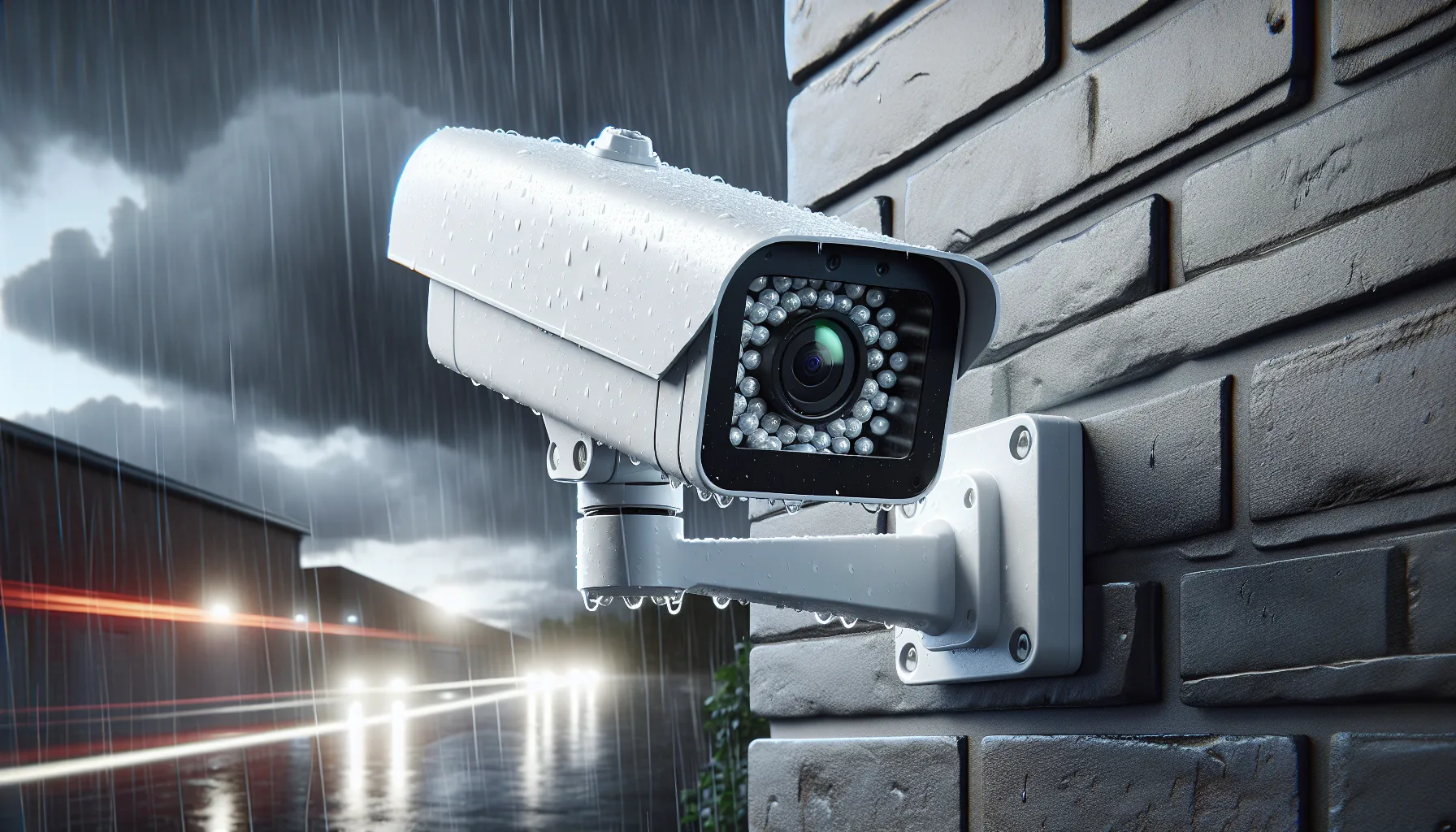
Every outdoor camera has an IP (Ingress Protection) rating — a two-digit code that tells you how well it resists dust and water.
What the Numbers Mean
The first digit (0-6) rates dust protection. The second digit (0-9) rates water protection.
- IP54 — protected against dust ingress; splashes from any direction. The bare minimum for outdoor use in the UK. Fine under a sheltered eave but not for exposed positions
- IP55 — same dust protection; jets of water from any direction. Good for most UK installations
- IP65 — dust-tight; jets of water from any direction. The standard for quality outdoor cameras
- IP66 — dust-tight; powerful jets of water. Handles the worst British storms and direct hose-down
- IP67 — dust-tight; temporary submersion. More than you need for a camera but common on premium models
What Matters for the UK
Rain isn’t the only concern. British outdoor cameras also face:
- Frost — temperatures regularly drop below -5°C in winter. Check the camera’s operating temperature range (most good cameras handle -20°C to 50°C)
- Humidity — constant moisture causes condensation inside cheap housings. Look for cameras with anti-fog coatings or sealed lens housings
- UV exposure — south-facing cameras in direct sun fade and degrade faster. White or light grey housings hold up better than black
- Wind — mounting needs to be secure. A camera that vibrates in wind produces useless footage
Wired vs Wireless vs Battery
Wired (Mains Power)
- Pros: always on, no battery worries, supports continuous recording, handles higher resolution without battery drain
- Cons: needs a power cable routed from your house, may need an electrician, less flexible positioning
- Best for: permanent installations, front doors, driveways
Battery
- Pros: easy installation (no wiring), flexible positioning, can be moved
- Cons: needs recharging every 3-12 months, can’t do continuous recording (only event-based), cold weather reduces battery life
- Best for: rental properties, side gates, sheds, positions far from a power outlet
Solar
- Pros: battery camera with indefinite runtime, zero running costs
- Cons: needs consistent sun exposure (tricky in UK winters), solar panel adds to the visual footprint
- Best for: south-facing positions, rural properties, locations where charging is inconvenient
Wi-Fi vs Wired Network
All the cameras above connect via Wi-Fi. If your Wi-Fi doesn’t reach the camera location reliably (signal drops in the garden, thick stone walls), consider a PoE (Power over Ethernet) camera — one cable carries both power and data. Reolink’s PoE cameras are the best value in this space.
Night Vision: Colour vs Infrared
Infrared (Traditional)
Black-and-white footage using IR LEDs. All outdoor cameras include this as standard. It works reliably but you lose colour information — you can’t tell if a jacket is red or blue, which reduces identification value.
Colour Night Vision
Uses a built-in spotlight or ambient light amplification to produce colour footage in the dark. The spotlight-based approach (Ring, Tapo, Arlo) illuminates a 5-10m radius. The ambient light approach (Google Nest) enhances available light without adding its own.
Which Is Better?
Colour night vision is more useful for identification — police consistently say colour footage is more helpful than black-and-white. The trade-off is that a spotlight announces the camera’s presence (which can be either a deterrent or an alert to would-be intruders that they’re being recorded). For most UK homes, a camera with both modes — colour when triggered, infrared by default — gives the best of both worlds.
Local Storage vs Cloud Subscriptions
Local Storage (microSD or NAS)
- TP-Link Tapo, Reolink: free local recording to microSD card
- No monthly fees — the footage lives on a card inside the camera or on your own network storage
- Risk: if someone steals or damages the camera, the footage goes with it
- Good for: budget-conscious users, tech-comfortable people who manage their own storage
Cloud Subscriptions
- Ring Protect: £3.49/month (one camera) or £8/month (all cameras)
- Arlo Secure: £2.79/month (one camera) or £8.99/month (all cameras)
- Google Nest Aware: £5/month (events) or £10/month (24/7 recording)
- Footage stored off-site — even if the camera is destroyed, the recording is safe in the cloud
- Risk: recurring cost, potential privacy concerns with cloud-stored video
The Smart Play
Use a camera with both options. Record locally as your primary storage (free), and enable cloud backup for important events. That way you get free day-to-day recording with cloud safety net for incidents.
Smart Home Integration
Amazon Alexa / Ring
Ring cameras work natively with Alexa. “Alexa, show me the front door” pulls up the live feed on any Echo Show. Ring Doorbells and Cameras also link to Ring Alarm. If you’re already in the Ring ecosystem, staying Ring makes life simpler.
Google Home / Nest
Google Nest cameras and Google Home speakers work seamlessly together. Nest Hubs display camera feeds, Google Assistant responds to voice commands, and Nest Aware provides smart alerts. Third-party cameras (Arlo, Reolink) have limited Google Home support.
Apple HomeKit
Limited options. Most outdoor cameras don’t support HomeKit natively. The Logitech Circle View is the main HomeKit-first outdoor camera, and its features lag behind Ring and Arlo. If your house runs on HomeKit, you may need to use a HomeKit bridge (like Homebridge or Scrypted) to integrate non-native cameras.
For the full picture on how these ecosystems interact, our smart home ecosystems guide covers Apple, Google, and Amazon in detail.
Installation Tips for UK Homes
Positioning
- Front door: 2-3m high, angled slightly downward. Captures faces of anyone approaching
- Driveway: higher mount (3-4m) with a wide field of view. Covers the whole area
- Back garden: fence-mounted or wall-mounted, covering entry points (gates, back door)
- Side passage: narrow space benefits from a wider-angle lens (140°+)
Avoiding False Alerts
- Set detection zones in the app to exclude public pavements and busy roads
- Adjust sensitivity to medium. High sensitivity catches everything; low misses real events
- Enable person detection (AI) to filter out animals, branches, and weather
For step-by-step zone configuration, our motion zone setup guide walks through each brand.
Practical Considerations
- Check Wi-Fi signal strength at the camera location before buying (walk over with your phone)
- Mount cables out of reach — a visible cable at 1.5m is an invitation to yank it out
- Point cameras away from direct sun to avoid lens flare and washed-out footage
- Consider a camera pointing at the camera — if someone covers or steals camera A, camera B records it happening
Privacy and UK Law
Outdoor cameras in the UK are governed by GDPR and data protection law. The rules are simple but worth knowing.
What You’re Allowed to Do
- Record your own property (garden, driveway, front door) without restriction
- Use cameras for security purposes
Where It Gets Complicated
- Recording beyond your boundary — if your camera captures a public pavement, a neighbour’s garden, or a shared driveway, GDPR applies. You become a data controller and must handle footage responsibly
- Audio recording — cameras with microphones recording conversations may engage additional regulations. Use audio recording only on your own property
- Signage — if your camera records any public area, displaying a “CCTV in operation” sign is good practice (and may be legally required in some circumstances)
Practical Advice
Most home cameras cover some amount of public space (it’s almost impossible to avoid a sliver of pavement). The ICO’s guidance is pragmatic — focus the camera primarily on your property, use the minimum coverage needed for security, and don’t use footage for anything other than its intended purpose.
Frequently Asked Questions
Do outdoor security cameras need Wi-Fi? Most wireless outdoor cameras need Wi-Fi to send alerts and store footage in the cloud. However, cameras with local microSD storage (like TP-Link Tapo and Reolink) can record footage without internet — you just won’t get real-time alerts on your phone until the Wi-Fi reconnects.
Are outdoor security cameras worth it? Yes, if you use them properly. The Home Office’s research consistently shows that visible cameras are a deterrent — burglars prefer homes without visible security. Combined with smart alerts and cloud recording, outdoor cameras give you real-time awareness and evidence if anything happens.
How many outdoor cameras do I need? For a typical UK terraced or semi-detached house, two cameras (front door and back garden) cover the main entry points. Detached houses may need three — front, back, and side passage. Start with the most vulnerable point and add cameras as needed rather than buying a full system upfront.
Can I install an outdoor camera myself? Battery and solar cameras are fully DIY — just mount the bracket and connect to Wi-Fi. Wired cameras need a power cable, which may require drilling through walls and basic electrical knowledge. If you’re not comfortable with external wiring, budget about £50-100 for a professional installation.
Do outdoor cameras work in heavy rain? Cameras rated IP65 or above handle heavy rain without issues. IP54-rated cameras (like the Google Nest Cam) are splash-proof but may struggle in prolonged heavy downpours or if mounted in an exposed position without shelter. For exposed UK installations, IP65 is the minimum recommended rating.