Night vision is where a good security camera either becomes useful after dark or turns into a bright blur every time someone walks past the bins. A proper security camera night vision setup is mostly about placement, infrared reflection, app settings and storage, not buying the most expensive camera on Amazon UK. Get those right first and even a £50-£90 camera can give you footage you can use.
In This Article
- What Night Vision Actually Changes
- Check Your Security Camera Night Vision Setup First
- Position the Camera So Infrared Can Work
- Tune Motion Zones and Alerts After Dark
- Fix Glare, Reflections and Washed-Out Footage
- Budget Upgrades That Make Night Footage Clearer
- Security, Privacy and Storage Settings
- Frequently Asked Questions
What Night Vision Actually Changes
Most home security cameras use one of two night modes: infrared black-and-white night vision or colour night vision helped by a spotlight. They solve different problems. Infrared is discreet and works in darker corners, but it can lose colour detail. Spotlight colour mode gives a more recognisable coat, car or parcel colour, but it announces itself and can annoy neighbours if the beam points the wrong way.
Infrared versus colour night mode
Infrared LEDs sit around the camera lens and throw light the camera can see but you mostly cannot. On a Ring, Eufy, Reolink, TP-Link Tapo or Arlo camera, this is usually the default night mode. It is good for driveways, side paths and gardens where you want movement captured without turning the whole area into Wembley.
Colour night vision needs more light. Some cameras use a built-in white spotlight; others rely on an existing porch light, garage light or PIR floodlight. In owner reviews, colour night mode tends to look impressive in product photos and less impressive in a real UK side return with rain on the lens, a white wall nearby and a wheelie bin reflecting half the infrared back at the sensor.
What you can realistically identify
At night, the aim is usable evidence, not cinema. A £35 indoor camera looking through glass will struggle to identify a face outside. A £90-£160 outdoor camera mounted at the right height can usually show a person, clothing, direction of travel and vehicle shape. Number plates are harder because reflective plates and headlights often overexpose.
For a front door, I would prioritise a camera that gives a clear approach angle over one that claims 4K but sits too high. Our security camera resolution guide explains why more pixels do not rescue poor placement.
The useful test
Before you change anything, stand where a person would walk at 9pm and watch the live view. Then walk across the frame wearing a dark jacket. If your face becomes a pale blob, the camera is too close, too high, reflecting off something, or using the wrong night mode. That five-minute test tells you more than another hour comparing spec sheets.
Check Your Security Camera Night Vision Setup First
Start in the app, because many cameras ship with safe but mediocre defaults. A good security camera night vision setup needs the camera, app and recording plan all working together. There is no point fixing the angle if the camera stops recording after six seconds.
Settings to check before moving hardware
Open the camera app and check these in daylight first:
- Night mode: Set it to automatic unless you know you want infrared-only or colour-only.
- Infrared LEDs: Turn them on for outdoor views, but off if the camera is behind glass.
- Spotlight behaviour: Use motion-triggered rather than always-on for most homes.
- Recording length: Set clips long enough to capture the full movement, usually 20-60 seconds.
- Sensitivity: Start in the middle, then tune after dark.
- Notification schedule: Keep night alerts active for the areas that matter.
On cheaper cameras, the setting names vary. TP-Link Tapo often uses “night mode” and “IR LED”; Reolink uses options around “infrared lights” and “spotlight”; Ring and Arlo split controls between motion settings, light settings and device settings. The idea is the same: make the camera record what matters without waking your phone every time a fox visits.
Firmware and app updates
Update the firmware before judging the camera. Manufacturers often adjust night exposure, person detection and spotlight behaviour through software updates. I have seen camera apps change enough after an update that an old online complaint no longer matches the current product.
The National Cyber Security Centre advises changing default passwords and keeping camera firmware updated. Its smart security camera guidance is plain English and worth following before you leave a camera running outside your home.
Price reality
For a typical UK home, this is the sensible spend:
- Budget camera: TP-Link Tapo C320WS or similar, about £45-£70 from Amazon UK or Currys.
- Mid-range camera: Reolink Argus, Eufy SoloCam or Ring Stick Up Cam, roughly £80-£160.
- Premium multi-camera kit: Arlo Pro or EufyCam kits, often £250-£600 depending on camera count and storage.
If you already own a mid-range camera, settings and placement usually beat upgrading. If you own a £25 no-name camera with a weak app, poor update history and fuzzy night footage, I would replace it before spending money on lights.
Position the Camera So Infrared Can Work
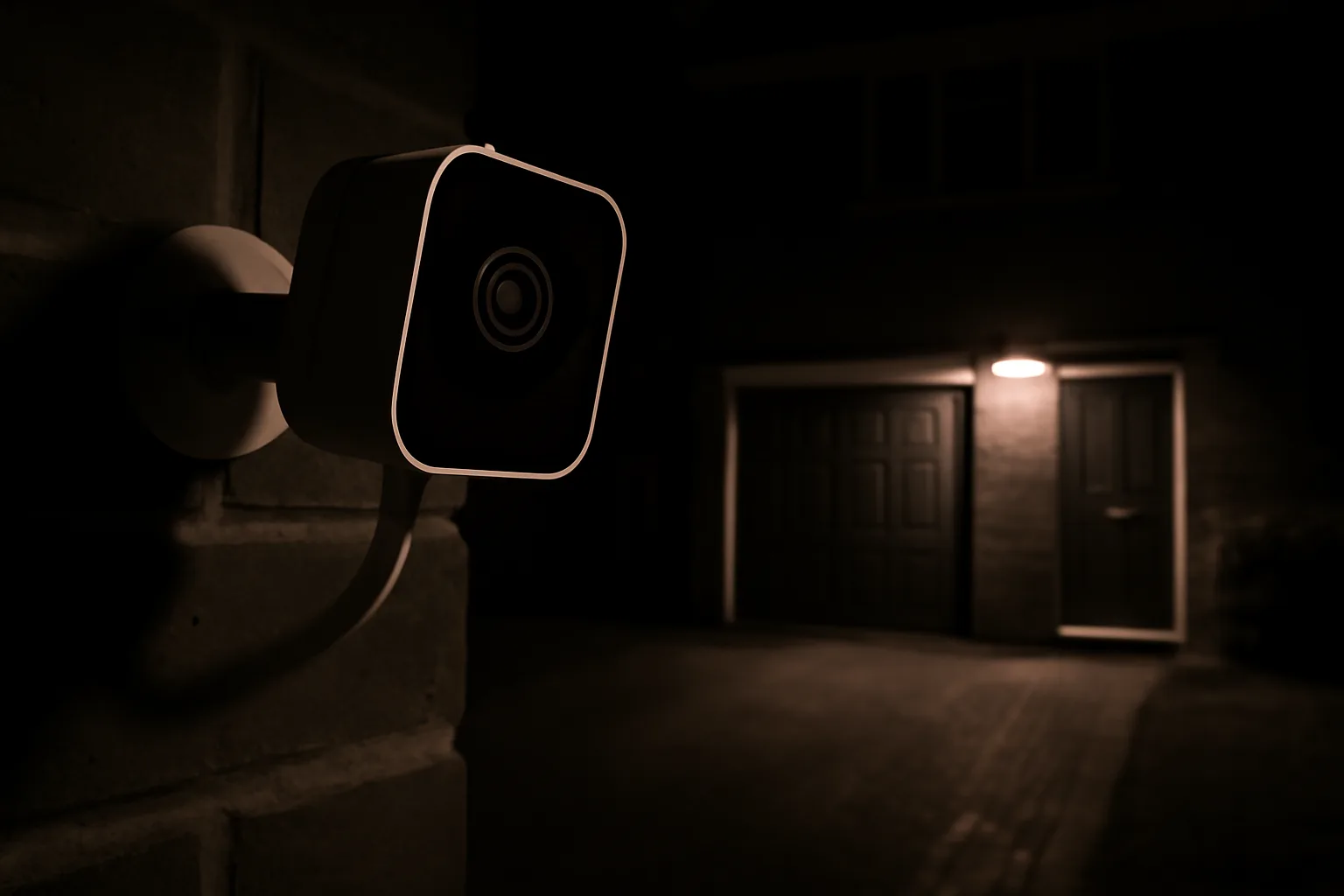
Night vision hates bad angles. A camera that looks fine at noon can fail badly after sunset because infrared bounces off walls, soffits, drainpipes, glass, glossy doors and even spider webs. Placement is the boring bit, which is probably why it causes so many problems.
Height and angle
For a front door, mount the camera around 1.5-1.8m high if possible. That is low enough to catch faces and high enough to avoid casual tampering. For a driveway or garden view, 2.2-2.8m is often fine, but angle it down rather than across the street.
Avoid pointing the lens straight at:
- A white wall within 1m: It will bounce infrared back into the camera.
- A window or glass door: Infrared reflects and creates a ghostly white haze.
- A car number plate at close range: Reflective plates often flare at night.
- A porch light in frame: The camera may expose for the light and lose the person.
If you use a video doorbell, our video doorbell angle guide is relevant because the same field-of-view problem applies: a perfect view of the path is useless if faces enter at the edge of the frame.
Distance from the target
Most consumer cameras claim night vision distances like 10m, 15m or 30m. Treat those as ideal conditions, not a promise for a rainy British driveway. For identification, keep the important zone closer:
- Face detail: Aim for 1.5-4m from the camera.
- Person detection: Usually reliable at 3-8m if the angle is clean.
- Vehicle movement: Often fine at 5-15m, but number plates are hit and miss.
I prefer one camera covering a smaller high-value zone well over one wide camera trying to cover the front door, driveway, pavement and half the road. Wide views look impressive in the app. Tight useful views solve problems.
Test with the real lights on
Do not test night vision in total darkness if the real area normally has a porch light, street light or PIR floodlight. Turn on the lights that are normally on. Then test again with rain on the ground if you can. Wet paving reflects infrared and white light, which can make a camera look worse than it did on a dry evening.
Tune Motion Zones and Alerts After Dark
Night footage only matters if the camera records the right event. Motion settings that behave in daylight can become twitchy after dark because headlights, insects, rain and moving shadows trigger the sensor.
Build zones around behaviour, not the whole picture
Draw motion zones around the path, gate, drive or door area you care about. Leave out:
- Public pavement: Reduces alerts and privacy risk.
- Road traffic: Headlights trigger too many clips.
- Trees and hedges: Wind makes them move at night.
- Neighbouring windows and doors: Keeps the system proportionate.
The Information Commissioner’s Office has clear guidance for domestic CCTV users who capture areas beyond their property boundary. Its domestic CCTV guidance is worth reading if your camera sees a pavement, shared drive or neighbour’s garden.
If you want a deeper setup pass on daytime alerts as well, our guide to security camera zones and motion alerts covers the same app controls without the night-vision angle.
Sensitivity and detection type
Start with person detection on, vehicle detection on only if you need it, and generic motion detection turned down. On cameras without AI detection, lower the sensitivity until rain and insects stop causing constant alerts, then raise it one step if real movement is missed.
For a driveway, I like a two-zone setup:
- Wide zone: Lower sensitivity to catch vehicles and general movement.
- Door or gate zone: Higher sensitivity for people approaching the house.
- Excluded strip: Mask out the road, pavement or neighbour’s boundary.
Check the timeline the next morning. If you have 40 clips of headlights and no useful clips of people walking up the path, the camera is working hard in the wrong place.
Clip length and cooldown
Battery cameras often use shorter clips and cooldown periods to preserve battery. That is fair, but too aggressive a cooldown can miss the second half of an event. If your camera records a person entering the frame but not reaching the door, increase clip length or reduce cooldown.
Mains-powered cameras are better for busy spots because they can record longer and react faster. A wired outdoor camera costs more to fit, especially if you pay an electrician, but it is often the right answer for a driveway or side entrance. Budget roughly £80-£180 for a decent camera and more if cabling needs neat outdoor routing.
Fix Glare, Reflections and Washed-Out Footage
Most night vision complaints come down to glare. The camera is not always broken; it is often seeing too much of its own infrared light bouncing back.
Common causes
Check these before buying anything:
- Glass in front of the lens: Turn off infrared or move the camera outside.
- White soffit above the camera: Lower the camera or angle it away.
- Wall too close to one side: Move the camera outward on a bracket.
- Spider webs near the lens: Clean the area and use a small amount of outdoor-safe repellent nearby, not on the lens.
- Rain droplets: Use a small camera hood if the lens is exposed.
Indoor cameras are especially bad through windows at night. The infrared reflects off the glass and blinds the camera. If you must point through glass, disable the camera’s IR LEDs and use an outdoor light instead.
Spotlight too bright
Colour night vision can wash out faces when the subject is close. If your camera has adjustable spotlight brightness, reduce it. If it does not, change the angle so the person is not walking straight into the beam.
This is one reason I am wary of buying purely on lumen claims. A bright spotlight helps across a garden, but at a front door it can turn a face into a white patch. A softer porch light plus infrared sometimes gives better detail.
Lens cleaning and maintenance
Clean the lens with a microfibre cloth every few weeks, more often near roads or trees. Pollen, dust and rain marks scatter light at night. It is the same reason car windscreens look fine in daylight but awful when headlights hit them.
After cleaning, check live view again after sunset. If the image suddenly improves, you have saved yourself £120 and a Saturday afternoon of drilling.
Budget Upgrades That Make Night Footage Clearer
Only upgrade after you have tested settings and placement. The cheapest useful improvement is often a better light, not a better camera.
Lighting options
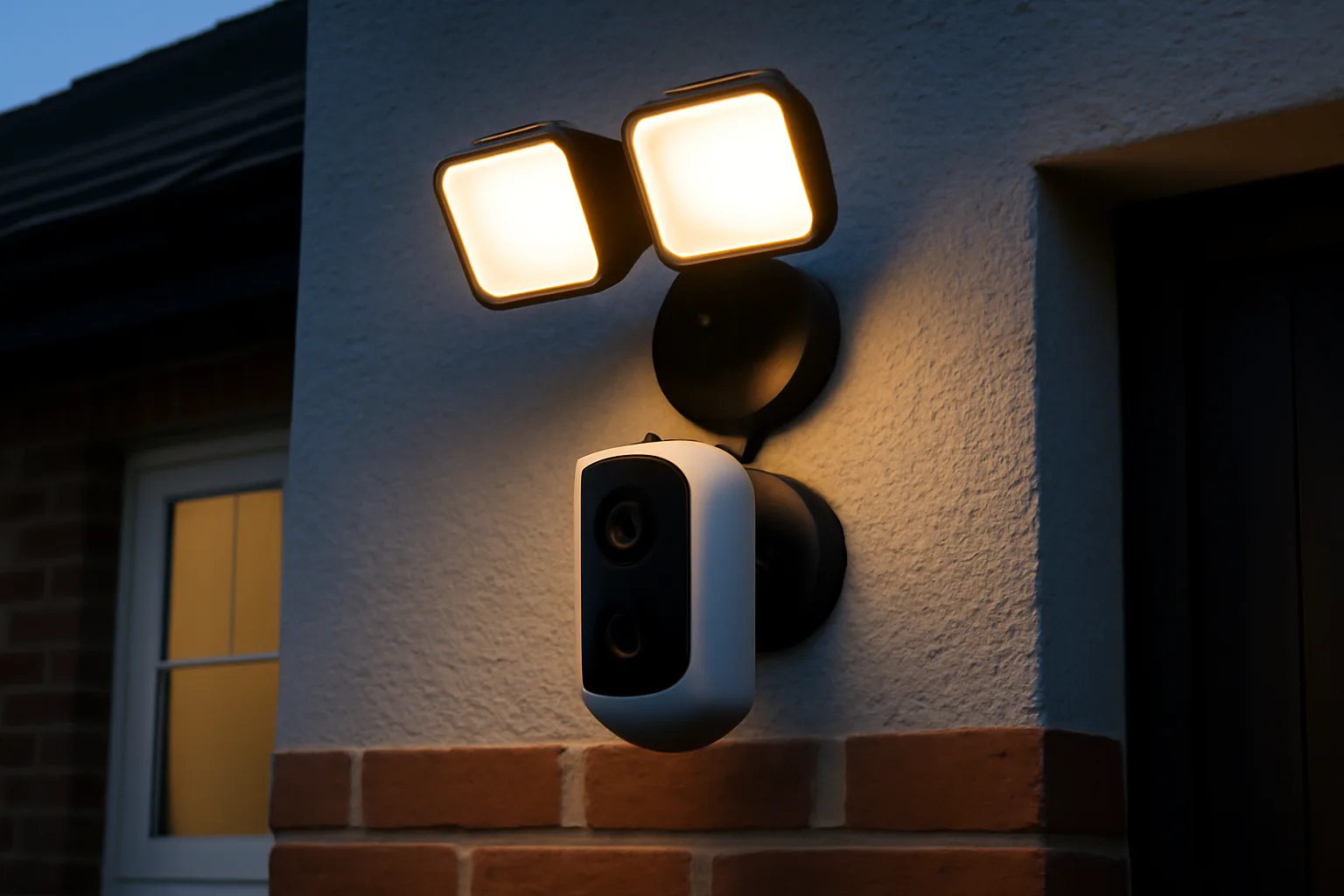
A basic outdoor PIR light from Screwfix or B&Q costs about £18-£45. A better branded LED floodlight is usually £40-£90. Fit it so it lights the approach area from the side rather than blasting directly into the lens.
For front doors, a dusk-to-dawn porch bulb or smart bulb can work better than a harsh floodlight. Philips Hue outdoor lights are expensive at roughly £80-£140 per fitting, but a simple £10-£20 LED bulb in an existing porch light may be enough.
Camera brackets and mounts
A £10-£25 angled mount can fix more night vision problems than a camera upgrade. Doorbells often need wedge mounts to avoid pointing at the wall or road. Outdoor cameras sometimes need a short extension bracket to get the lens away from a soffit or drainpipe.
Our outdoor security camera guide is useful if the current camera simply is not up to the job, but I would only replace after testing with a cleaner angle and better lighting.
When to upgrade the camera
Upgrade if:
- The app gives no useful night controls.
- The camera misses obvious people after tuning sensitivity.
- Footage is mushy even at 2-3m.
- Firmware updates are rare or unclear.
- You need continuous recording and the camera cannot support it.
For most UK homes, a Reolink or Eufy camera with local storage gives good value if you dislike subscriptions. Ring and Arlo have slicker apps, but cloud plans add ongoing cost. Expect roughly £3-£10 per month depending on brand and number of cameras.
Security, Privacy and Storage Settings
Night vision setup is not finished until recordings are secure and the camera is aimed responsibly. A camera that records the street all night, stores clips in a weak account and sends alerts to an old shared email is not a good security setup.
Account security
Use a strong unique password and two-factor authentication. Remove old shared users. Check which phones can still view the camera. If you gave access to a builder, tenant, neighbour or ex-housemate months ago, remove it now.
For smart home security more broadly, our guide to securing your smart home from hackers covers router passwords, updates and guest networks.
Storage choice
Local microSD storage keeps costs down, but a stolen camera may take the footage with it unless clips also upload elsewhere. Cloud storage costs more but protects evidence if the camera is removed. NVR systems cost more upfront but suit multi-camera homes.
Typical UK costs:
- MicroSD card: £8-£20 for a branded 64-128GB card.
- Single-camera cloud plan: Around £3-£5 per month.
- Multi-camera cloud plan: Around £8-£12 per month.
- NVR kit: Roughly £250-£700 depending on cameras and drive size.
For a side gate or shed, local storage may be fine. For a front door or driveway where you care about evidence, I prefer cloud backup or an NVR kept indoors.
Final night check
Do one final test at the time problems usually happen. Walk the route, open the gate, stand at the door, and check the clip. The footage should show the whole event, not just the back of your head leaving the frame. If it passes that test, your security camera night vision setup is doing its job.
Frequently Asked Questions
Why is my security camera night vision blurry? The usual causes are infrared reflecting off a wall, glass, soffit, rain droplets or dirt on the lens. Clean the lens, move the camera away from nearby surfaces, and test again after dark.
Should I use infrared or colour night vision? Use infrared for discreet coverage in darker areas, and colour night vision when you have enough light and want clothing or vehicle colour. For front doors, a soft porch light plus infrared often works well.
Can a security camera see through a window at night? Usually not with infrared turned on. The IR light reflects off the glass and blinds the camera. Turn off IR and use an outside light, or fit an outdoor-rated camera outside.
How high should I mount a night vision camera? For a front door, around 1.5-1.8m gives better face detail. For a driveway or garden, 2.2-2.8m can work if the camera is angled down and not pointed at lights or reflective surfaces.
Do I need a 4K camera for better night footage? Not always. Placement, lighting and sensor quality matter more than resolution. A well-placed 2K camera can beat a poorly mounted 4K camera at night.
How much should I spend on a night vision security camera? Budget around £45-£90 for a basic outdoor camera, £80-£160 for a stronger mid-range model, and £250-£600 for a multi-camera kit. Allow extra for mounts, lights or subscription storage.