The better choice between professional monitoring and self-monitoring is not the one with the most features. It is the one that still works when the alarm goes off and you are busy, asleep, abroad, driving, in a meeting, out of signal or simply not sure whether the alert is real.
For many UK homes, self-monitoring is the sensible starting point: lower monthly cost, instant app alerts and enough control for lower-risk properties. Professional monitoring earns its keep when the consequence of missing an alert is higher, when keyholders are unreliable, when insurance wording matters, or when you want a defined response process rather than a phone notification you may or may not see.
This guide keeps the decision focused. If you want the step-by-step alarm response chain, read our separate guide to what happens when a smart alarm triggers. If you already know you want a monitored package, compare providers in our guide to the best professionally monitored alarms in the UK.
In This Article
- Quick Verdict
- What You Are Really Choosing
- When Self-Monitoring Is Enough
- When Professional Monitoring Is Worth It
- Cost Comparison
- Response Reliability
- Insurance and Police Response
- Privacy and Control
- Decision Scenarios
- The Upgrade Path I Would Choose
- Frequently Asked Questions
Quick Verdict
Choose self-monitoring if you live in a lower-risk home, usually have your phone nearby, have trusted people close enough to check the property, and want to keep costs down.
Choose professional monitoring if the property is often empty, you travel regularly, you have high-value contents, you cannot rely on nearby keyholders, or your insurer expects a maintained monitored alarm.
The middle ground is often best for normal family homes: start with a good self-monitored smart alarm, add cameras or video verification where privacy allows, then only pay for professional monitoring if real use shows that alerts are being missed or the risk profile changes.
What You Are Really Choosing
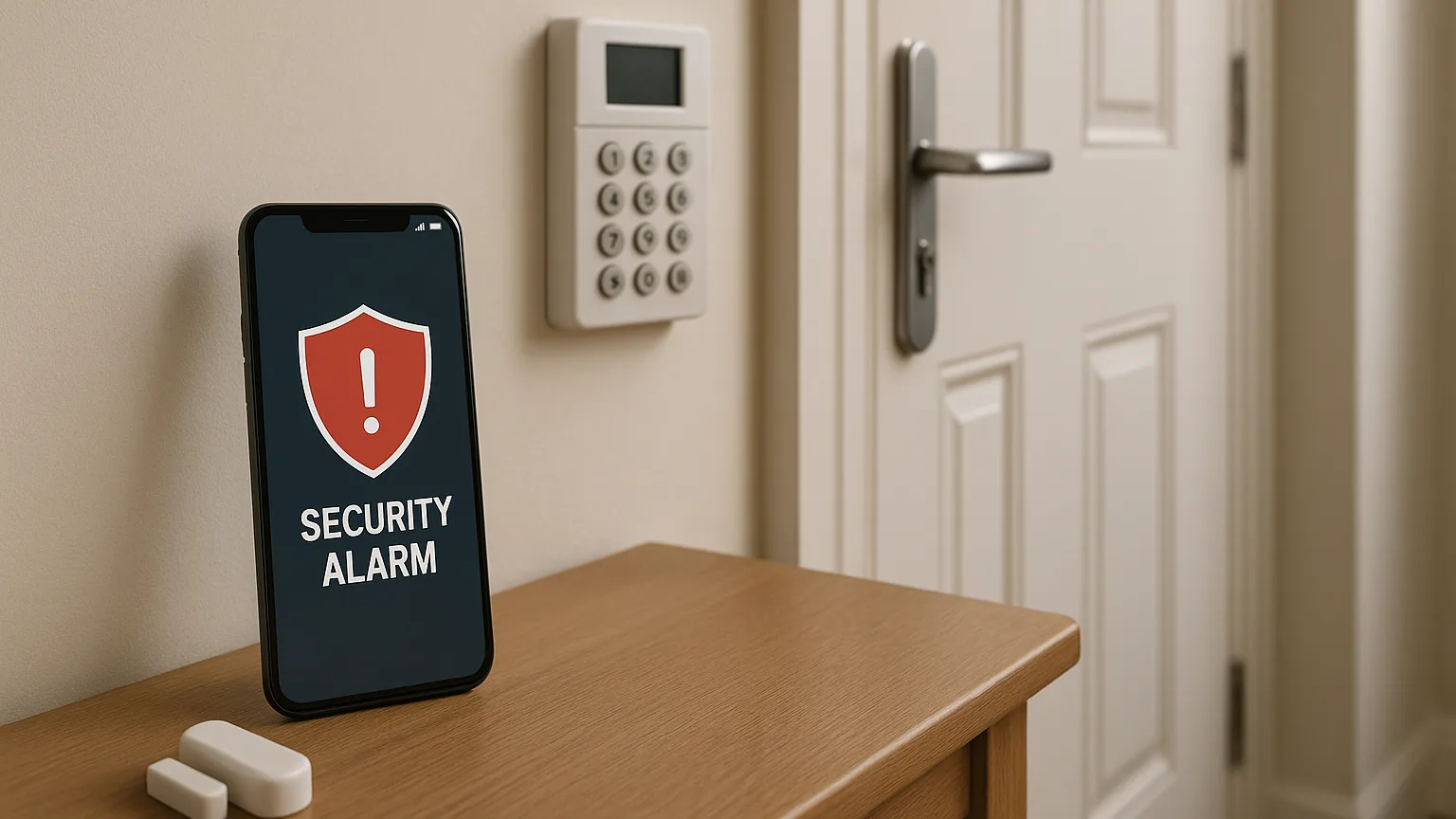
Self-monitoring means the alarm system alerts you, your app users or your nominated contacts. You decide what to do next. That might mean checking a camera, calling a neighbour, returning home, or phoning the police if you have clear evidence of a crime in progress.
Professional monitoring means alerts go to a monitoring centre or provider process. Depending on the system, contract and verification level, that process may include calling keyholders, checking signals, escalating to a guard response, or supporting police-response arrangements where the system meets the required standards.
The difference is not simply app versus call centre. It is who carries the burden of noticing, verifying and acting. With self-monitoring, that burden is yours. With professional monitoring, some of it moves to the provider, though you still need keyholders, maintenance and sensible alarm use.
When Self-Monitoring Is Enough
Self-monitoring is enough for a lot of UK homes. It works best when the aim is deterrence, awareness and quick personal response rather than formal escalation.
It makes most sense when:
- You live in the property most of the time.
- You usually notice phone notifications quickly.
- You have a partner, family member or neighbour who can also receive alerts.
- You can check cameras or doorbell footage before deciding what to do.
- Your home is lower risk and your insurer has not specified professional monitoring.
- You mainly want protection from opportunistic break-ins, shed access or door/window alerts.
The weakness is obvious: if nobody sees the alert, nothing happens. A self-monitored alarm can be technically working while still failing in practice because the only person who could act was unavailable.
If you choose self-monitoring, do not rely on a single phone. Set up at least two app users, test push notifications, decide who checks cameras, and agree what counts as a real reason to call for help. The system needs a household plan, not just sensors.
When Professional Monitoring Is Worth It
Professional monitoring is worth considering when the cost of a missed alert is higher than the monthly fee. That does not mean every home needs it. It means some homes should not rely on app notifications alone.
It is more likely to be worth paying for when:
- The house is empty for long periods.
- You travel abroad or work in places where you cannot use your phone.
- You have high-value contents, outbuildings, tools or vehicles on site.
- You have previous burglary history or a higher-risk location.
- Your insurer requires a maintained monitored alarm.
- You want a defined keyholder or guard-response process.
- You are not confident that family members will handle alerts calmly at night.
The strongest case is not “professional monitoring is safer”. It is “someone other than me needs to own the first response”. That matters if you are often unreachable or if a missed alert would be expensive.
Cost Comparison
Self-monitoring is cheaper because you are doing the response work yourself. The ongoing cost may be nothing, or it may be a modest subscription for cloud storage, app features, cellular backup or advanced notifications.
Professional monitoring normally adds a monthly fee. The cost varies by provider, installation type, response level and contract length. The important comparison is not just monthly price. Compare the full arrangement:
- Equipment cost.
- Installation cost.
- Monthly monitoring fee.
- Minimum contract length.
- Maintenance or annual service cost.
- Callout, keyholder or guard-response fees.
- Whether camera storage or mobile backup costs extra.
A cheap self-monitored setup can be better value for a terraced house where someone is usually home. A monitored contract can be better value for a detached house that is empty most weekdays, especially if the alarm affects insurance terms. The wrong buy is paying monthly for a response level you do not need, or saving money on a system that nobody reliably responds to.
Response Reliability
Response reliability is where the comparison becomes practical. Ask what happens on a bad day, not a normal day.
For self-monitoring, the weak points are phone battery, mobile signal, notification settings, app permissions, sleeping through alerts, being abroad, or assuming someone else in the household has dealt with it.
For professional monitoring, the weak points are contract limits, false-alarm rules, keyholder availability, signalling failure, installation quality and whether the service level you bought actually includes the response you imagine.
This is why a good self-monitored setup can beat a poor monitored setup, and a proper monitored setup can beat an app-only alarm. The label matters less than the response chain behind it.
Insurance and Police Response
Do not assume an alarm automatically improves your insurance. Some insurers ask whether you have one. Others set conditions around professional installation, maintenance, monitoring, keyholders or police response. If the policy says the alarm must be set when the home is empty, failing to use it may cause problems during a claim.
Police response is also not the same as receiving an app alert. Formal police-response arrangements usually depend on approved installation, maintenance, signalling and verification processes. If this matters to you, check the requirement before buying rather than after installation.
For background on cyber safety for connected home devices, the UK National Cyber Security Centre has practical advice for securing smart devices. For the alarm-specific response process, our guide to what happens when an alarm triggers covers the chain in more detail.
Privacy and Control
Self-monitoring gives you more direct control. You decide who has app access, what cameras record, which alerts matter and whether to involve anyone else. That suits people who dislike handing home security decisions to a third party.
Professional monitoring introduces more process. That can be reassuring, but it also means reading the provider’s data handling, camera verification and call escalation terms. If video verification is included, check when footage can be accessed and by whom.
Privacy should not be a throwaway concern. A cheap camera-heavy system with weak passwords can create a different kind of risk. Whatever monitoring model you choose, use strong unique passwords, two-factor authentication where available, router updates and separate app access for each adult rather than shared logins.
Decision Scenarios
Small flat, usually occupied: self-monitoring is normally enough. A door sensor, motion sensor and camera doorbell may give useful awareness without a monthly monitored contract.
Family home with school runs and holidays: start with self-monitoring only if two adults and a nearby keyholder can receive alerts. Consider professional monitoring if the home is empty for long periods or alerts often get missed.
Detached house with outbuildings or valuable tools: professional monitoring becomes more attractive, especially if there are garages, sheds, bikes or work equipment that would be costly to replace.
Second home or rental property: professional monitoring is usually easier to justify because you cannot assume someone will be nearby when an alert arrives.
Insurance-driven installation: follow the policy wording first. If the insurer expects a monitored, maintained system, an app-only alarm may not satisfy the requirement even if it feels technically capable.
The Upgrade Path I Would Choose
For most normal UK homes, I would avoid signing a long monitored contract before understanding the actual risk. Start with a reliable alarm ecosystem, good sensor coverage, strong app security and at least two alert recipients. Test it for a month. See whether alerts are noticed quickly, whether false alarms happen, and whether anyone can realistically check the property.
If that works, self-monitoring is probably enough. If alerts are missed, the property is often empty, or the household feels stressed every time a notification arrives, upgrade to professional monitoring or choose a provider with a proper monitored pathway.
The key is buying a system that does not trap you. If there is any chance you will want monitoring later, check upgrade options before purchase. Some DIY systems are easy to move up a level; others are basically app-only products with no serious monitoring route.
Frequently Asked Questions
Can a self-monitored alarm call the police automatically?
Usually not. Most self-monitored smart alarms send app alerts to you and your chosen users. You can call 999 if there is clear evidence of a crime in progress, but a sensor notification alone is not the same as a confirmed police-response alarm.
Is professional monitoring worth it for a normal family home?
It can be, but it is not automatic. It is most worth it when the home is often empty, alerts may be missed, keyholders are unreliable, or the insurance position makes monitoring useful. If someone is usually home and app alerts are handled quickly, self-monitoring may be enough.
Does professional monitoring stop false alarms?
No. Good monitoring can help filter and manage alerts, but false alarms are usually caused by sensor placement, pets, user habits, low batteries, door movement or poor setup. You still need a well-installed and maintained system.
Can I start with self-monitoring and upgrade later?
Often, yes, but check before buying. Some systems have a clear professional monitoring option. Others are designed mainly for app alerts and cannot be upgraded into a proper monitored alarm without replacing equipment.
Which is better for insurance?
The better choice is the one your insurer recognises. Some policies simply ask whether you have an alarm; others specify installation, monitoring, maintenance or police-response requirements. Check the wording before relying on either option.