When the internet goes down, your smart home can keep many familiar controls working. A light may still respond to its wall control, a plug may still work over local Wi-Fi, and a camera may keep recording locally. Remote viewing, cloud voice commands and phone alerts are more likely to stop. The answer depends on what failed, where each command is processed and whether the devices still have power.
In This Article
- First identify which connection has failed
- Why some controls work offline and others stop
- What happens to lights and smart plugs when the internet goes down
- What happens to locks, alarms and cameras
- Do routines and voice assistants keep working?
- How to test your own home safely
- Build a practical fallback plan
- The bottom line
- Frequently Asked Questions
First identify which connection has failed
Broadband down, local network still running
The most common household meaning of “internet down” is that the connection from your router to the wider internet has failed. Your router may still be powered, still broadcast Wi-Fi and still allow devices inside the house to talk to each other. A phone connected to that Wi-Fi might reach a locally controlled device, even though websites and cloud services are unavailable. A hub may also continue to communicate with nearby devices. Whether a particular app or automation uses that local path is a separate question.
This is the easiest outage to misunderstand. A device icon showing “offline” in a cloud app tells you little about its physical controls. Conversely, a phone showing strong Wi-Fi bars proves only that it can connect to the router, not that broadband or the manufacturer’s cloud is healthy. If mobile data is available, your phone may silently use it and make a remote app appear to work. For a useful test, separate those paths deliberately.
Router, Wi-Fi or power down
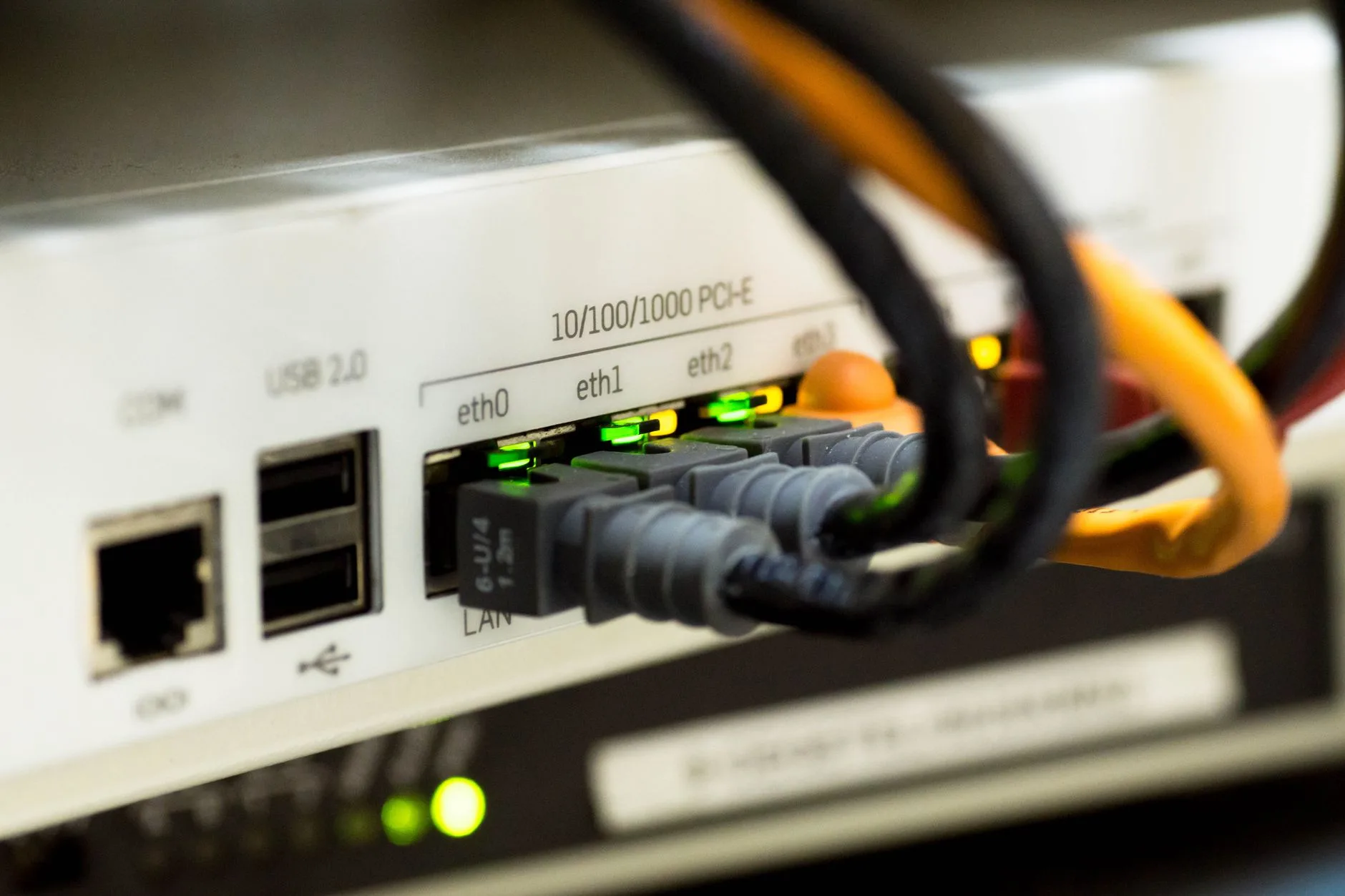
If the router is off or local Wi-Fi has failed, Wi-Fi bulbs, plugs and cameras lose their normal network route even if they still have mains power. A separate Zigbee or other radio network may continue between powered devices and its hub, but an app still needs some way to reach that hub. A device’s physical button or ordinary wall switch may remain usable. If a hub depends on the same failed router, its local automations may behave differently from its direct device control. Read the exact product documentation.
A mains power cut is a different event. Bulbs, switches, hubs and routers need power to operate, regardless of how “offline capable” their software is. Battery-operated locks, sensors or cameras may keep some functions, but their bridge, recorder or internet connection might be down. An uninterruptible power supply can keep selected networking gear running for a limited time, but it does not power the whole house or make an unavailable broadband service return. Start with electrical safety and ordinary household lighting, rather than treating a network setting as a power-cut plan.
Why some controls work offline and others stop
Follow the path of a command
When you press an app button, the command may travel straight across the home network, through a local hub, or out to a manufacturer’s server and back. The last route depends on broadband and the external service. The same product may use different paths for a wall button, local app control, remote app control, schedules and voice requests. Marketing terms such as “works with Wi-Fi”, “Zigbee” or “Matter” describe part of the system; they do not promise that every feature survives an outage.
TP-Link gives a useful specific example in its Tapo smart-plug FAQ: supported Tapo plugs can be controlled in the Tapo app on the local network without internet, while Smart Actions need a hub for local operation. TP-Link’s more recent Local Smart Action guidance further limits local automation to supported devices and hub conditions. That is evidence for the described Tapo arrangements, not a guarantee for every plug or every version of an app.
A simple feature-by-feature test
Make a small list for each important device: physical control, same-home app control, remote access, schedule, notification and recovery after power returns. That list is more useful than one “offline: yes/no” label. A lamp might pass the first two but lose voice control. A camera might store footage on a card but stop sending your phone alerts. A lock might accept a physical key while remote unlock fails. These are meaningfully different outcomes.
If you are choosing an ecosystem, our smart-home integration guide explains controllers and compatibility. For this question, the crucial extra detail is where each feature actually runs when the connection outside the house disappears.
What happens to lights and smart plugs when the internet goes down
Lights: physical power matters most
An ordinary wall switch can still turn a conventional light on and off when the home has electricity. A smart bulb behind that same switch loses all network control when the switch cuts its power, but the switch can still restore power. What the bulb does next depends on its power-on setting. A wired smart switch may retain local manual switching, though electronic designs differ; check its specified fallback. A wireless scene button depends on its battery, hub or local radio path and works differently from a wired circuit switch.
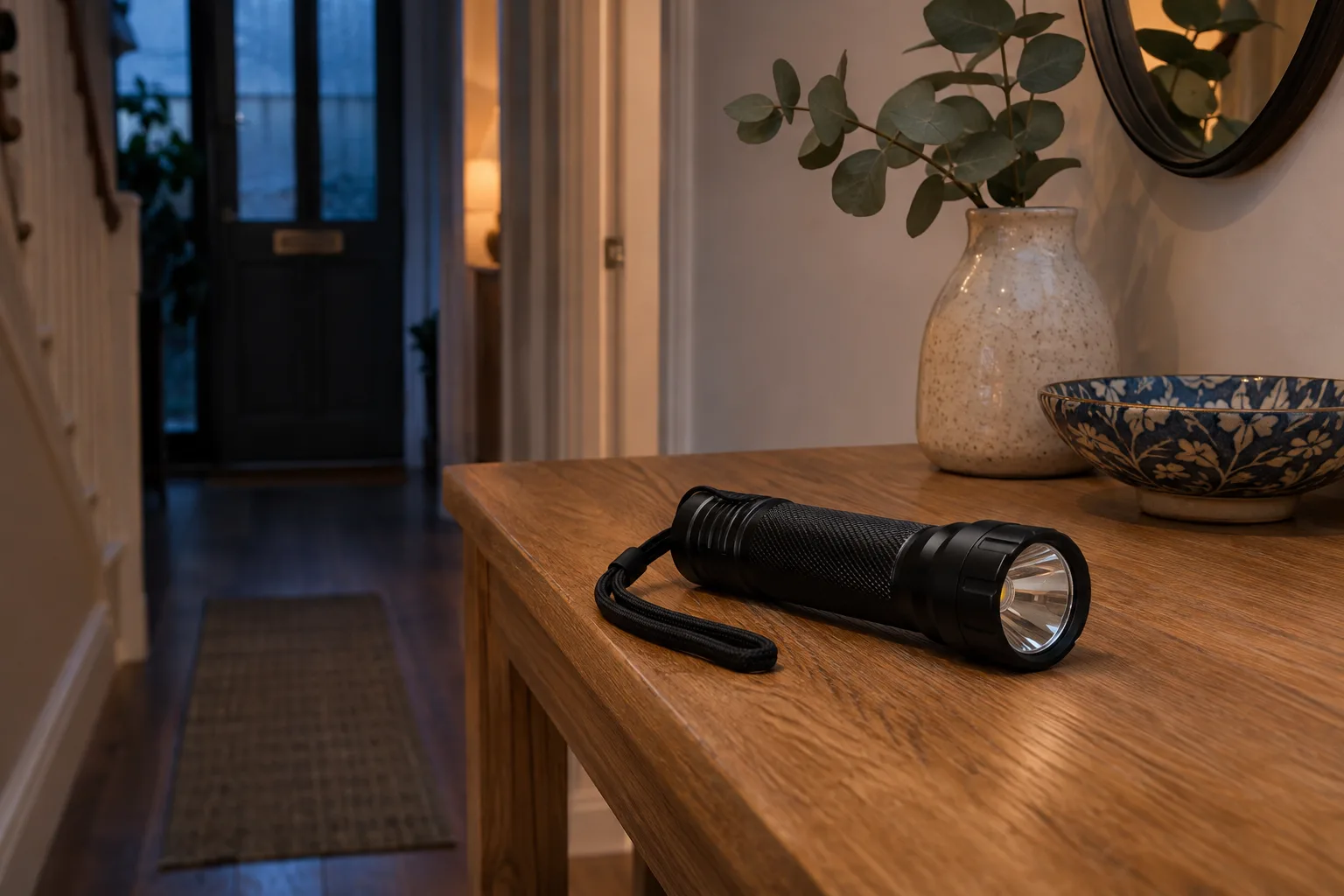
Lights connected through a hub can sometimes respond to local wireless controls during a broadband outage. That depends on the hub being powered and the particular command being local. A phone app that requires a cloud login may fail even while a paired physical remote continues working. The smart-light setup guide covers the initial pairing; for resilience, test the exact switch and scene you use at night. Keep an ordinary torch where you can find it without asking an assistant to turn the lights on.
Plugs: separate the button from the schedule
Many smart plugs have a physical on/off button. That button can be the quickest manual fallback when power and the plug itself are healthy. Locally controlled app operation may survive a broadband outage if the router remains working and the phone and plug are on the right network. Remote control from outside the house needs a functioning route to the device or its cloud. Pre-programmed schedules vary: some are stored on the plug, others depend on cloud or hub time and execution. Test rather than assume.
Keep a separate, appropriate safety control for a heater, cooker or other potentially hazardous appliance rather than relying solely on a smart plug. The plug’s rated load, appliance instructions and safe-use rules matter whether broadband works or not. Electrical Safety First’s smart-home advice emphasises choosing compatible products and using a qualified professional for more complicated installations. Our smart-plug uses guide covers suitable everyday uses separately from this failure-mode question.
A useful lighting example
Imagine a lounge with a conventional ceiling switch, a smart bulb in a table lamp and a smart plug on another lamp. If broadband fails but power and Wi-Fi remain, the ceiling switch should still operate its circuit. The table lamp’s physical lamp switch can cut or restore power; local app control depends on that bulb and its controller. The plug’s button may still switch its outlet, while its app or schedule depends on its model. The room has light because it retains several ordinary controls, not because every device shares one special offline badge.
What happens to locks, alarms and cameras
Access must have a manual route
For a smart lock, distinguish the mechanical door operation from phone access, codes, remote unlock and activity notifications. A model with a physical key, thumbturn or other documented manual method can retain that method when the internet fails, assuming its own mechanism and power are sound. A battery-powered keypad may also work locally, but that is model-specific. Keep the approved physical fallback available to the people who need entry; do not leave a household dependent on remote app unlock.
Test door access without putting anyone outside or disabling a working lock. Read the lock maker’s instructions for battery warnings and emergency access before changing settings. The smart-lock buying guide helps compare lock designs; outage planning is about the exact access methods already installed in your door. If the door is part of a fire-escape route or has a special access requirement, obtain appropriate professional advice rather than relying on a generic smart-home checklist.
Alerts, sirens and recordings are separate
An alarm’s local siren might still sound while internet-based notifications or professional monitoring lose their route. Cellular backup, where present, has its own subscription, signal and battery conditions. A sensor, hub and siren must all still have power or battery charge and a working local connection. Do not claim your alarm is monitored during an outage until the provider has documented how signalling and backup work. Our alarm-trigger guide describes the normal alert chain; identify which part of that chain uses broadband in your system.
A camera may keep recording to an SD card or local recorder while cloud upload and remote live view stop. Another camera may depend heavily on cloud service, and a powered camera becomes useless if its only recorder is unpowered. Check whether time stamps remain correct and what happens when the connection returns. Camera storage options are worth reviewing if the footage itself matters. A camera that records locally is still no substitute for safe locks, lighting or human response to an emergency.
Put safety before convenience
Access control, alarm signalling and camera alerts can influence real safety decisions. Treat a successful app test as evidence about that setup at that moment, not a promise of future service. Record the provider’s support and backup information, maintain batteries and keep a separate way to call for help. If you are away from home, you may have no practical way to verify local behaviour during a genuine outage; plan accordingly rather than assuming a missing alert means nothing happened.
Do routines and voice assistants keep working?
Routines depend on where they run
Some automations execute on a local hub and can continue while broadband is down, provided the hub, devices and relevant network remain powered and connected. Others rely on cloud services for the trigger, decision or command. A routine involving weather, an online calendar, a remote location event or a web service clearly has an external dependency. A simple local sensor-to-light action may have fewer dependencies, but its particular platform could still process the rule in the cloud. Check the execution path and test it.
Supported hub-run automations can reduce dependence on broadband, while cloud-run routines still need an external connection. That illustrates why “local” is a useful design choice rather than an absolute reliability guarantee. Hub-free automation is convenient to start, yet it does not by itself tell you which routines keep working without broadband.
Voice commands are a separate feature
Popular voice assistants often process speech and services online. A voice command may therefore fail while the same lamp responds to a physical button or local app command. Some platforms offer particular local controls, but their scope changes with devices and software versions. Test the specific phrase and controller you use. An offline-capable light is much less helpful if the only convenient control in the room is a smart speaker waiting for a cloud reply.
Where routines matter, keep a way to perform the result manually. If the morning routine opens blinds, adjusts heating and turns on a kettle plug, each action should still be understandable and safe on its own. Avoid automating an appliance in a way that creates a hazard when a delayed command finally runs after connectivity returns. Our voice-assistant routines guide describes building those routines; add outage behaviour to the testing checklist.
How to test your own home safely
Simulate lost broadband safely
Choose a time when everyone is home and nothing safety-critical depends on the test. Make a list of a few representative devices and their normal controls. Record the current state of your router and any hubs so you can restore them. Then use your router’s supported method to disconnect only its internet/WAN connection while keeping its local Wi-Fi running. Follow the router maker’s instructions; do not open electrical equipment or alter mains wiring. If that isolation method is unclear, skip the experiment and ask your provider or installer.
- Confirm the baseline. Check that a light, plug and relevant local controller work normally before changing the connection.
- Disconnect broadband only. Verify that your phone still connects to home Wi-Fi while an ordinary website no longer loads; turn off mobile data for the phone used in this test.
- Try each control separately. Test physical buttons, same-home app commands and a non-critical routine. Note which action responds and how long it takes.
- Restore the connection. Reconnect the WAN link, confirm internet service, then check whether schedules and notifications resume as expected.
- Write down the result. Record device model, app or hub, test date and the exact feature that passed or failed.
Keep locks, alarms, heating safety controls and emergency communications out of an improvised outage test. Review their documented fallback and arrange a controlled test with the provider or installer if needed. A simulation of broadband loss also says nothing about a separate router failure or mains power cut. For further home-network hygiene, see how to secure your smart home; restore normal network and security settings when the test ends.
Interpret the result carefully
Test the control you actually rely on. If a physical switch works but the voice request fails, record both facts. If a schedule appears to run, repeat at a sensible later time before trusting it, because it may have been queued before the outage or executed elsewhere. A successful test after a software update is useful evidence; it is not a lifetime certification. Repeat the essential checks after replacing a router, hub or device.
Build a practical fallback plan
Start with the essentials
- Light: Keep a torch and an obvious physical way to light key rooms. Know which smart bulbs lose power at a wall switch.
- Access: Make sure authorised household members know the lock’s documented manual entry method and can use it.
- Communication: Keep a charged phone and the ability to use mobile service when available; save provider contacts outside a cloud-only app.
- Security: Know whether alarms and cameras have local recording, sirens, backup power or cellular signalling, and what each feature requires.
- Recovery: Keep router and hub labels, setup information and a note of which devices need checking after power or broadband returns.
Prioritise failures by consequence. Losing a coloured lighting scene is mildly annoying. Losing the only way to enter your home or assuming an unmonitored alarm is still sending alerts is serious. That is why a robust smart home preserves ordinary controls first and adds automation on top. A hub or local protocol can reduce cloud dependence, but it still needs electrical power, compatible devices and sensible maintenance.
Design a room for the people in it
For a hallway, the fallback may be a normal wall switch. For a study, it may be a lamp with a physical switch even if its smart plug becomes unreachable. For a front door, it is the lock maker’s approved mechanical access route. Each answer is small and concrete. You do not need to rebuild a whole smart home just because one cloud feature has an outage risk; fix the single point of failure that would cause actual trouble.
Tell the rest of the household what works. A brilliant offline arrangement is little use if only the person who set it up knows which button to press. Label a spare key appropriately, demonstrate the manual light controls and keep a short note of the system’s tested behaviour. Review that note whenever a device or service changes.
The bottom line
A broadband outage usually removes remote and cloud-dependent features first. Local controls may continue when the router, hubs and devices remain powered, but the answer is per device and per feature. Router failure takes away more local Wi-Fi functions, and a mains outage removes power from ordinary mains devices. No protocol name alone guarantees a working smart home through all three events.
The practical next step is to test one non-critical light and plug under a controlled broadband-only outage, then document the physical fallback for access, lighting and alerts. Keep the conventional method of doing important things. That gives you useful smart-home convenience on a normal day without making the household wait for the internet to come back before it can function.
Frequently Asked Questions
Will smart lights work if broadband goes down? Physical wall controls usually remain useful while mains power is available. Local smart controls may continue when the relevant hub, network and devices work, but cloud app and voice features can fail. Test the exact light and control combination.
Can a smart plug still be switched without internet? Many plugs have a physical button. Some, including supported Tapo models, also allow app control on the local network while broadband is unavailable. Schedules and automations have model- and hub-specific requirements.
Will my smart lock open during an internet outage? Use the lock maker’s documented physical or local access method. A mechanical key or local keypad may work on suitable models, while remote app unlock may fail. Verify your own lock’s battery and fallback instructions.
Will security cameras keep recording offline? A camera with working power and configured local storage may continue recording, while cloud upload and remote viewing stop. Check the camera, recorder and storage arrangement; different models behave differently.
Does Matter or Zigbee guarantee offline operation? No. Those technologies can support local communication, but the controller, app, automation, power supply and exact implementation still determine which features work during a particular outage.
What is the safest way to test an internet outage? At a convenient time, disconnect only the router’s broadband connection using its supported controls while leaving local Wi-Fi running. Test non-critical devices, restore service, and leave locks, alarms and emergency systems to documented or professionally supervised checks.